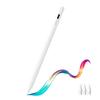
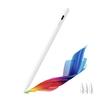
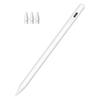
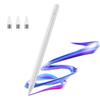
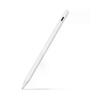
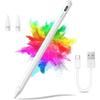
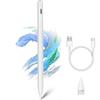
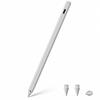
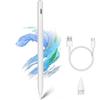
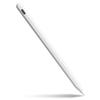
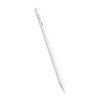
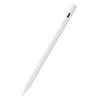
Product Description
1. Palm rejection feature
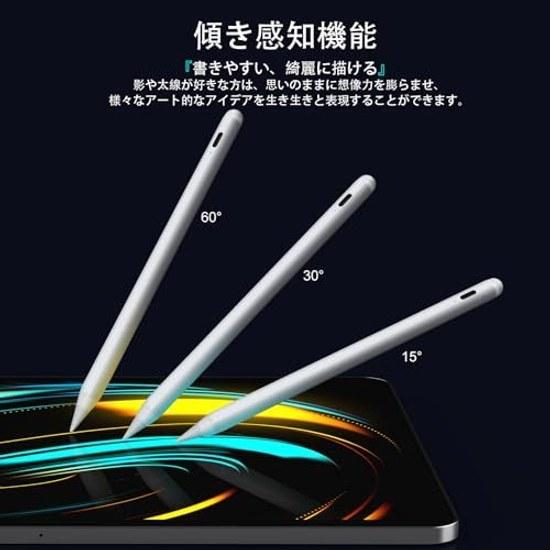
2. Tilt sensing feature
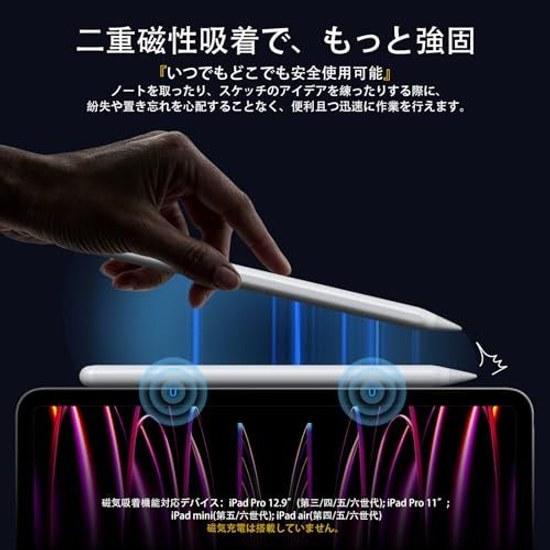
3. Magnetic attachment feature
360° all-around 1.5m drop test ensures no worries about accidental drops, with a lifespan of over 500,000 continuous clicks for the touch pen.
1. Overwhelming durability and reliability
2. Fast charging, long usage time
1. Text function
2. Quick memo opening
3. Screenshot
4. Shape correction
Notes:
1. Please charge with a 5V/2A adapter and the original charging cable. Otherwise, it may not charge and could damage the product. (Magnetic charging is not supported.)
2. If using a protective film, we recommend a thickness of 0.3mm or less, as thicker films may hinder the touch pen's responsiveness.
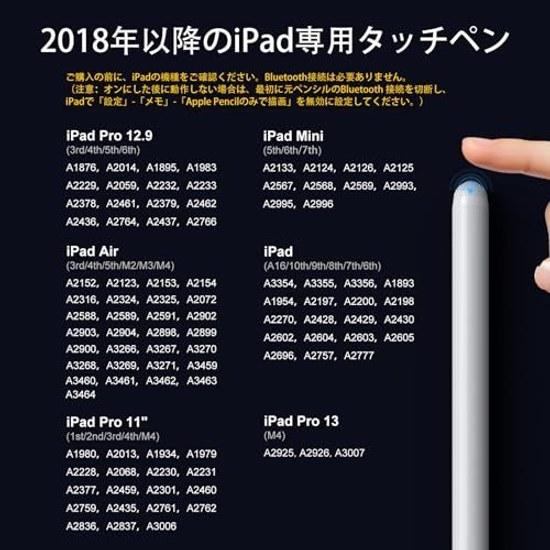
3. Bluetooth connection is not required. (Note: If it does not operate after turning on, first disconnect the original pencil's Bluetooth connection, then set "Settings" - "Memo" - "Draw only with Apple Pencil" to off on the iPad.)
4. After-sales service: If you have any questions or quality issues during use, please email our customer center for satisfactory technical support.
Incompatible models: iPad (1st/2nd/3rd/4th/5th generation), iPad Pro 12.9" (1st/2nd generation), iPad Air (1st/2nd generation), iPad Mini (1st/2nd/3rd/4th generation)
Brand Introduction
JAMJAKE iPad Creation Support Series
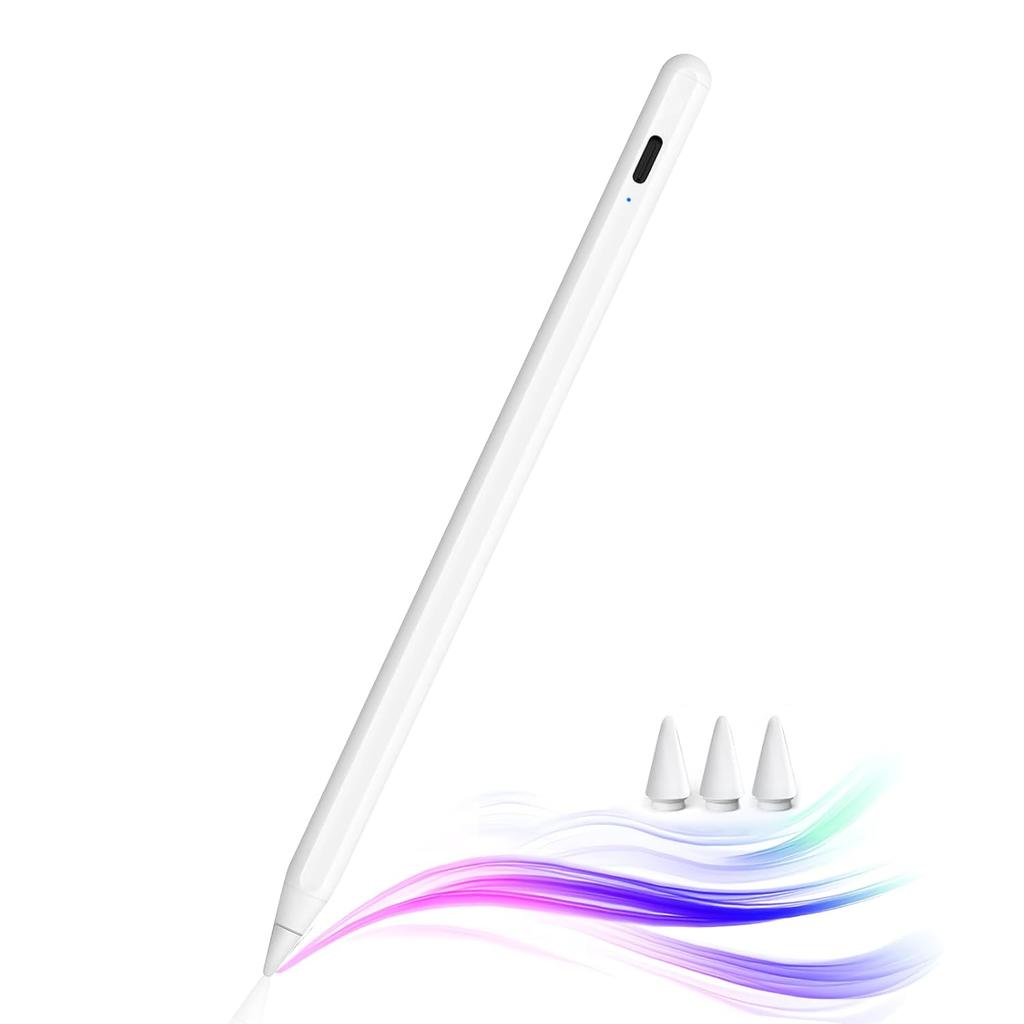
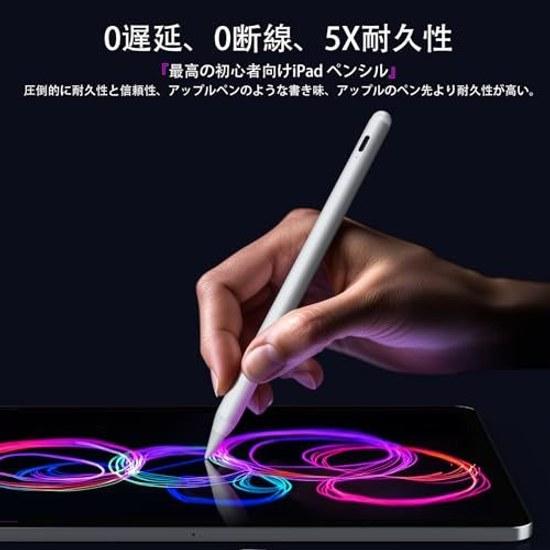
Apple Pencil alternative & ultra-high precision" Intuitive, precise, and magical. The Jamjake pen for iPad has significantly improved accuracy, sensitivity, and wear resistance, completely solving issues like sluggishness and disconnection compared to conventional products, achieving true zero latency and zero disconnection. Overwhelming durability and reliability, writing experience similar to Apple Pencil, with a more durable tip. A single pen expands your possibilities, maximizing the use of your iPad. Ideal for beginners.
"Dual strong magnetic attachment & palm rejection" The JAMJAKE touch pen for iPad features a dual strong magnetic attachment mechanism, allowing safe use anytime, anywhere. You can work conveniently and quickly without worrying about losing or forgetting it while taking notes or sketching ideas. Additionally, the palm rejection feature allows you to place your hand freely as if drawing on paper without needing gloves.
"Tilt sensing




 Zwrot w przypadku braku dostawy