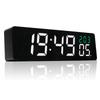
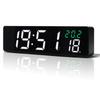
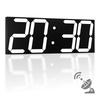
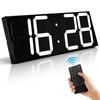
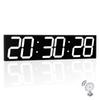
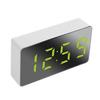
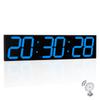
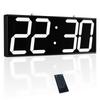
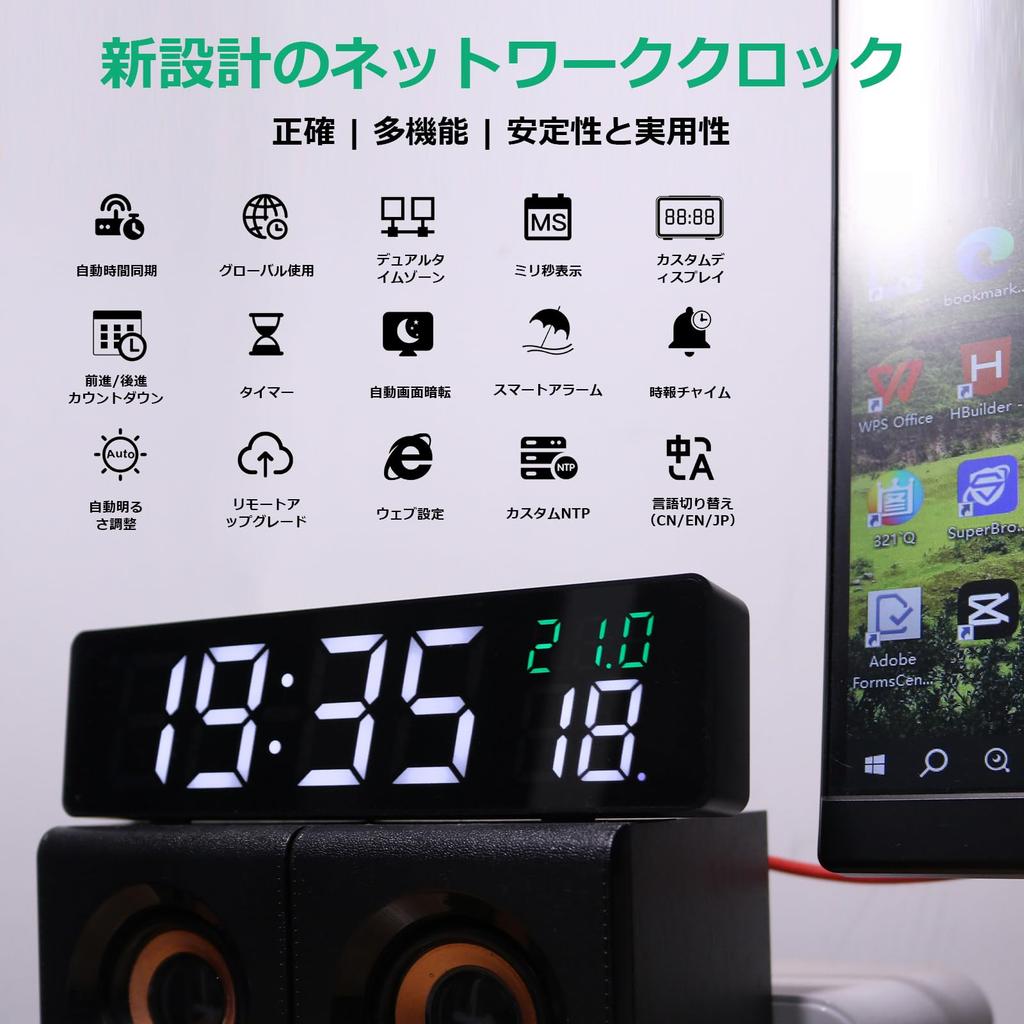
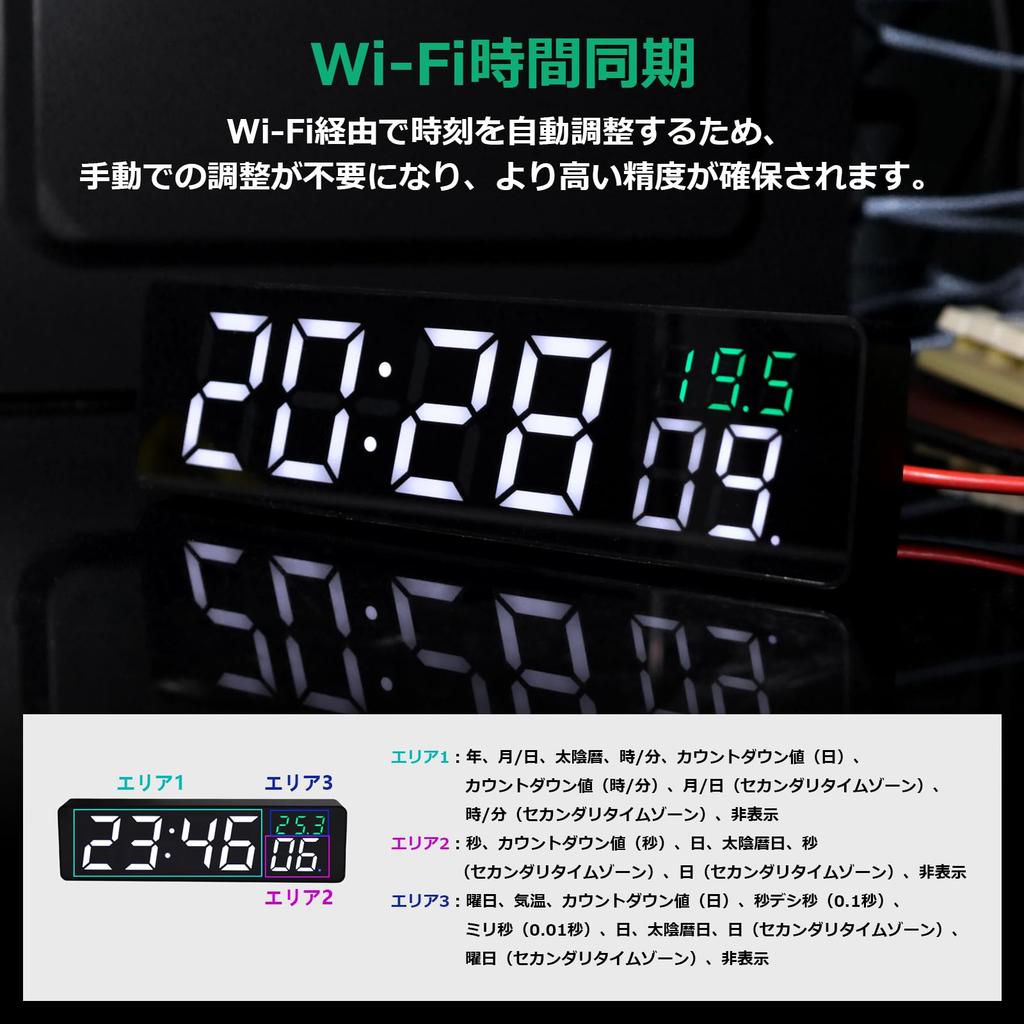
Millisecond-level high-precision time management: Achieves atomic clock-level accuracy through SNTP automatic correction function via WiFi. With the ability to display time in 1/100th of a second increments, it is ideal for environments requiring strict time management, such as stock exchanges and broadcasting stations. Up to two NTP servers can be customized, making integration with internal networks easy. Time errors when multiple units are installed are kept within ±0.01 seconds, demonstrating its true value in environments where synchronization is crucial, such as factory production lines and school examination venues. Standard features include automatic conversion between Japan Standard Time (JST) and Coordinated Universal Time (UTC), making it convenient for video conferencing with overseas locations.
Business-grade dual time display: Choose two time zones from preset time zones for 32 major cities (e.g., Tokyo/New York/London). Display modes can be selected from "alternating switching" and "fixed display." Features automatic daylight saving time adjustment, eliminating the need for manual settings. For global corporate offices and self-employed individuals with frequent international transactions, it employs a three-step confirmation system (① Time zone selection ② Local time preview ③ Confirmation) to prevent time zone calculation errors.
Public Holiday-Linked Alarm System: The built-in calendar automatically recognizes Japanese public holidays (2024-2030). Ten different alarm patterns allow for complex schedule management, such as "only on the second Wednesday," "weekday mode excluding public holidays," and "special settings for the day before a three-day weekend." Six types of beep sounds are available (two types of business-use alert sounds/four types of gentle alarm sounds).
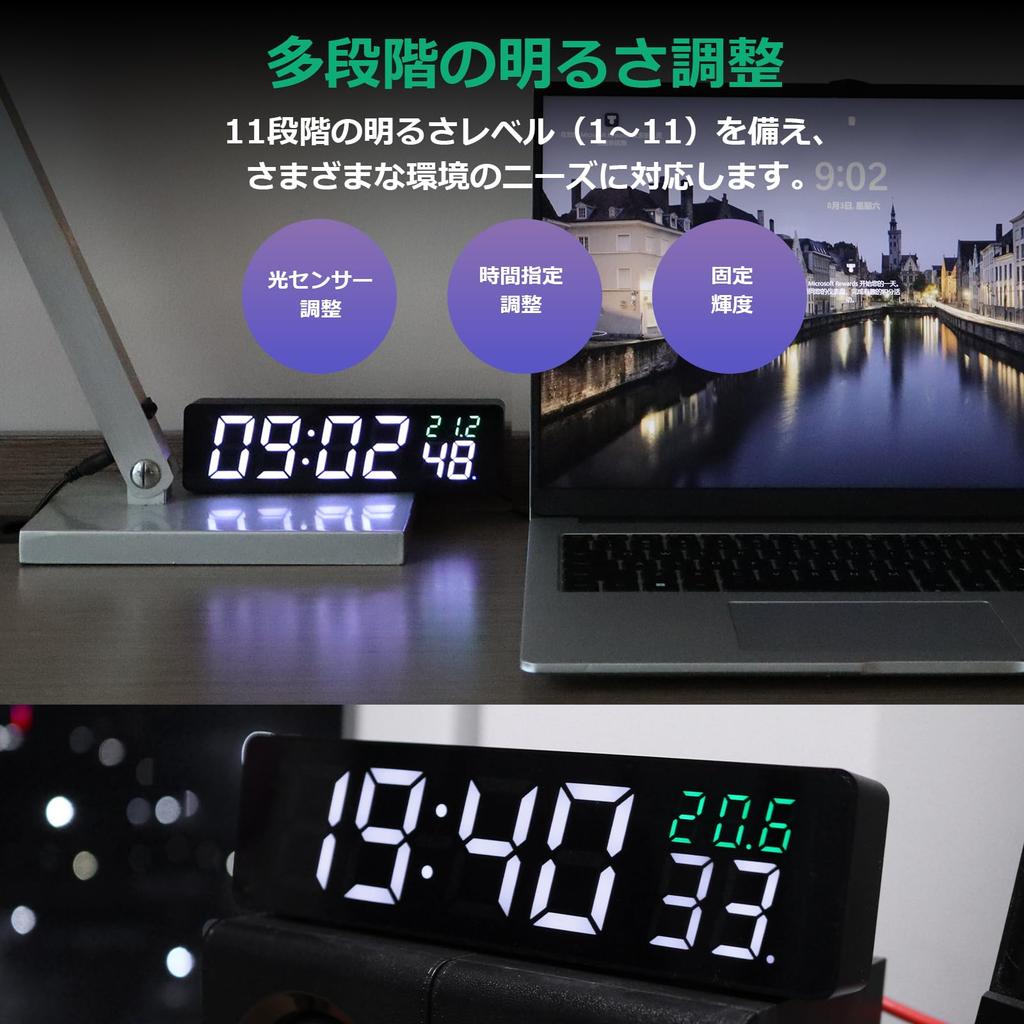
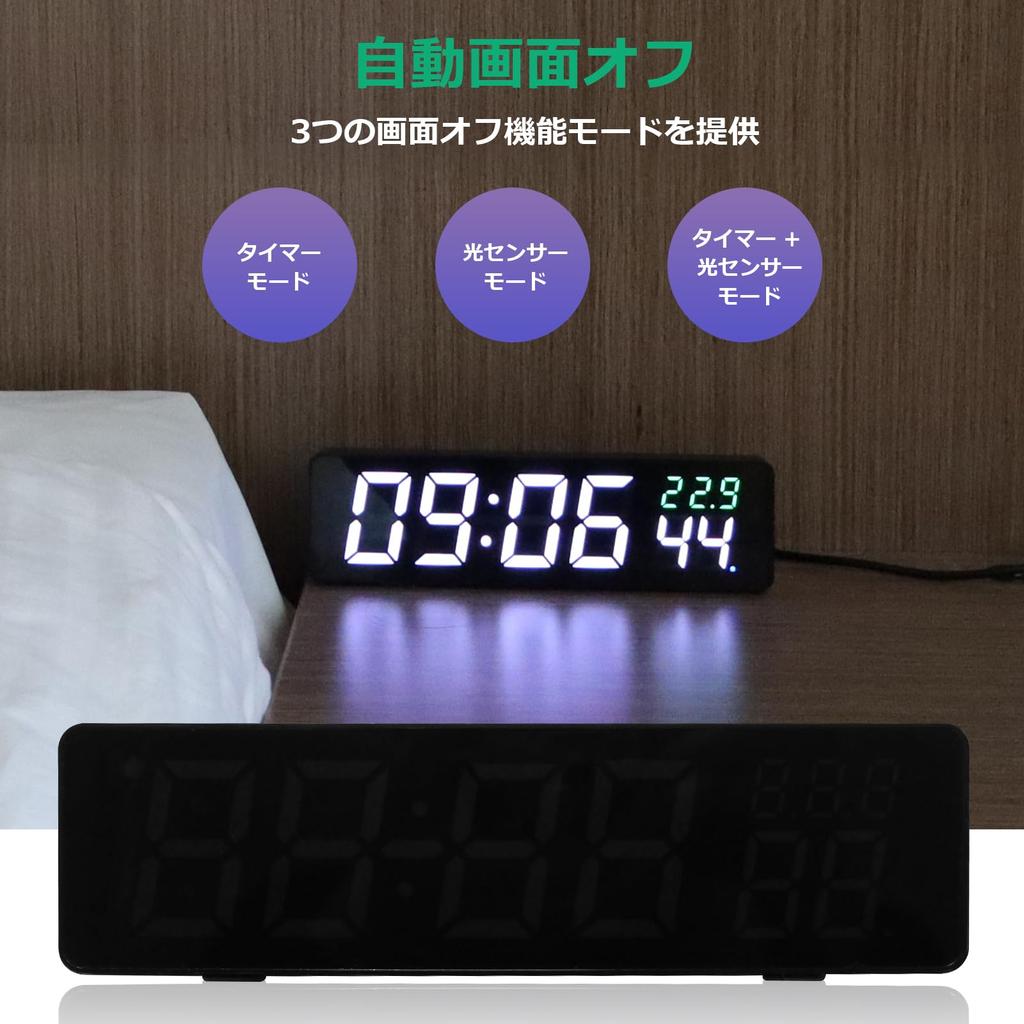
11-Step Dimming Environmental Adaptation Technology: Equipped with an illuminance sensor, it automatically adapts to ambient light from 500-2000 lux, from office fluorescent lights to bedroom indirect lighting. In manual mode, brightness can be adjusted in steps from 1 (lowest brightness) to 11 (highest brightness). Equipped with a display-off mode for use during sleep (settable time period: 18:00-08:00). Dimming settings can be selected from three modes: "fully automatic," "semi-automatic (automatic only at night)," and "fully manual," making it suitable for 24-hour operating environments such as hospital nurse stations.
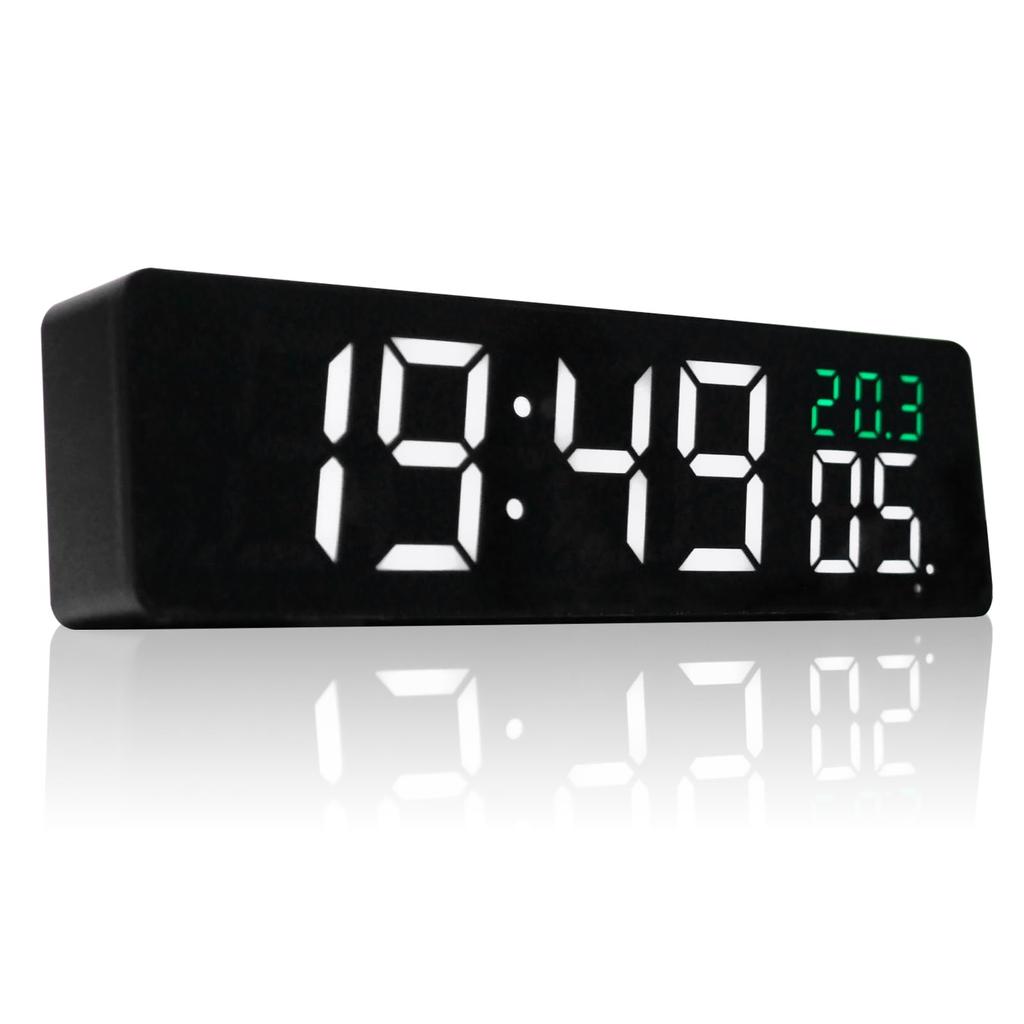
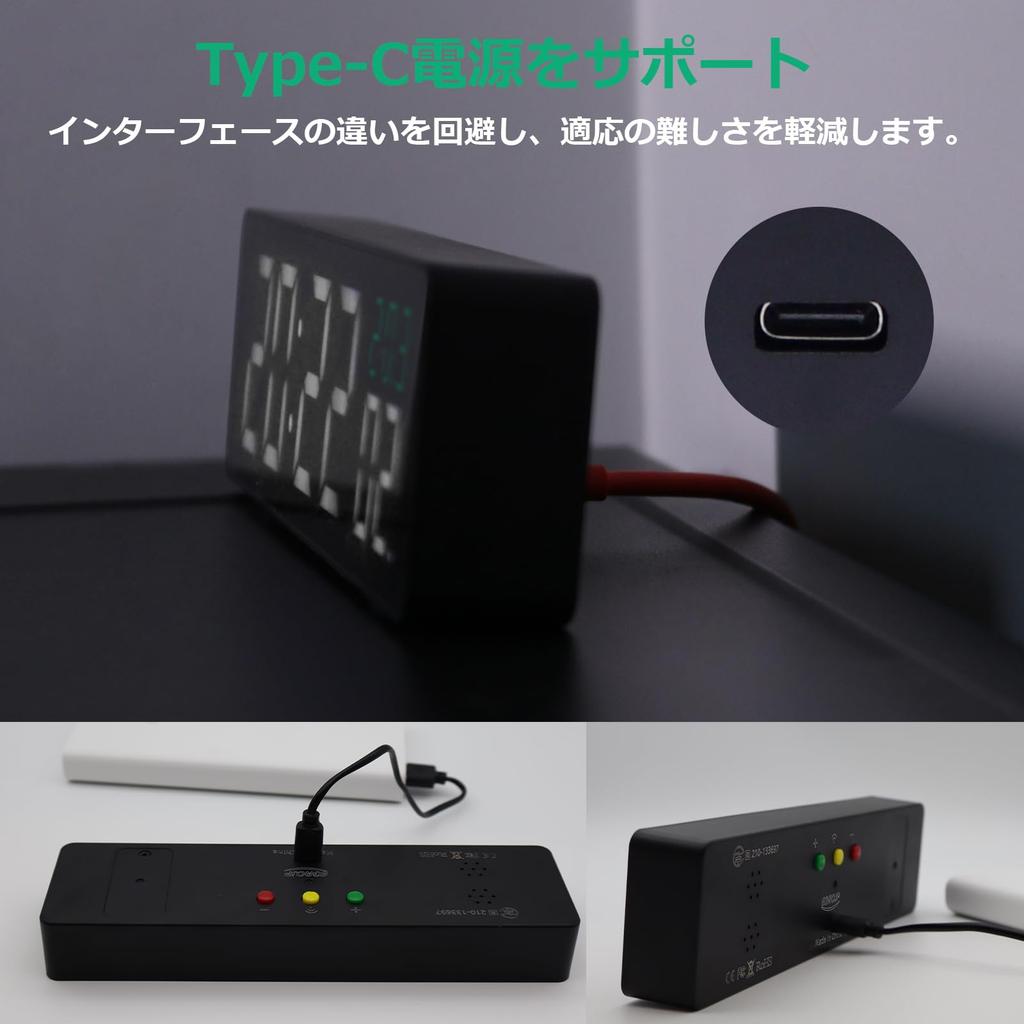
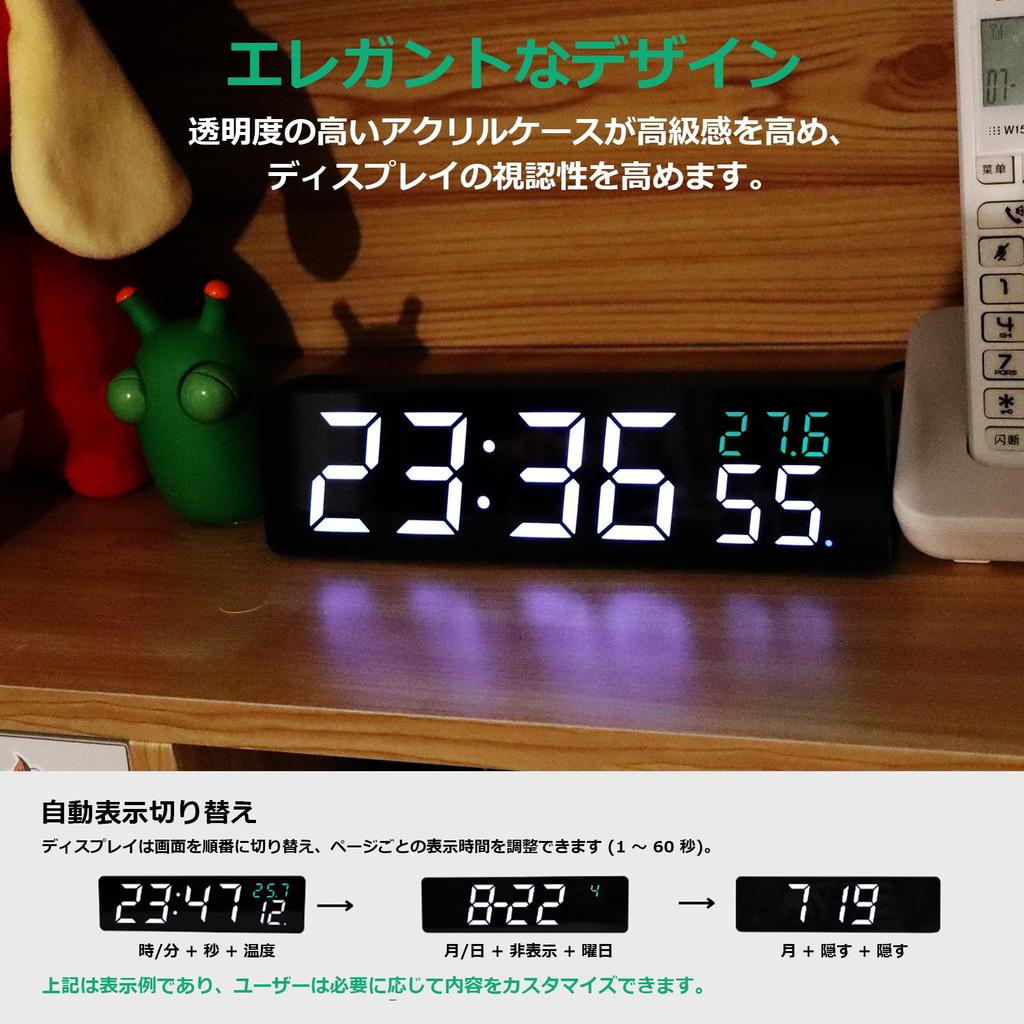
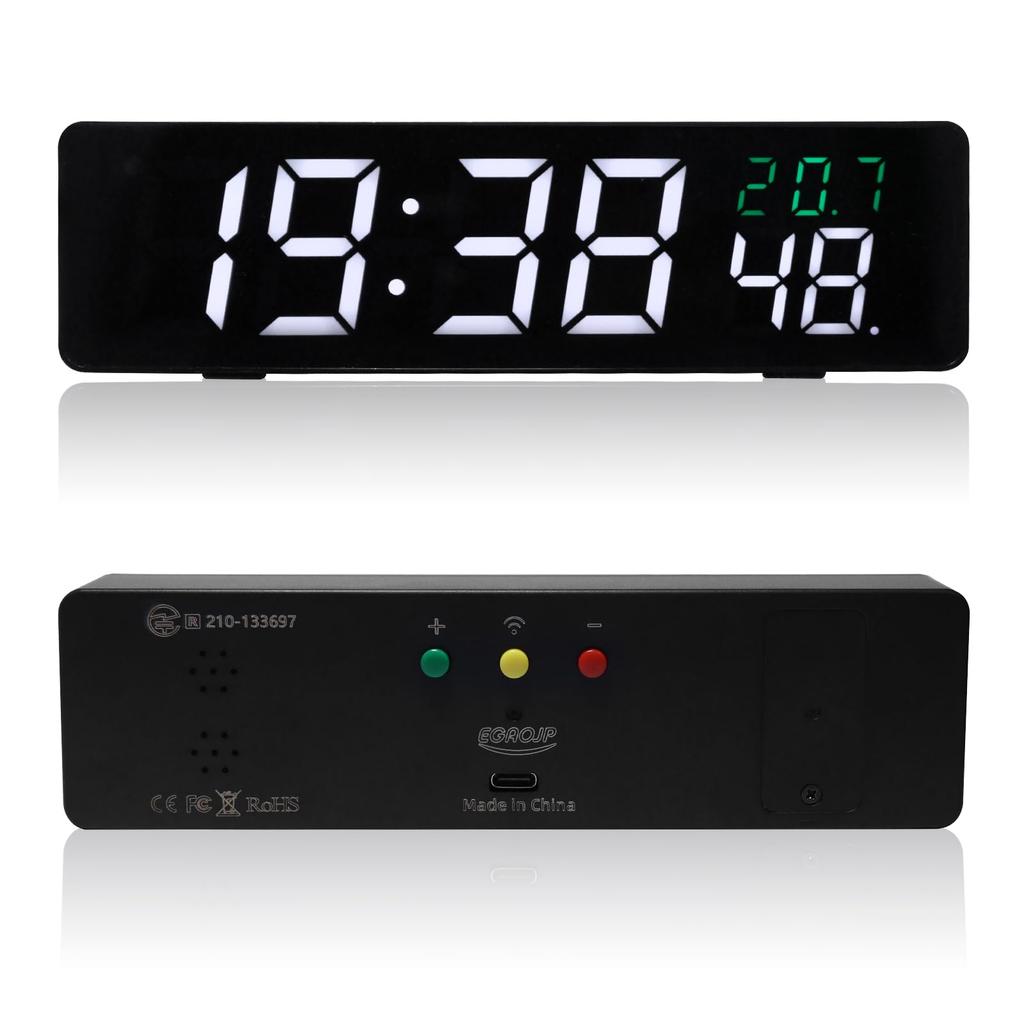
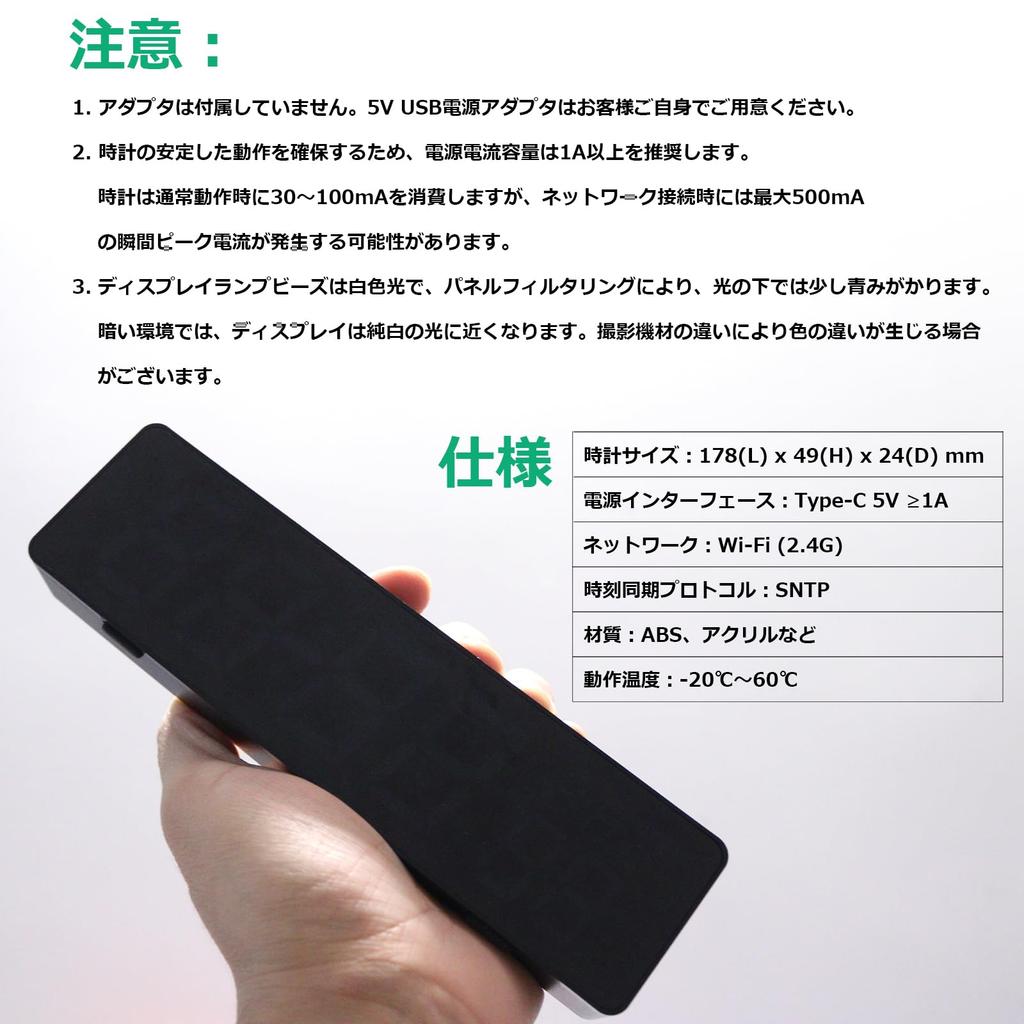
⑤ Multifunctional & Expandable: In addition to a built-in temperature sensor, it displays real-time weather information (temperature/humidity) via WiFi. Powered by USB Type-C (5V1A or higher recommended), it supports a timer function of up to 5 hours and OTA firmware updates. The compact body (178 x 49 x 24 mm) made of ABS resin and acrylic operates stably in environments from -20°C to 60°C.
Please note: We do not recommend removing the protective film, but if you do remove it, please clean it with a glasses cleaning cloth.
Recommended Users: Basic knowledge of network settings (IP/DHCP, etc.) is required. Setup videos can be viewed via the QR code. If you can connect the clock's tethering according to the instruction manual, it should be possible to "access 192.147.10.1 in your browser". If you have any questions regarding settings or anything else, please feel free to contact our store at any time, and we will be happy to assist you.
Latest update for 2026! Web APIs are now available, providing flexible support for secondary development. New features include integration with AI tool frameworks such as OpenClaw, and high-precision time synchronization. Unleash the creativity of developers and geeks with this pinnacle of extensibility.
Assembly instructions:
1. Install the digital tube unit.
2. Attach the acrylic cover.
3. Tighten the screws;
please note:
The acrylic cover is fragile, so the screws only need to lightly touch the cover; do not tighten them completely.
Brightness settings:
1. Press the EFF key to display the brightness value (0-100) on the tube. Press and hold the + or - key to increase or decrease the brightness.
2. Press the EFF key twice to complete the brightness setting.
3. Press the EFF key three times to scan the global brightness and enter automatic brightness adjustment mode.
Clock/Alarm Settings:
Pressing the SET key enters time setting mode, where the time bits blink and the rest are displayed as usual. Press the + or - keys to set the time.
Pressing the SET key twice puts the clock into minute value setting mode. The minute bits will blink, and the remaining values will be displayed correctly. Use the + or - keys to set the value.
Press the SET key three times to enter the alarm clock's time setting state. The alarm time bit will flash, and the remaining tubes will disappear. Press the + or - buttons to set the time.
Press the SET key four times to enter the minute setting mode for the alarm clock. The minute bits on the alarm clock will blink, and the remaining tubes will turn off. Press the + or - key to set the minute.
Press the SET key five times to complete the clock/alarm settings.
PS: Setting the alarm to 00:00 will turn it off.
explanation:
1. It can be powered by a button battery, and there is no need to reset the time even after restarting.
2. There may be differences in quality and color;
3. The tube body and its interior are made of a very transparent material, which may indicate that trace amounts of impurities were introduced during manufacturing and assembly.
4. Indoor use, exposure to direct sunlight or a significant amount of light in the environment may affect the product's effectiveness.
5. There are slight differences in tube height.


 Zwrot w przypadku braku dostawy