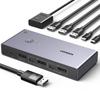
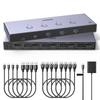
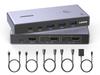
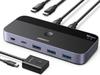
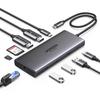
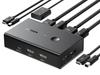
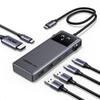
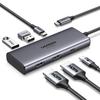
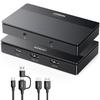
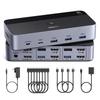
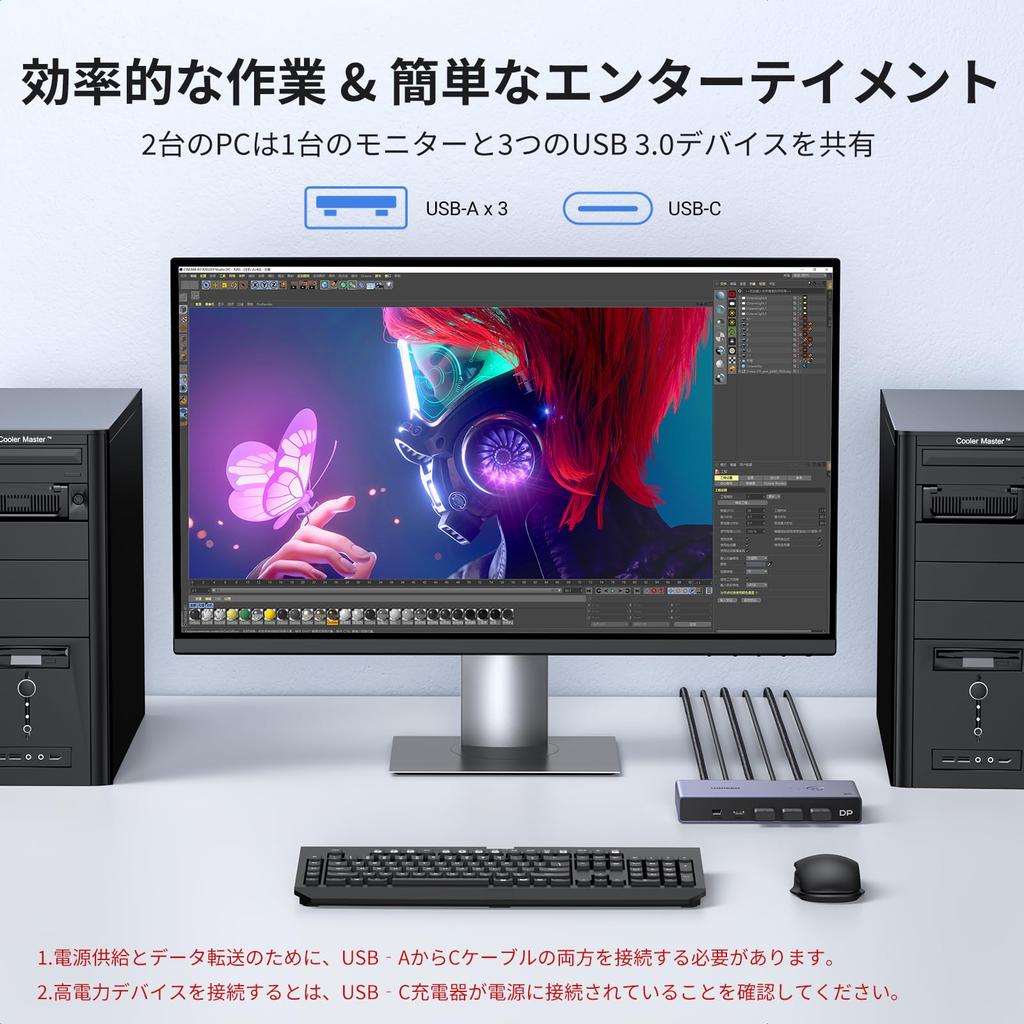
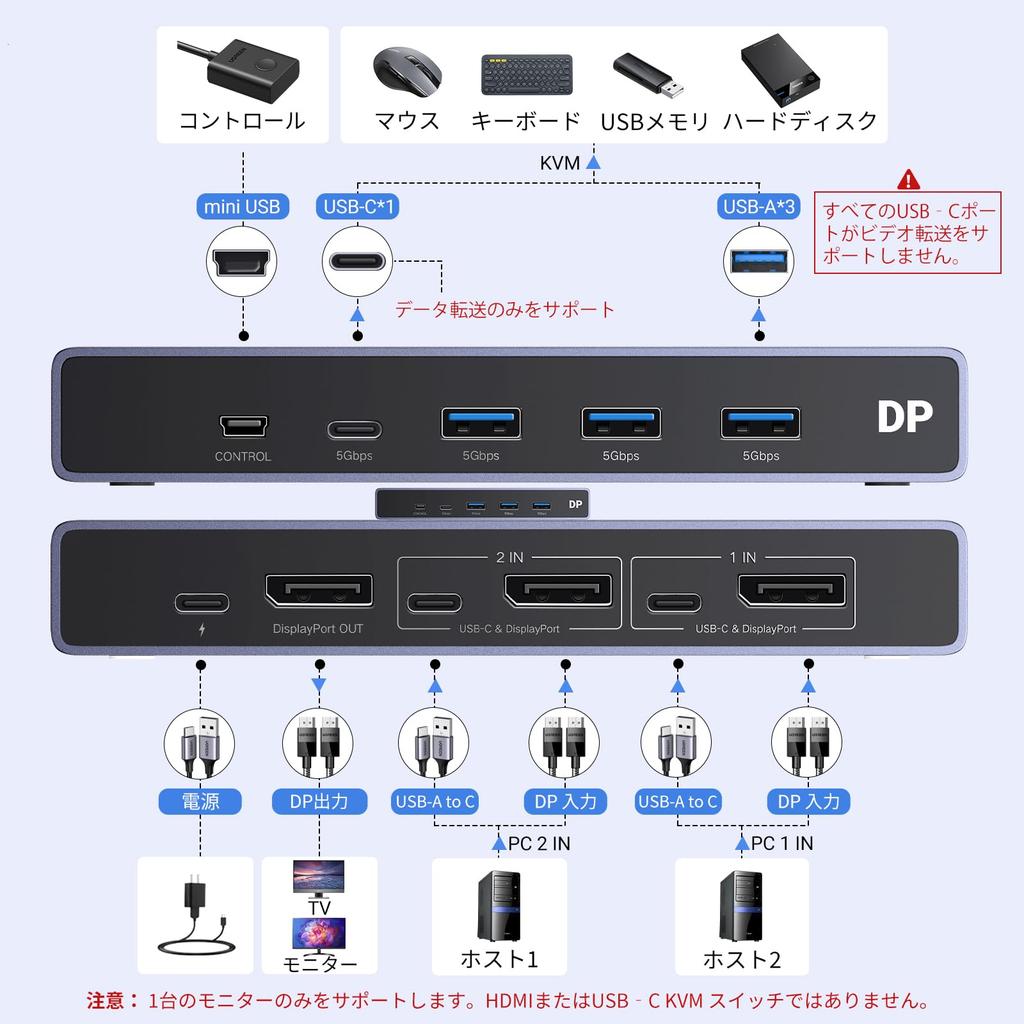
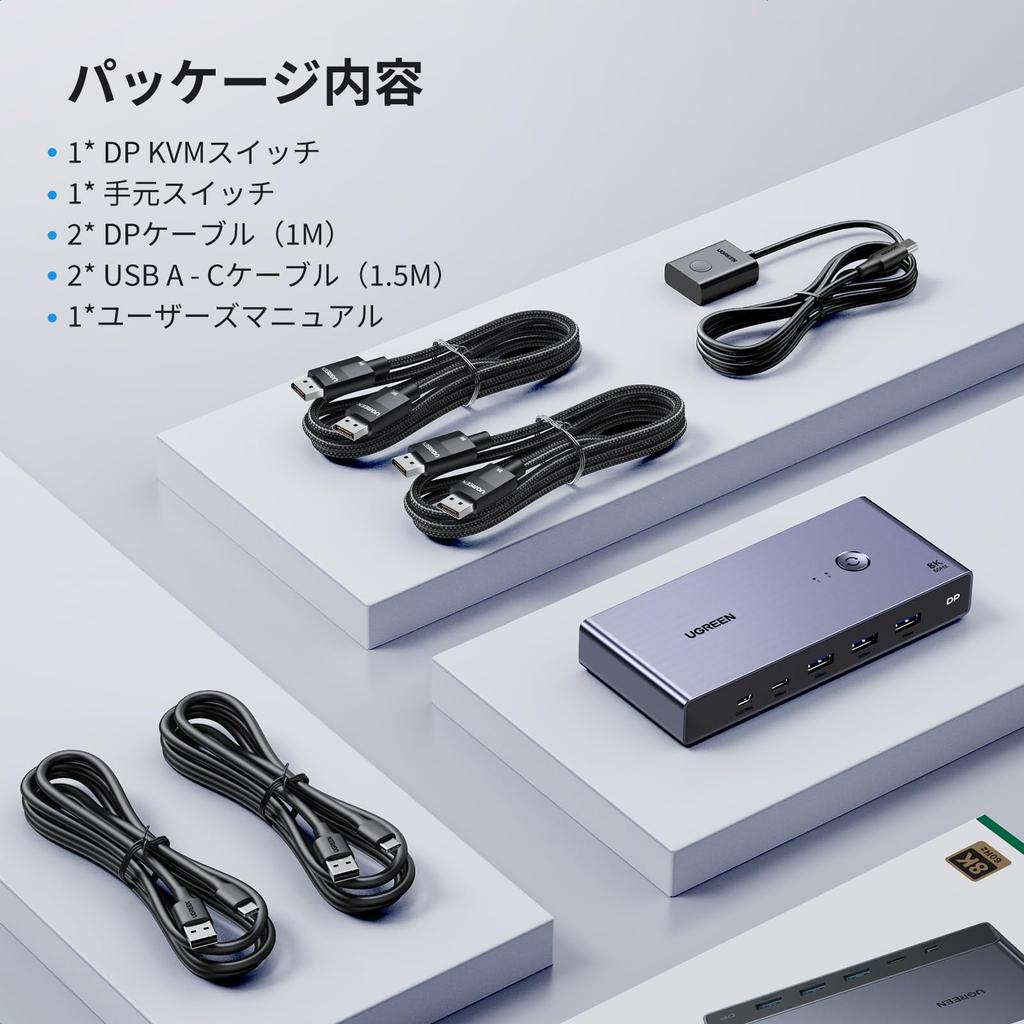
【DP KVM Switch with 2 Inputs and 1 Output】This DisplayPort KVM switch allows you to share two computers with DP ports between one DP monitor and one USB-C device, along with a mouse, keyboard, printer, and other USB devices. It eliminates the need for separate monitors for each PC, saving space and providing a spacious user experience. It functions not only as a DisplayPort switch but also as a keyboard and mouse switch. Easily switch between two hosts to maximize productivity. Note: Two USB A to C cables are required for power and data transfer. *This is not a USB-C KVM switch.
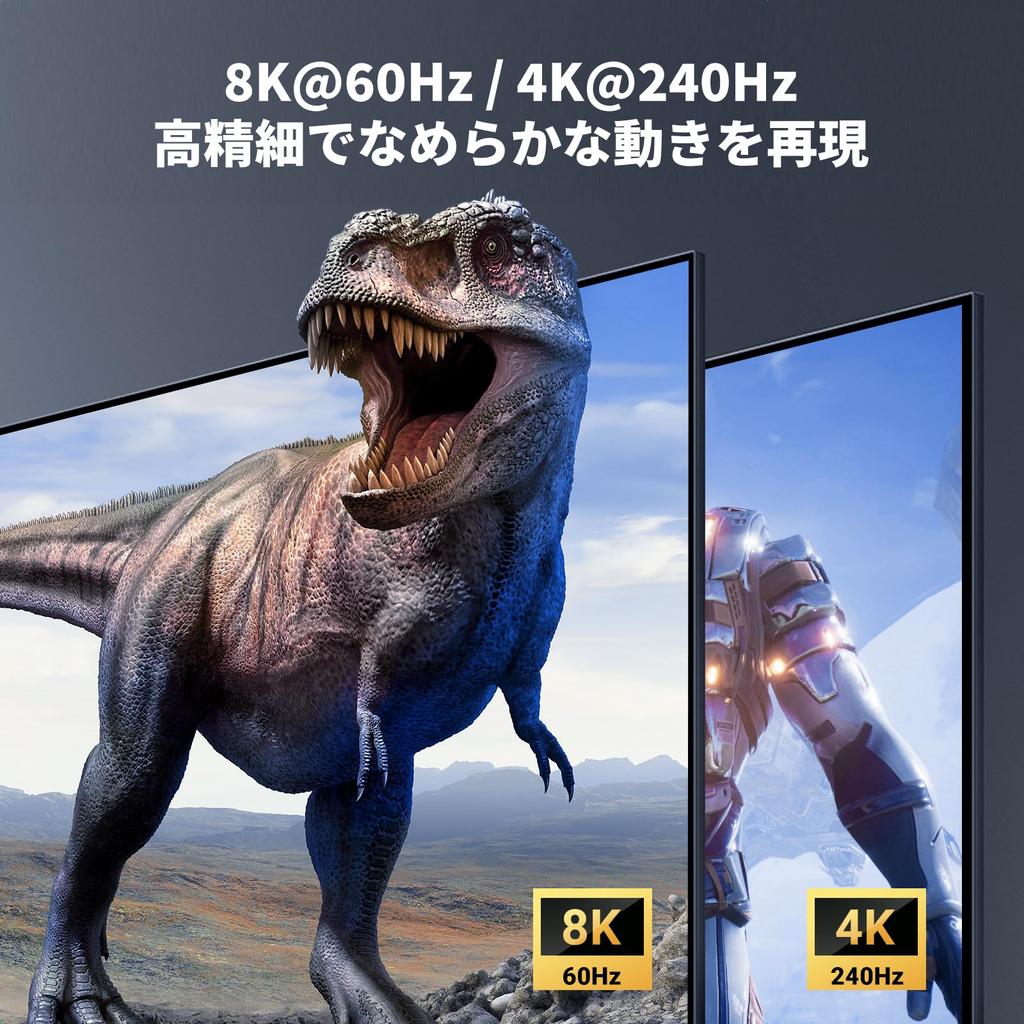
【8K60Hz / 4K240Hz Ultra-High Definition Video】With 7,680 x 4,320 pixels (approximately 33.18 million pixels), which is 16 times the resolution of current Full HD, it displays sharper and more vivid image detail. Even at 4K UHD resolution, the 240Hz refresh rate ensures smooth, blur-free display, making each scene clearer. *Note: To achieve 8K@60Hz resolution, your computer and monitor must support 8K, and the input and output of the 8K DP1.4 cable must be within 1 meter and AWG30.
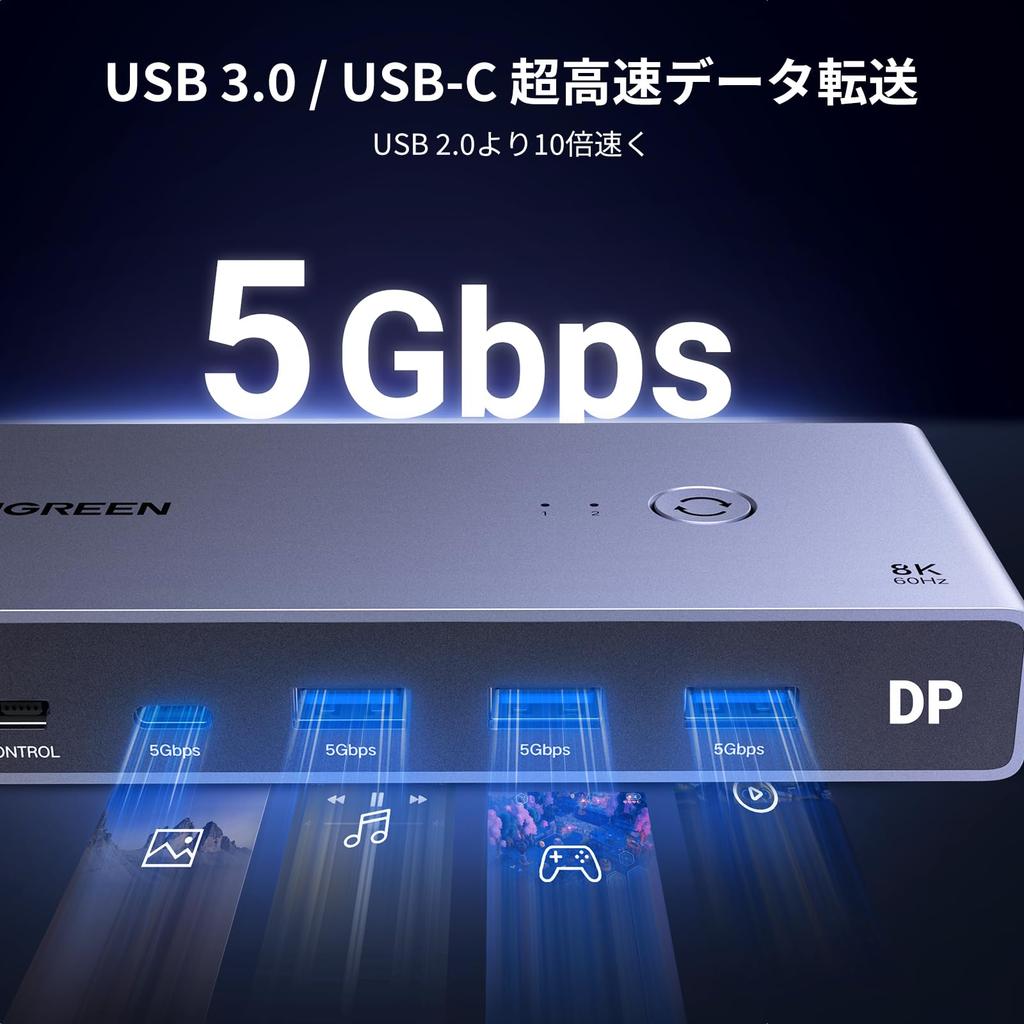
[High-Speed Data Transfer with 3 x USB 3.0 & 1 x USB-C] You can share USB devices such as HDDs, mice, keyboards, and printers with your PC. The USB 3.0 and USB-C ports reach a maximum transmission speed of 5Gbps. Wireless devices can also be used by connecting mouse and keyboard receivers to the USB ports. *Note: When connecting high-power devices such as hard drives, ensure that the USB-C port is charged.
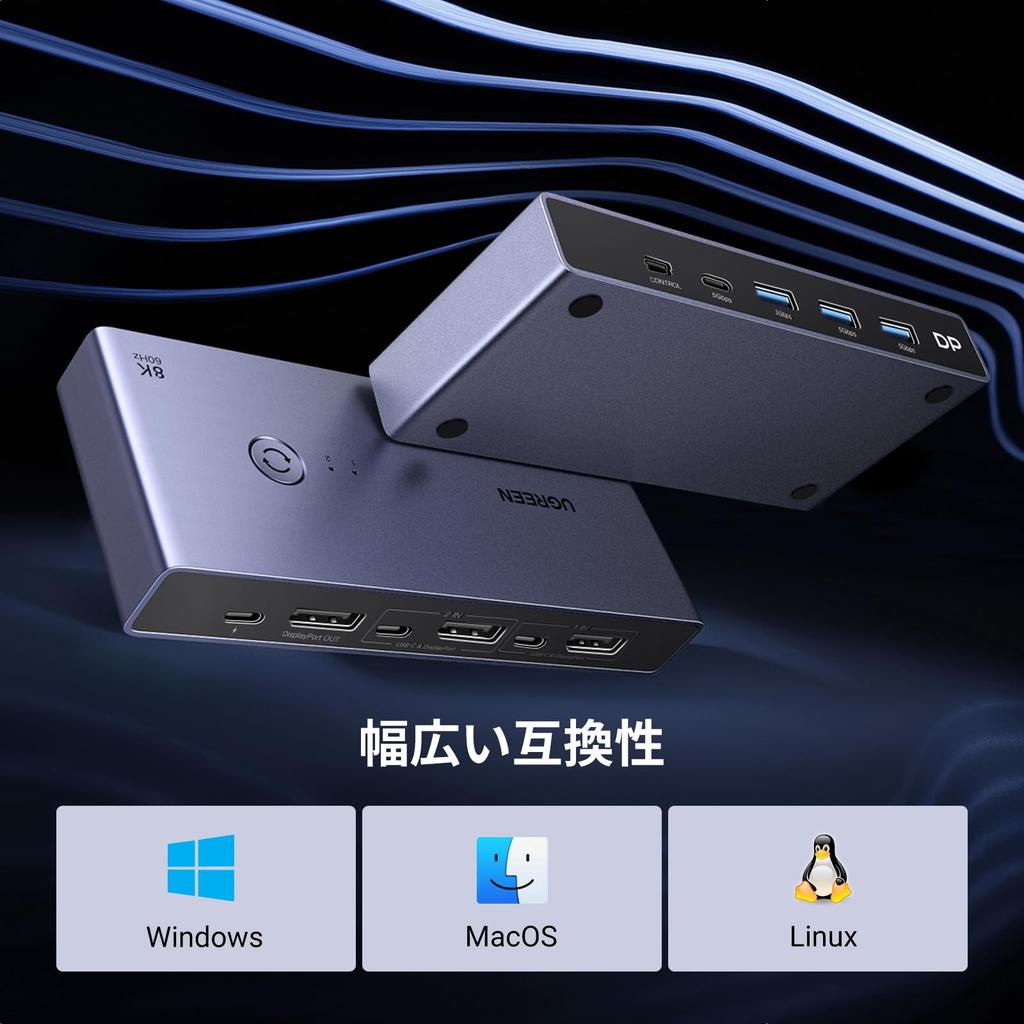
[No Drivers Required, Easy Switching] No software installation is required; simply connect and switch. There are two ways to switch between computers: using the button on the unit itself and the button on the handle. Easy operation with just the button on the top of the product, and a hand-held switch for convenient switching between computers. Note: This DisplayPort KVM switch does not support hotkey switching.
Important Notes: 1. Both USB A to C cables must be connected for power supply. 2. USB-C power cable or power adapter is not included. 3. It is recommended not to use it with a hub to avoid incompatibility. 4. This is not a USB-C KVM switch. 5. This is not an HDMI KVM switch and does not have an HDMI port.




 Zwrot w przypadku braku dostawy