----------------------------------------------------------------------
【Voltage Compatibility】
When using electrical appliances, please note that they are designed for Japanese voltage specifications (90-110V), so if you use them with a different voltage, it may cause a malfunction.
【Plug Type】
Our products use Japanese plug types (A or B type).
Please use a conversion adapter if necessary.
【Important Note on Transformers and Adapters】
A transformer adjusts voltage to match your device’s requirements.
A conversion adapter only changes the plug shape and does not adjust voltage.
Using only a conversion adapter without a transformer may result in damage to the product.
【Liability】
We are not responsible for malfunctions or damages caused by improper use, such as operating the product without a transformer.
----------------------------------------------------------------------
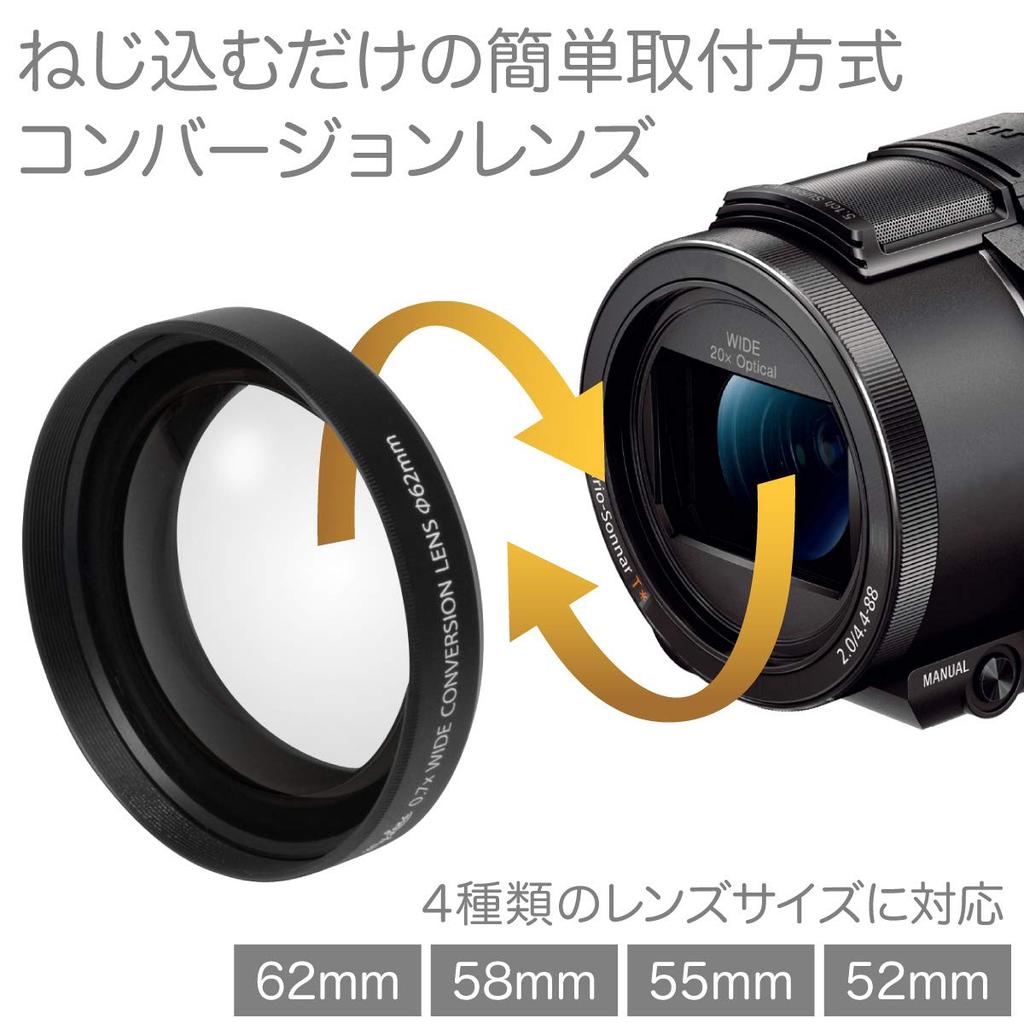
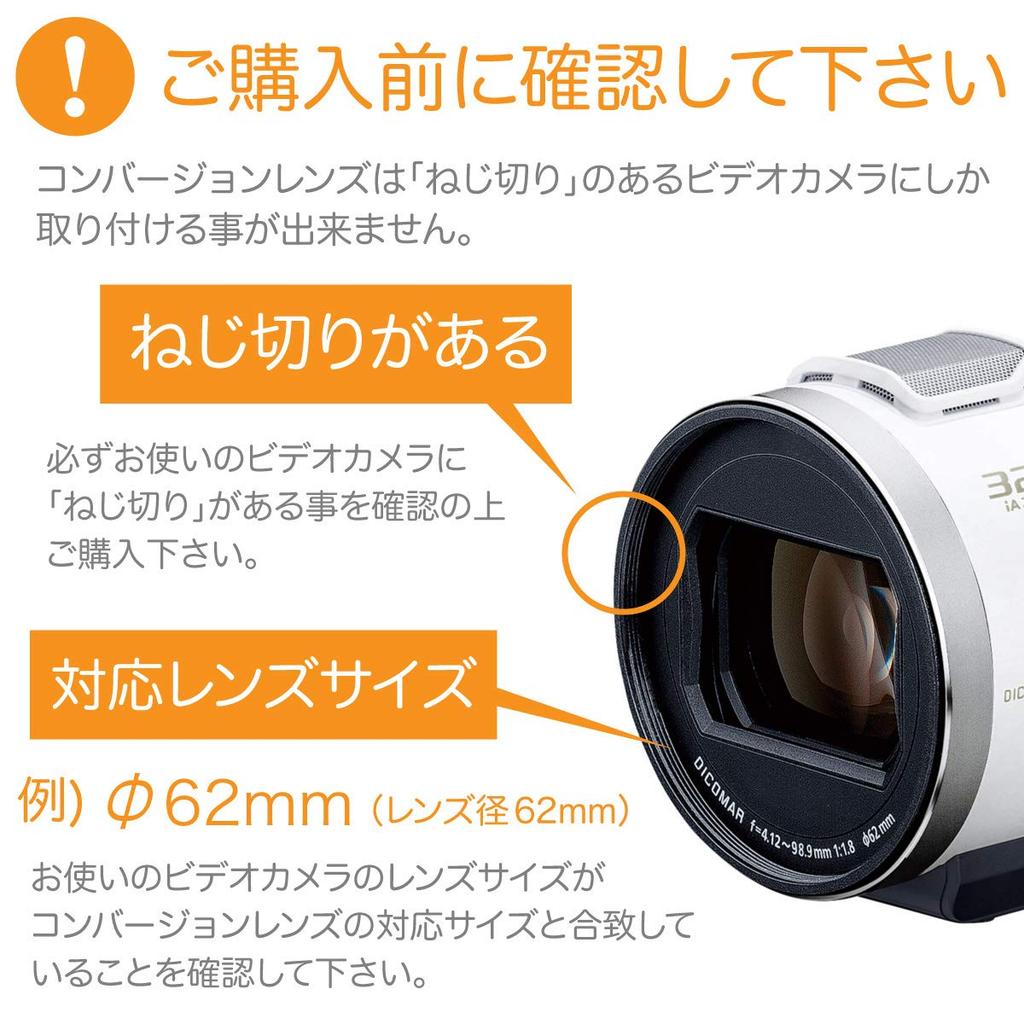
■[※Please read before purchasing※] - - - Please make sure that the front of your video camera has a screw thread for attaching the lens. It cannot be attached to cameras without a screw thread. Also, the compatible lens diameters are 62mm, 58mm, 55mm, and 52mm (the number after Φ written around the lens is the lens diameter).
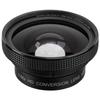
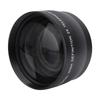
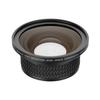
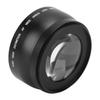
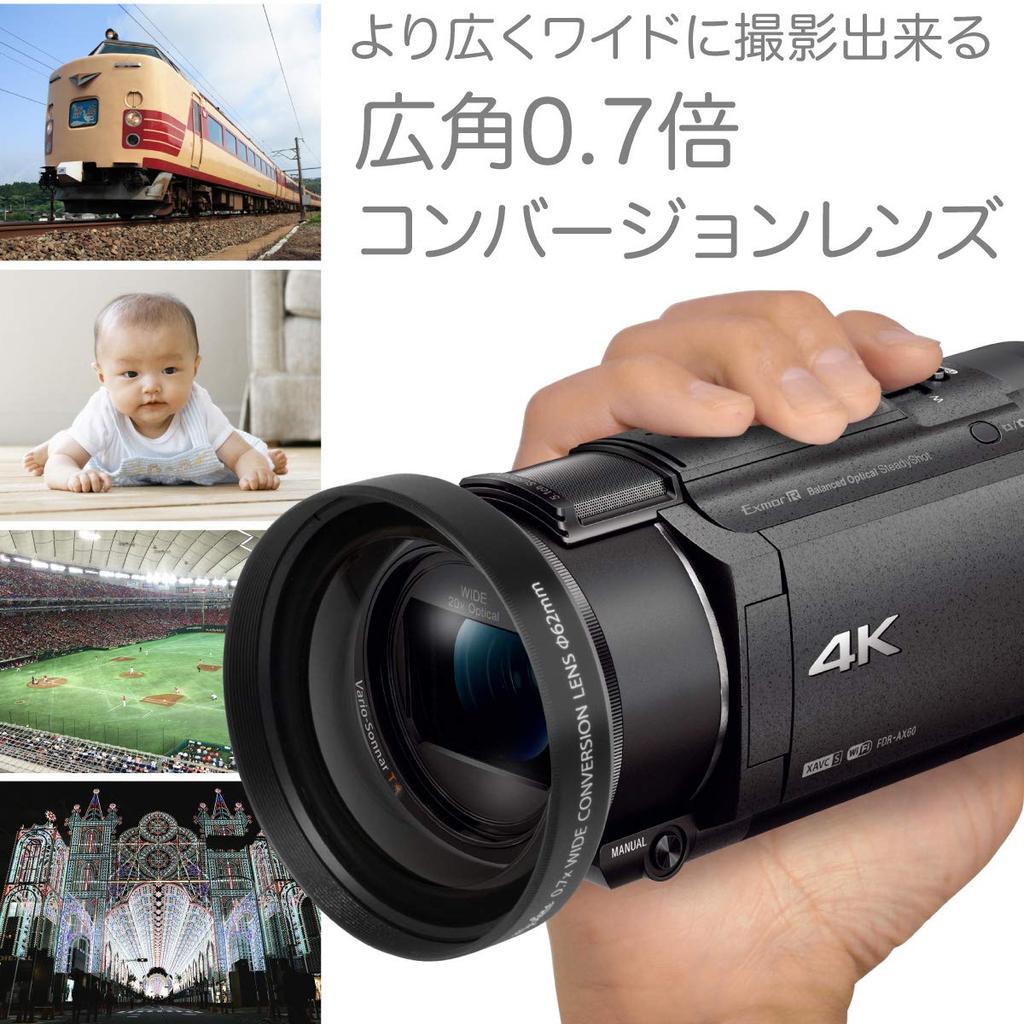
■ [Conversion lens that allows video cameras to shoot wider and more accurately] - - - The "My Lens Wide Angle 0.7x Slim" is a lens that attaches to the lens of a video camera, allowing you to easily capture wider and more extensive footage. It increases the video camera's field of view by 0.7x, making it useful in a variety of situations where the video camera's standard maximum wide-angle lens is not possible, such as when shooting in a small room and the subject does not fit on the screen, or when you want to capture a vast, panoramic landscape.
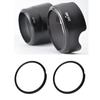
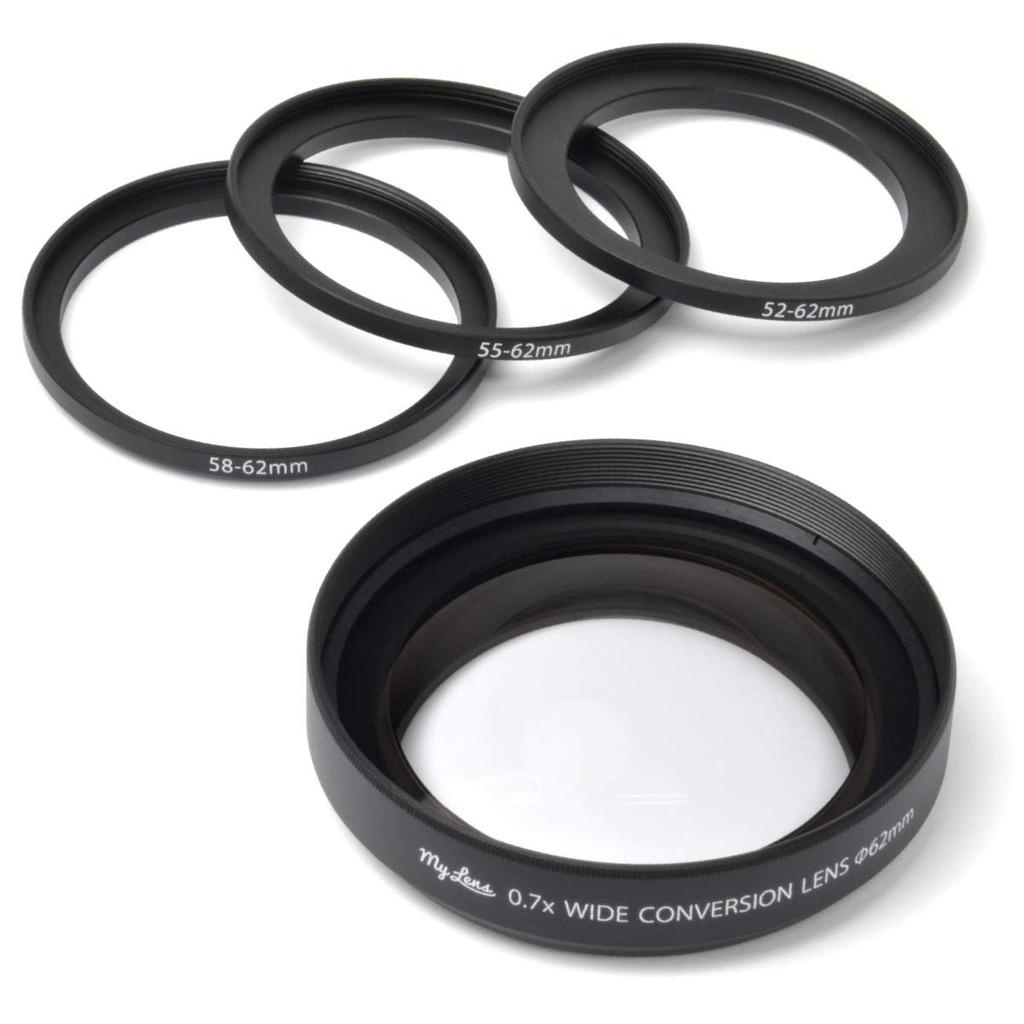
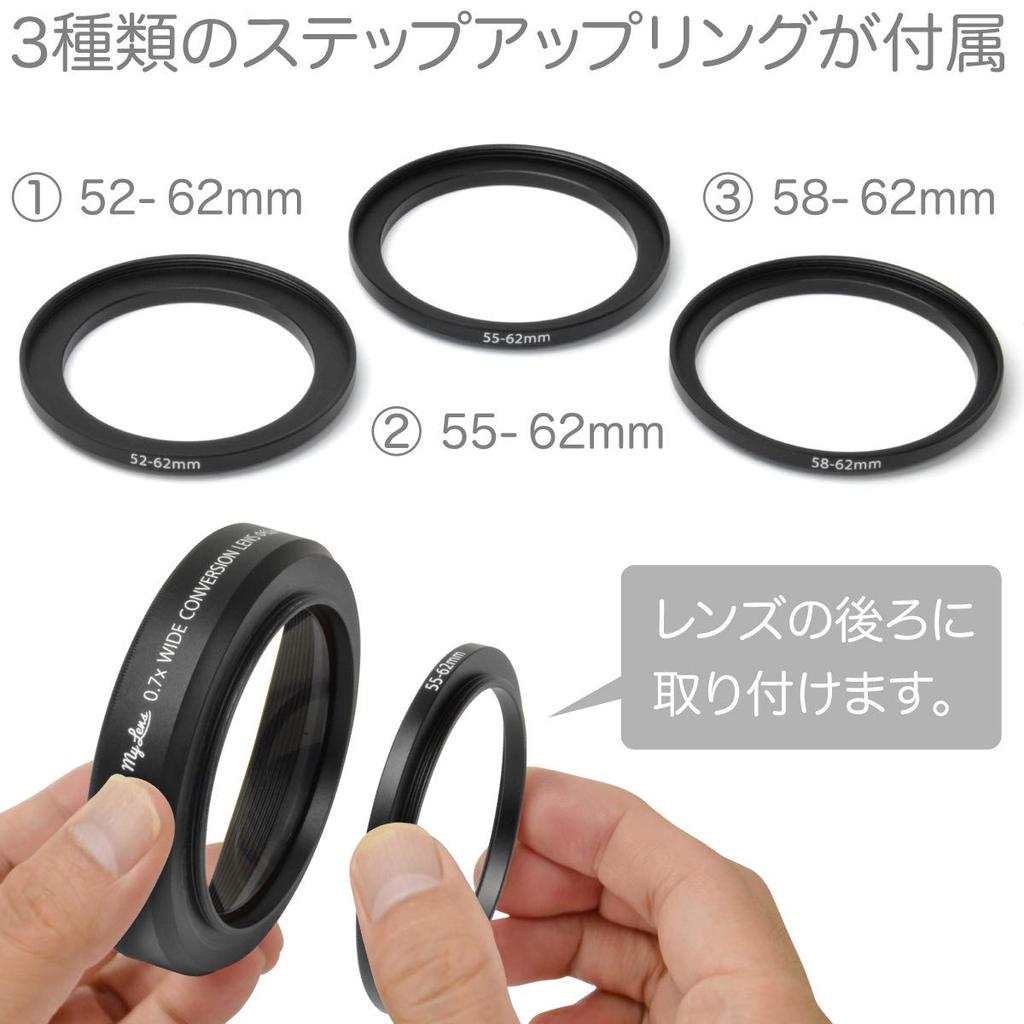
■【Includes step-up rings compatible with four different lens diameters】 - This product comes with three step-up rings (52-62mm/55-62mm/58-62mm) for changing the lens diameter so that it can be attached to video cameras with lens diameters other than the standard compatible lens diameter (62mm). Compatible lens diameters: 52mm, 55mm, 58mm, 62mm.
■[※Caution※ If the step-up ring does not fit] - - - If the included step-up ring does not fit onto the rear of the lens, first check that the front and back of the ring are facing correctly (the wider end of the ring faces the lens, and the narrower end faces the camera). Also, when fitting the ring, be sure to turn it clockwise to attach it to the threaded hole on the rear of the lens (it will not fit if turned counterclockwise). *Please make sure that your video camera is compatible with this product before purchasing. It cannot be used with video cameras that are not compatible.
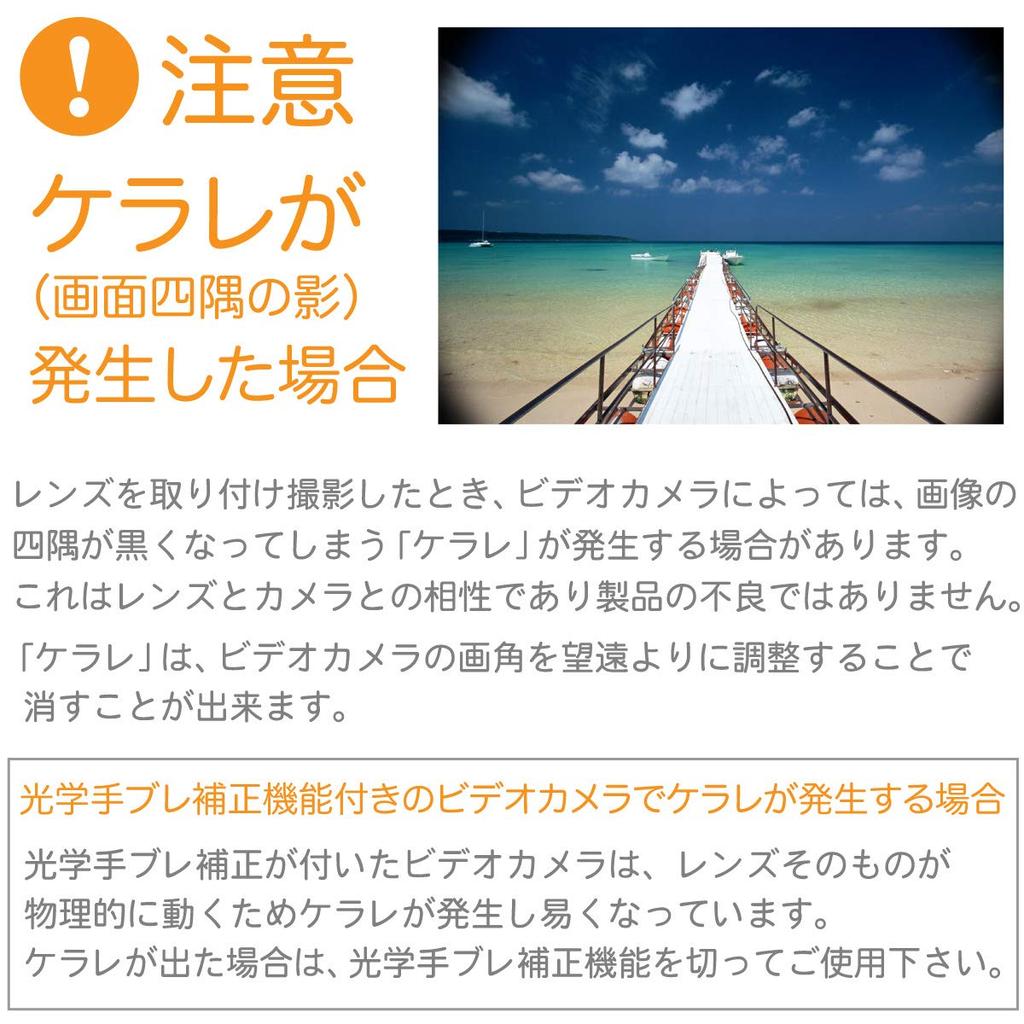
■ [※Caution※ If vignetting (shadows in the corners of the screen) occurs] - - - When you attach a lens and start recording, some video cameras may cause vignetting, which causes the corners of the image to appear black. This is due to compatibility between the lens and camera and is not a defect of the product. Vignetting can be eliminated by adjusting the video camera's angle of view to the telephoto side. (If this occurs on a camera with optical image stabilization, turn off the optical image stabilization function before use.)
Product Name: My Lens Thin 0.7x Wide Conversion Lens 52/55/58/62mm
Model number: MLE62W07
Warranty: 3 months from purchase
Angle of view: Wide angle 0.7x
Lens construction: 1 group, 1 element
Size: Diameter 80mm x Height 18.5mm
Screw diameter: 62mm (camera mounting side)
Lens screw pitch: P=0.75 (0.75mm)
Weight: approx. 116g
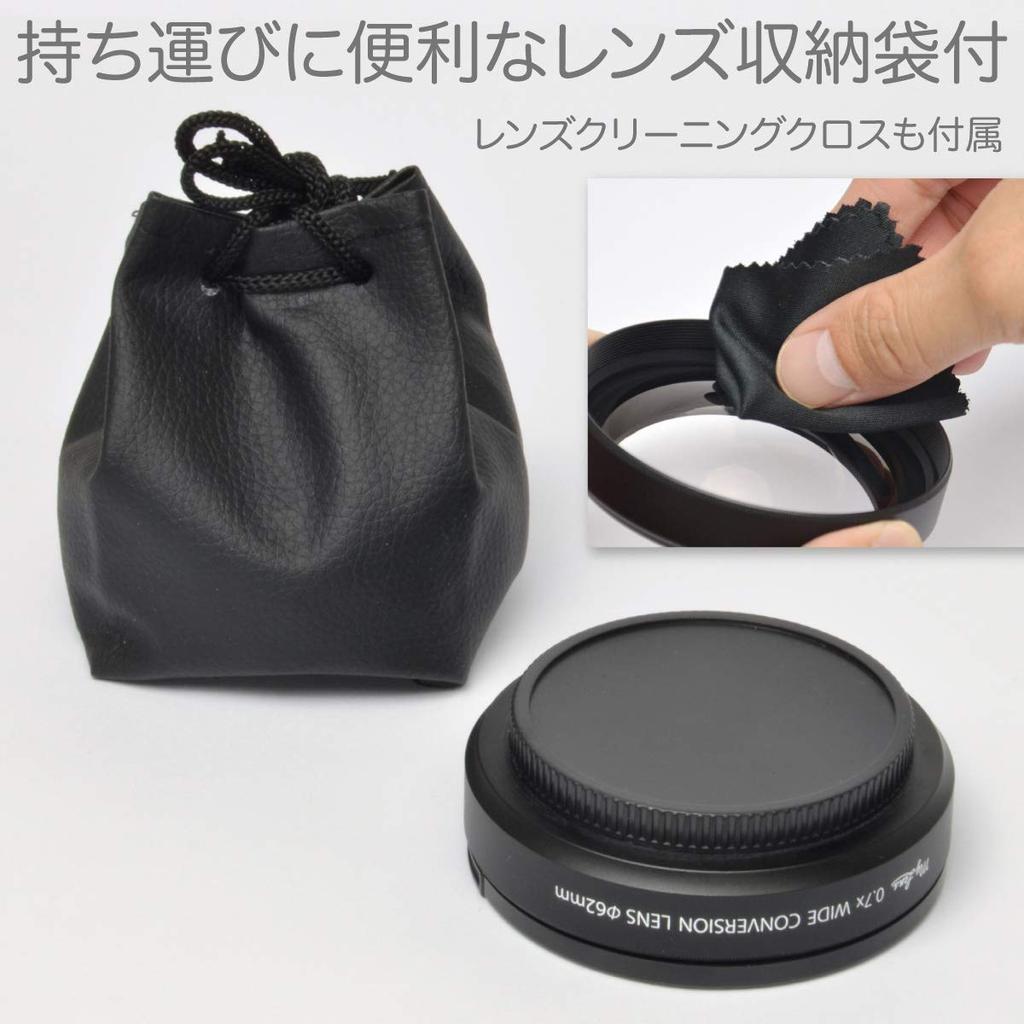
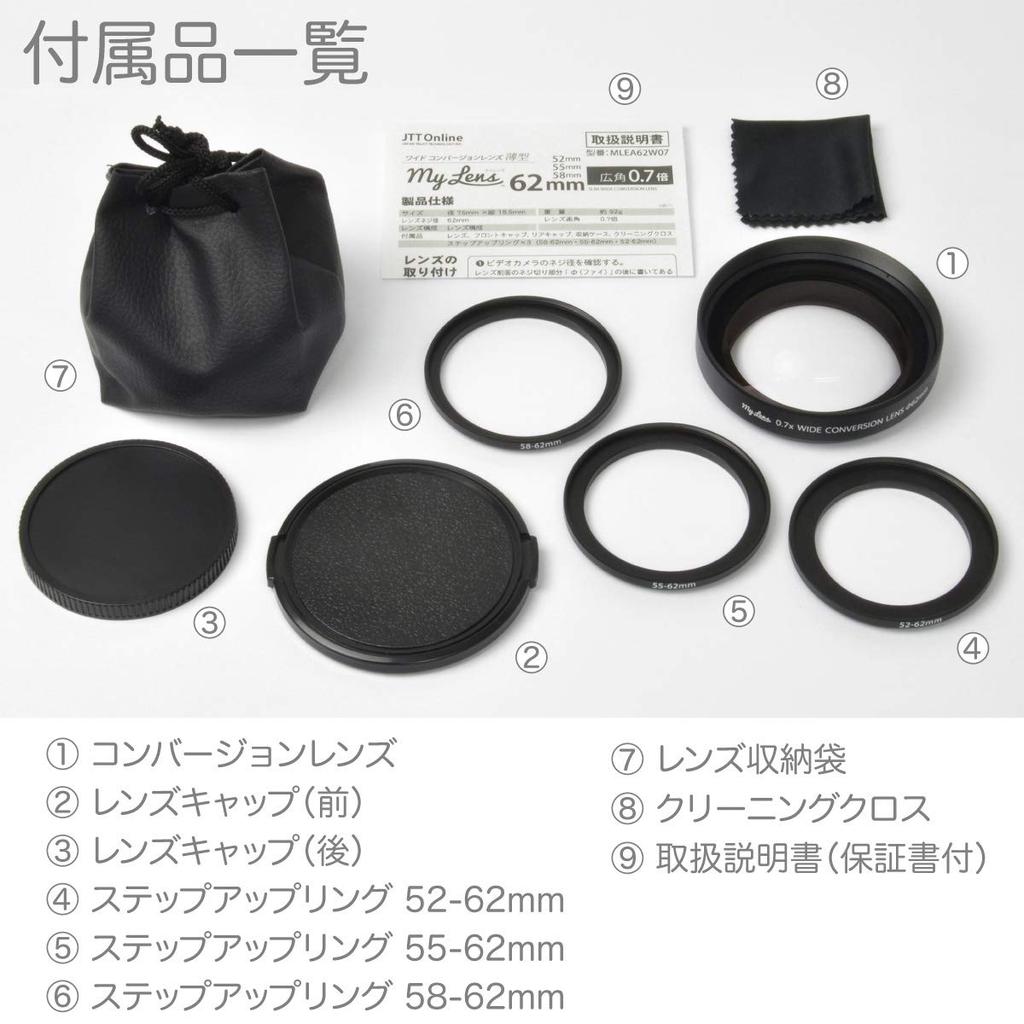
Accessories: Lenses, front caps, rear caps, storage case, lens cleaning cloth, step-up rings (52mm-62mm, 55mm-62mm, 58mm-62mm 3 types (P=0.75) included)
Compatible models:
52mm, 55mm, 58mm, 62mm
Video cameras with any lens diameter
*Only compatible with models with screw threads.
[How to check the installation size]
The number after Φ written around the lens of your video camera is the size of the lens.
It can be installed if the same size as the mounting size is available.
■ Main compatible video cameras
[CANON]
HF G40, HF G21, HF G20, HF G10
HF GX10
HF S21, HF S11, HF S10
[SONY]
FDR-AX700*, FDR-AX100*
FDR-AX60, FDR-AX55, FDR-AX45A, FDR-AX45, FDR-AX40, FDR-AXP35, FDR-AX30
HDR-CX720V
HDR-PJ790V, HDR-PJ760V
[Panasonic]
HC-WZXF1M*
HC-WXF1M*
HC-WX2M*, HC-WX1M*
HC-WZX2M*, HC-WZX1M*
HC-VX2MS*, HC-VX2M*, HC-VX1M*
HC-VZX2M*, HC-VZX1M*
*If vignetting occurs at the edges of the screen, turn off the optical image stabilization function.
*Please refrain from canceling your order due to incorrect compatibility. Please check the mounting diameter and thread availability of your video camera before purchasing.
*Depending on the video camera and magnification (such as when set to maximum wide angle), vignetting (the shadow of the lens appears on the edge of the screen) may occur in the image when shooting, depending on the model.
*If you change the magnification to the telephoto side with a lens attached, the camera may not be able to focus. In this case, remove the lens before use.


 Zwrot w przypadku braku dostawy