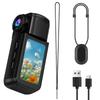
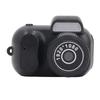
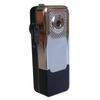
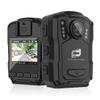
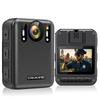
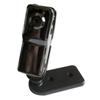
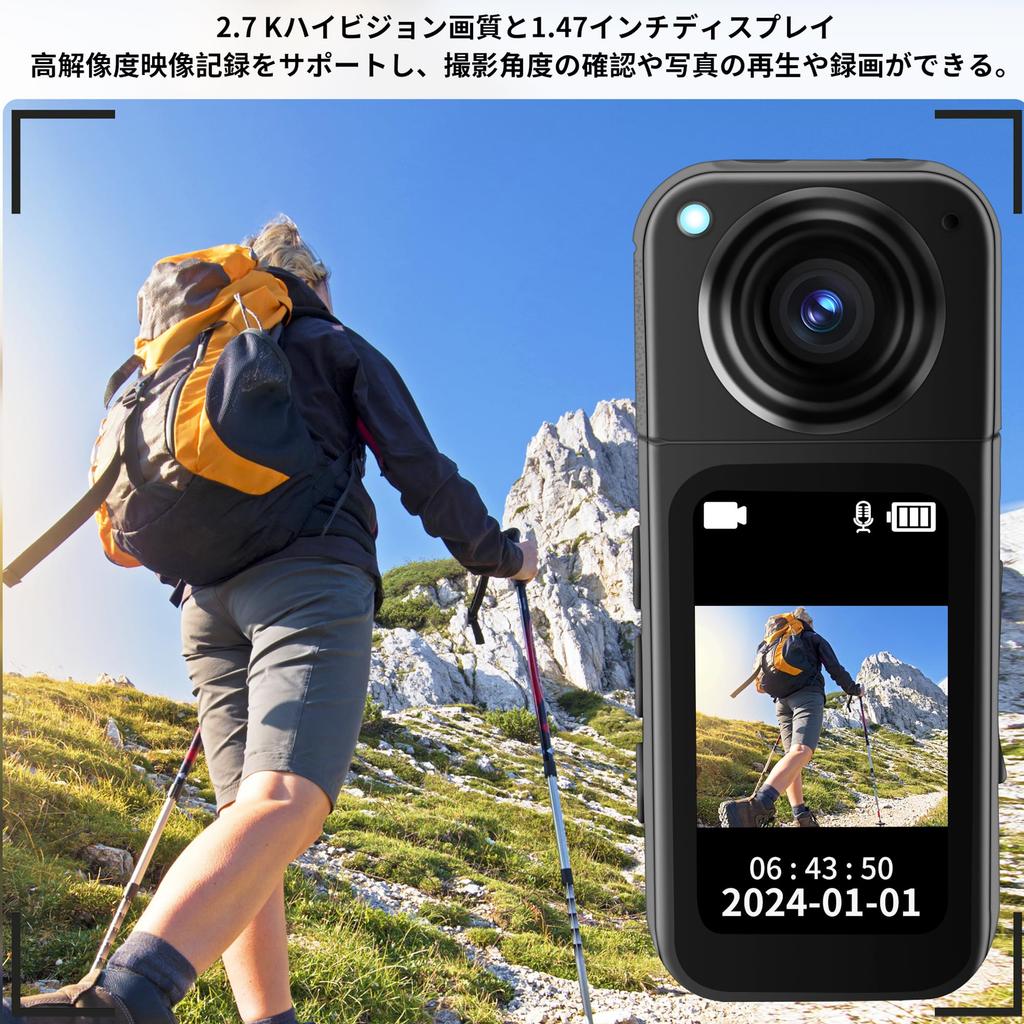
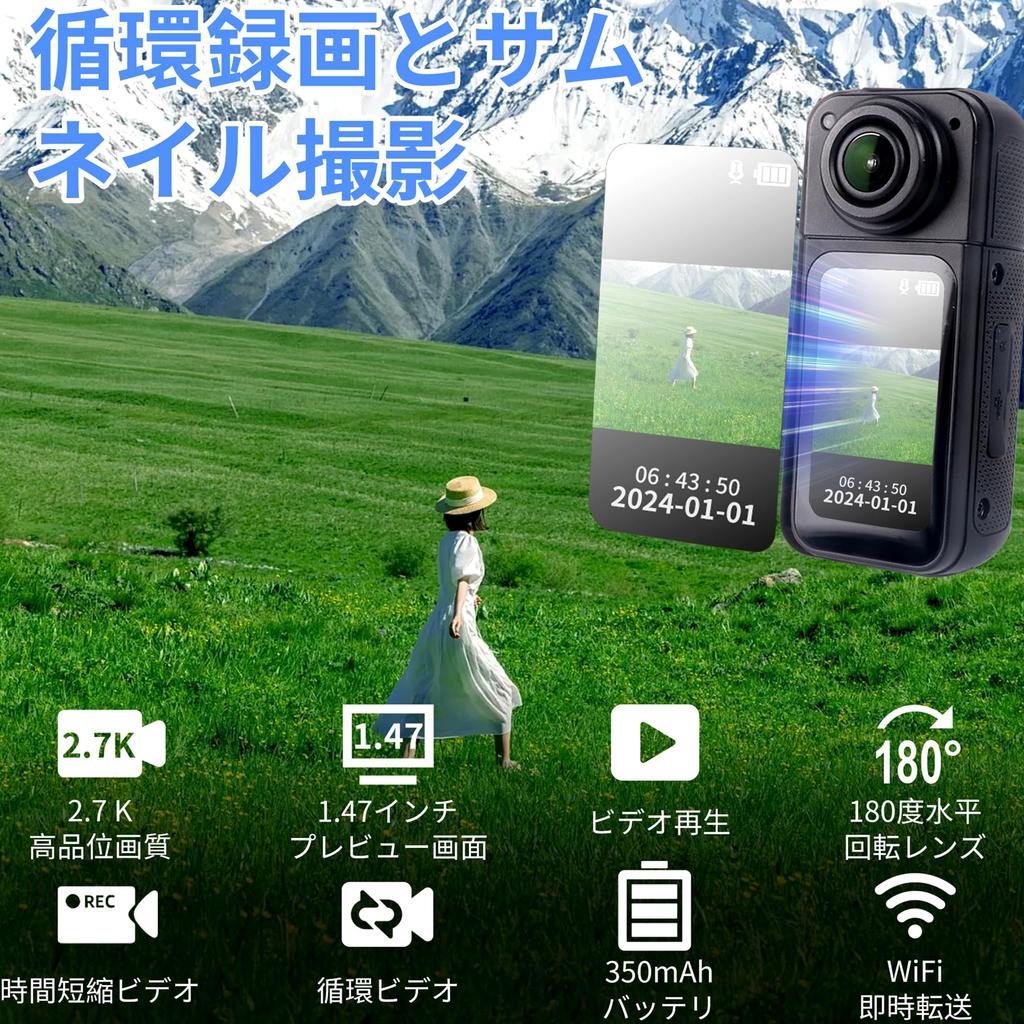
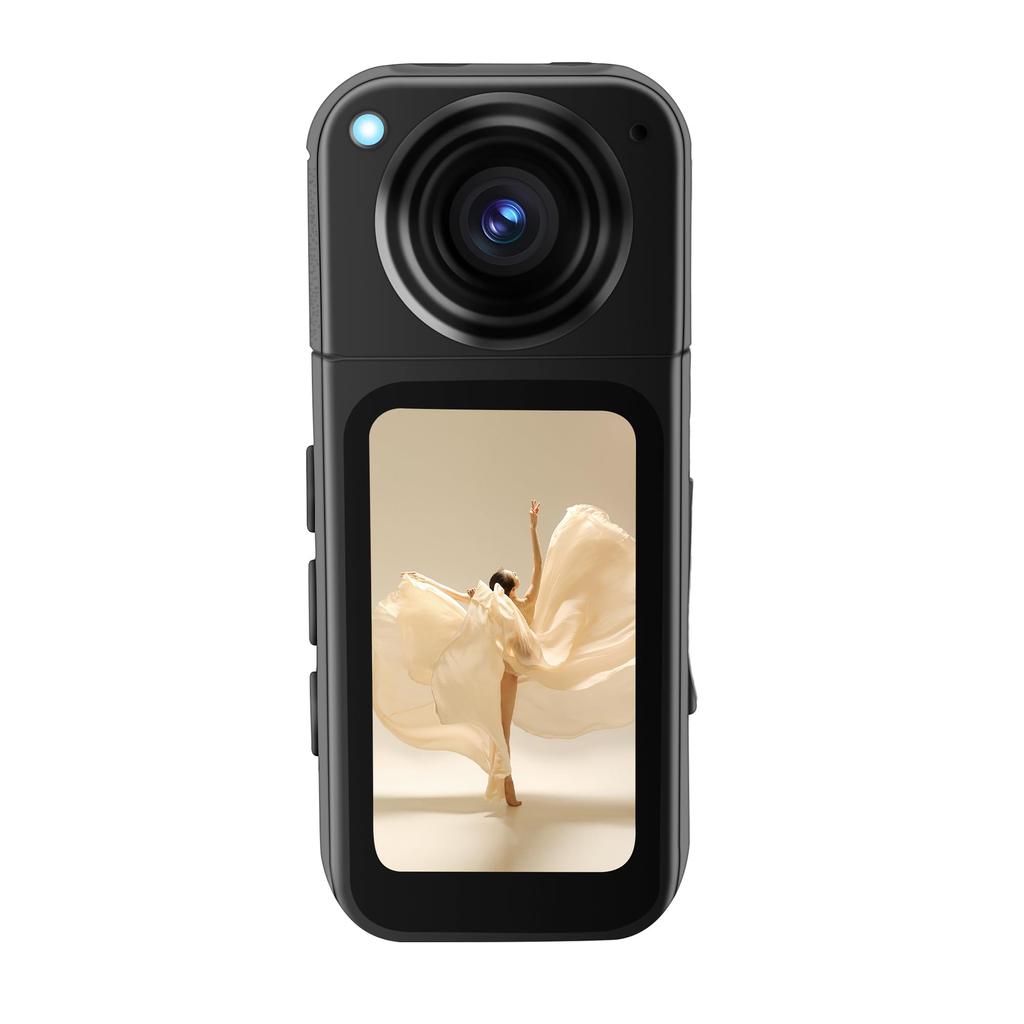
[2.7K High-Quality Image Quality & 1.4-Inch Preview Screen] Equipped with a high-resolution sensor, it supports 2.7K HD recording, delivering detailed images and excellent color reproduction. Whether capturing the splendor of landscapes, human expressions, or the fine details of minute objects, it delivers stunning image quality, enhancing your video productions. The 1.4-inch full-color preview screen allows you to see facial expressions in real time while taking selfies, eliminating the need to frequently adjust the device's angle when shooting vlogs.
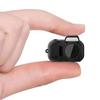
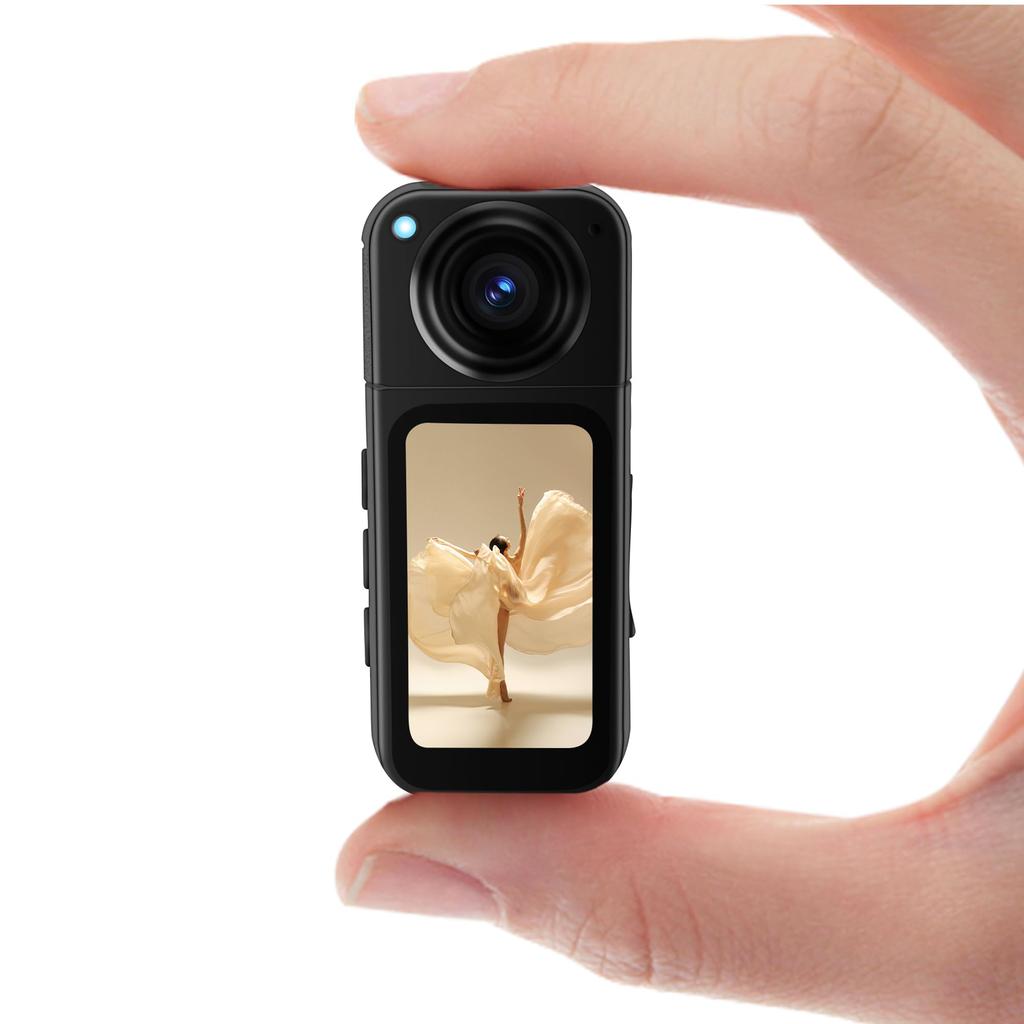
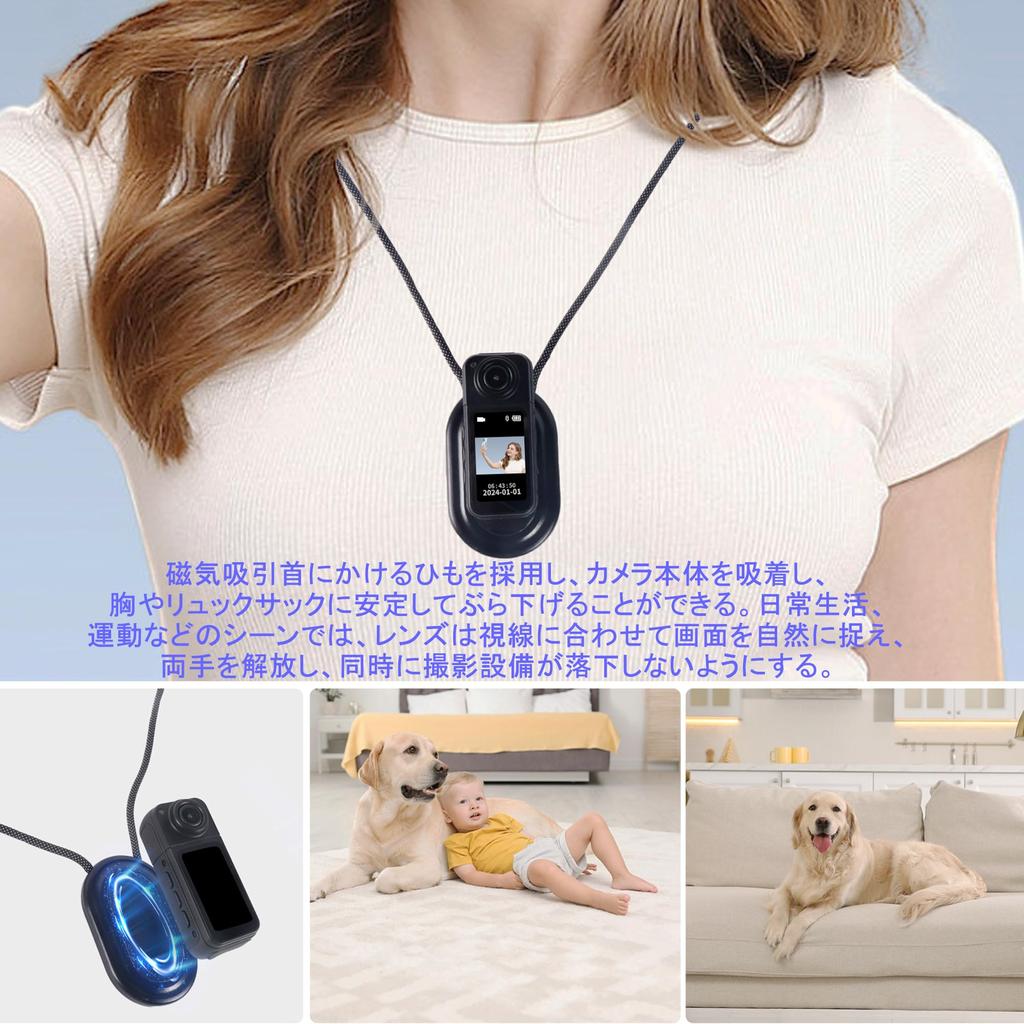
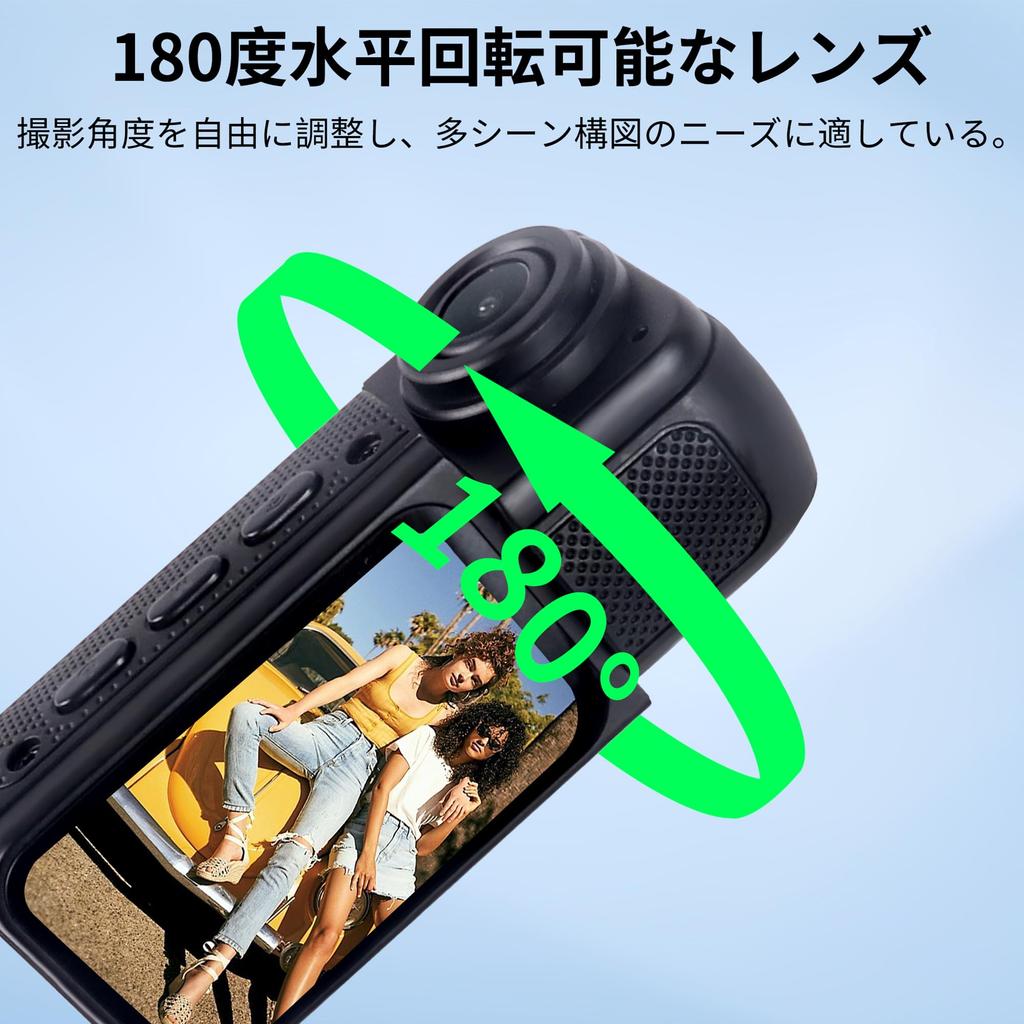
[Compact and Lightweight, Take Photos and Videos Anytime] Measuring just the size of a thumb (65*88*25mm), the camera is lightweight and easy to carry. It can rotate 180 degrees horizontally, allowing for more flexible perspectives when shooting. Whether you need to take a selfie, capture the scenery in front of you, or capture both sides of the scene, simply rotate the camera to easily achieve this, meeting a variety of shooting needs. Whether traveling, playing sports, or commuting, you can capture amazing moments at any time and enjoy all the wonderful moments in life. [Magnetic Suction Design] The high-strength magnetic suction unit and skin-friendly suspenders easily attach to the camera body, allowing it to be securely attached to a chest or backpack. There's no need to hold the camera during exercise. When hiking, cycling, skiing, or other activities, the lens naturally follows your line of sight, freeing up your hands and ensuring your equipment stays safe.
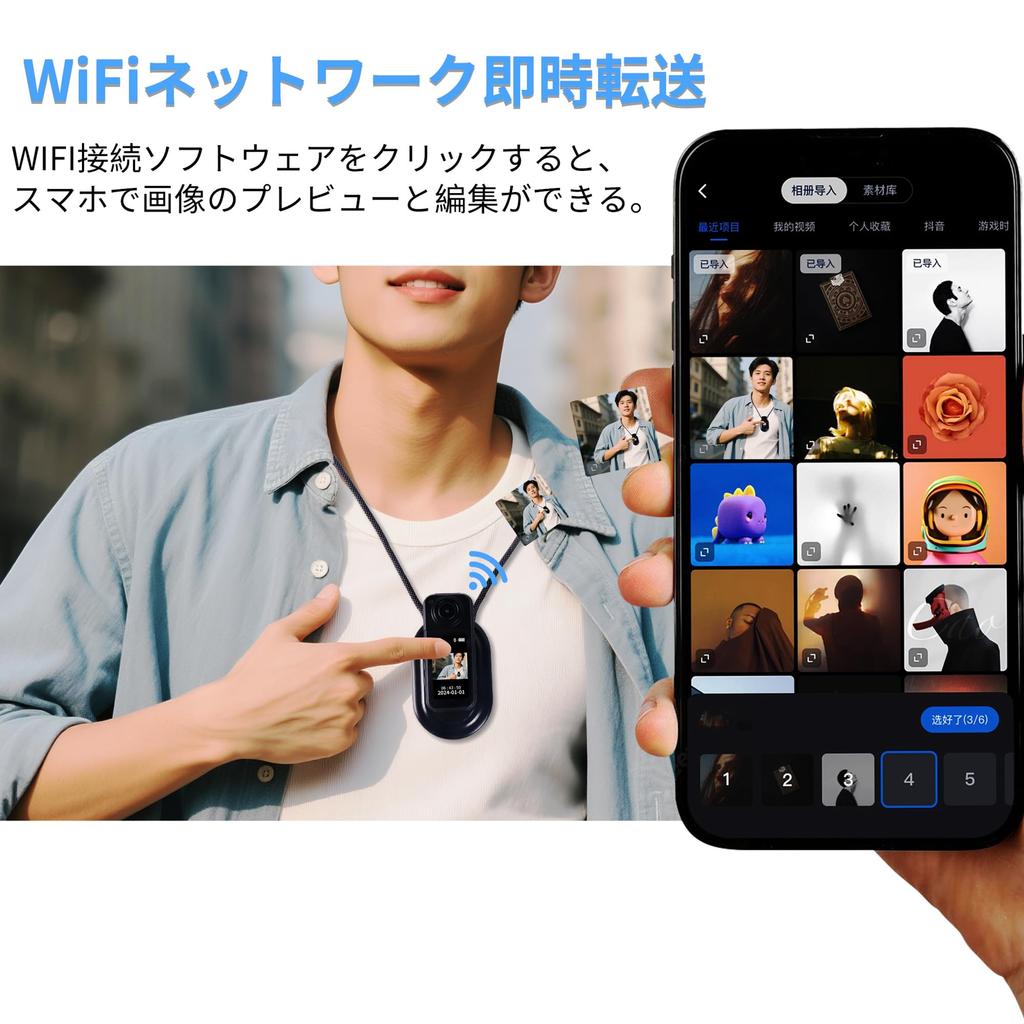
[Wi-Fi Connected to Your Phone, No Waiting for Creation and Sharing] Connecting with the dedicated app allows you to preview the screen in real time, remotely control shooting, quickly download footage to your phone, sync the original HD footage to your phone with a single touch after shooting, and post clips directly to social media like Twitter, allowing you to share your wonderful life.
[Long-Cycle Recording and Thumbnail Capture] Long-cycle recording automatically overwrites old files, eliminating the need for frequent memory cleanup. This is suitable for scenarios such as in-car surveillance and recording pets, ensuring important footage is not lost. Time-lapse video allows you to customize the shooting interval (from 1 to 60 seconds) to condense long processes into videos and capture the aesthetic of the passage of time.
! ! Note:
1. Patients with pacemakers should not use the magnetic suction neck strap. It is recommended to use a short strap to achieve the optimal shooting angle.
2. Automatically stopping recording or non-cyclic recording may cause the memory card's read/write speed to be slow due to the large amount of HD video data. Please use a high-speed TF card.
3. Cyclic recording setting: Selecting Off will prevent automatic cyclic overwriting every 5 minutes when the card is full.
4. Photographs taken may not be clear. Check the head of the camera for dirt or fingerprints, and clean the lens surface before shooting to maintain its cleanliness.
5. Photographed videos may have good or bad results: The recording effect is greatly related to the lighting environment, such as backlighting or frontlighting. The effect of videos shot under different lighting conditions will vary.
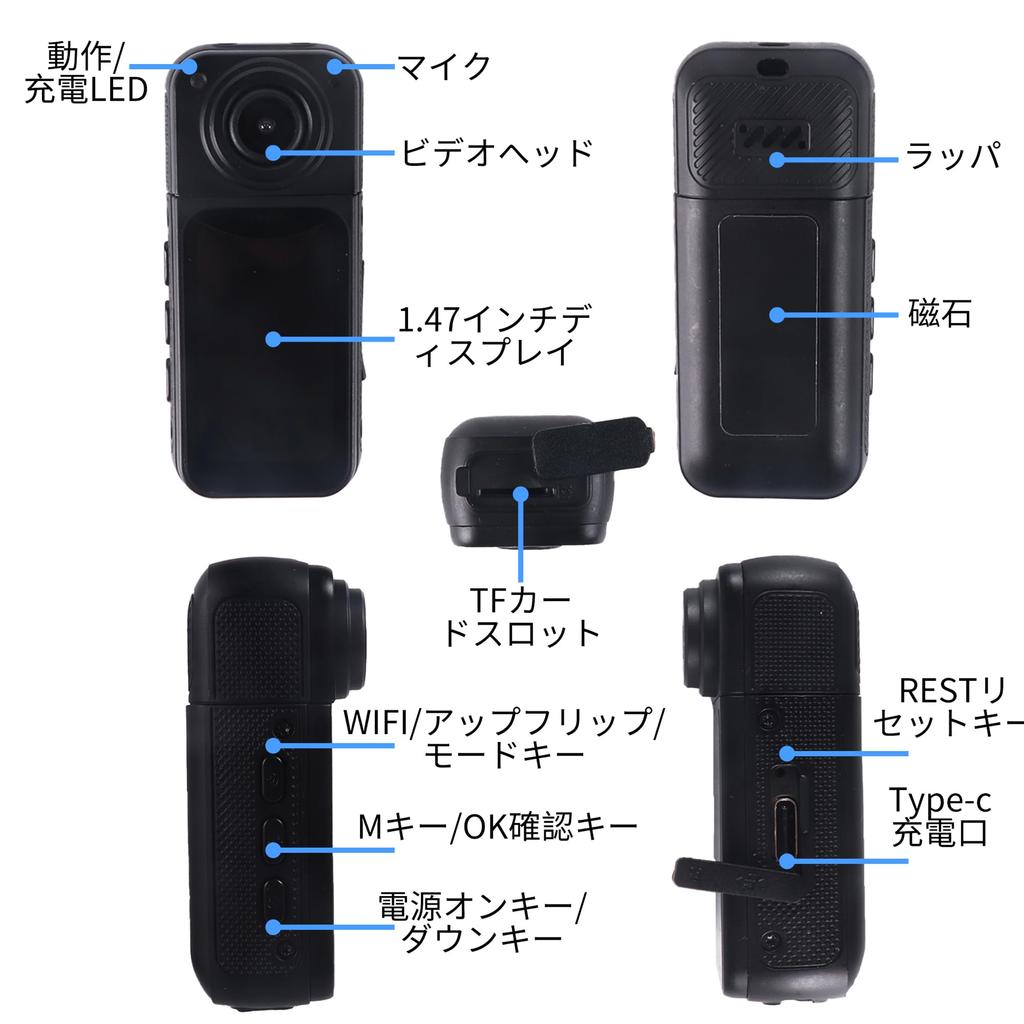
6. Downtime: Press the "RESET" button to resume operation.
7. To maintain optimal camera performance: ・Do not operate outside the camera's temperature range (e.g., in a sauna or hot spring) or in extremely humid environments (>1 hour). ・Do not store in extremely hot or humid environments. Do not remove the camera.
How to Use:
Charging/Powering On the Camera:
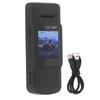
Charge the camera using the Type-C charging cable included in the package. The camera's status LED will turn red while charging and will turn off once fully charged.
Operation Indicator: The blue light indicates recording and shooting, and flashes once per second when recording.
Charging Time: 1 H
Key Operation
Power Key:
A When the camera is off, press and hold the power button to turn it on and off.
B When the camera is on and recording or taking photos, press the dot to confirm.
C When in the settings mode, pressing the power key will activate the drop-down key.
M Menu Key:
In standby mode, click M Menu, then flip up and down (upper WIFI key/lower power key). Briefly press the M key as the confirmation key, and long press the WIFI key to exit the menu.
WIFI Key:
A. Press and hold the WIFI key to enter or exit WIFI.
B. In recording mode, briefly press the WIFI button to lock the file so it won't be erased repeatedly.
C. Enter the menu and press and hold the WIFI key as the exit key.
D. In standby mode, briefly press the WIFI key to switch between recording/shooting/playback. Briefly press the power key as the confirmation key, and long press the WIFI key to exit.
Reset Key: Press the reset key to restore the system.
WIFI App Connection:
1. Long press the WIFI key to open WIFI.
2. Open the app, click the camera icon on the home page to connect to the device, and follow the instructions on the page.
3. In your phone's WIFI list, enter the WIFI name S70-****** and password 12345678 to connect.
[2.7K HD Image Quality and 1.4-inch Display] Supports high-resolution video recording, capturing clear details for everyday photography and professional creative needs. The 1.4-inch preview screen allows for real-time viewing when taking selfies, eliminating the need to frequently adjust the device's angle.
[Lightweight Body & 180° Rotatable Lens] The thumb-sized design makes it comfortable to wear and suitable for 24/7 portability. The lens can be rotated 180 degrees horizontally, allowing for flexible adjustment of shooting angles, meeting diverse shooting needs (selfies, panoramic recording, etc.).
[Portable Magnetic Suction Design] The built-in strong magnetic suction element easily adheres to collars and metal surfaces, freeing up both hands for hiking, cycling, and other activities.
[Instant WiFi Network Transfer] Wirelessly connect to a mobile phone or computer for quick export of materials and real-time screen preview for more efficient sharing.
[Time-Saving Video + Circulating Video Dual Mode] Easily record time-lapse or long-term monitoring, automatically overwriting to save memory space.


 Zwrot w przypadku braku dostawy