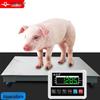
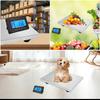
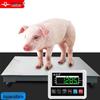
Specifications:
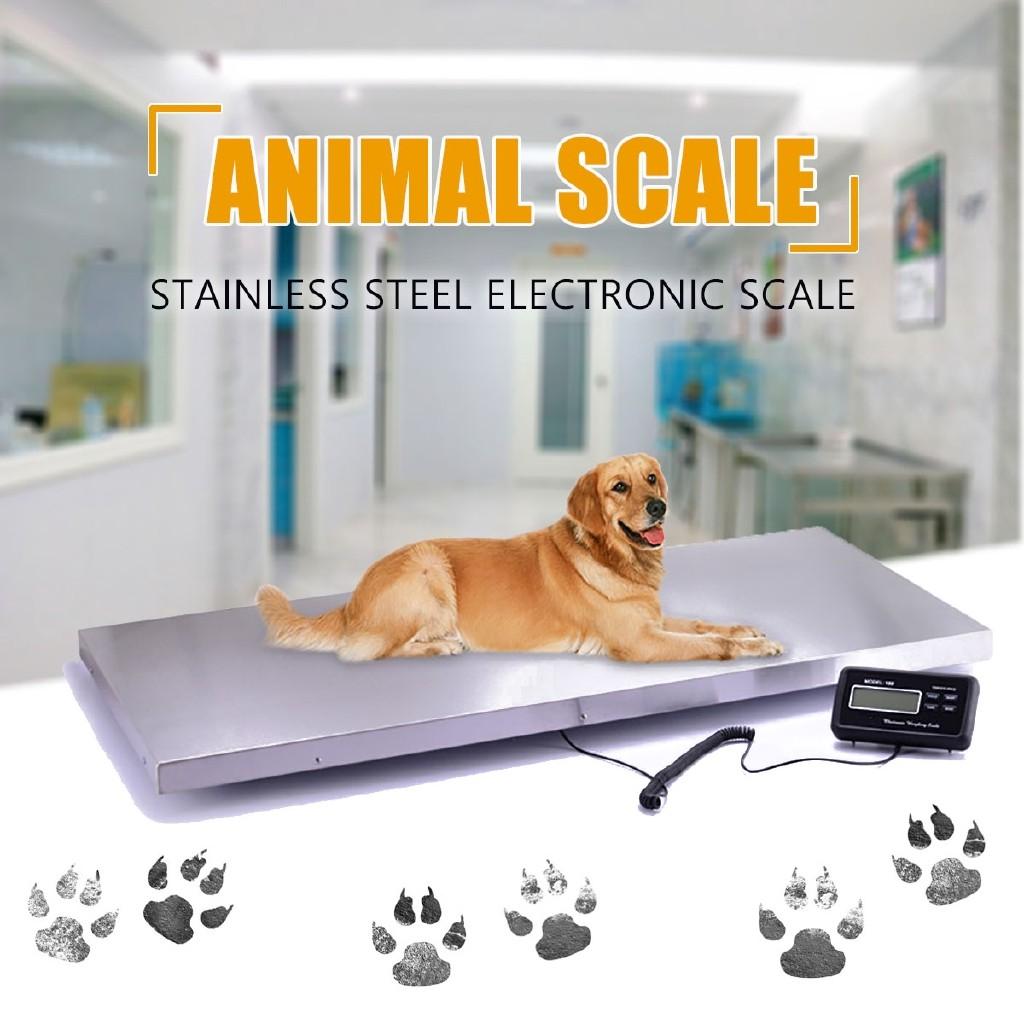
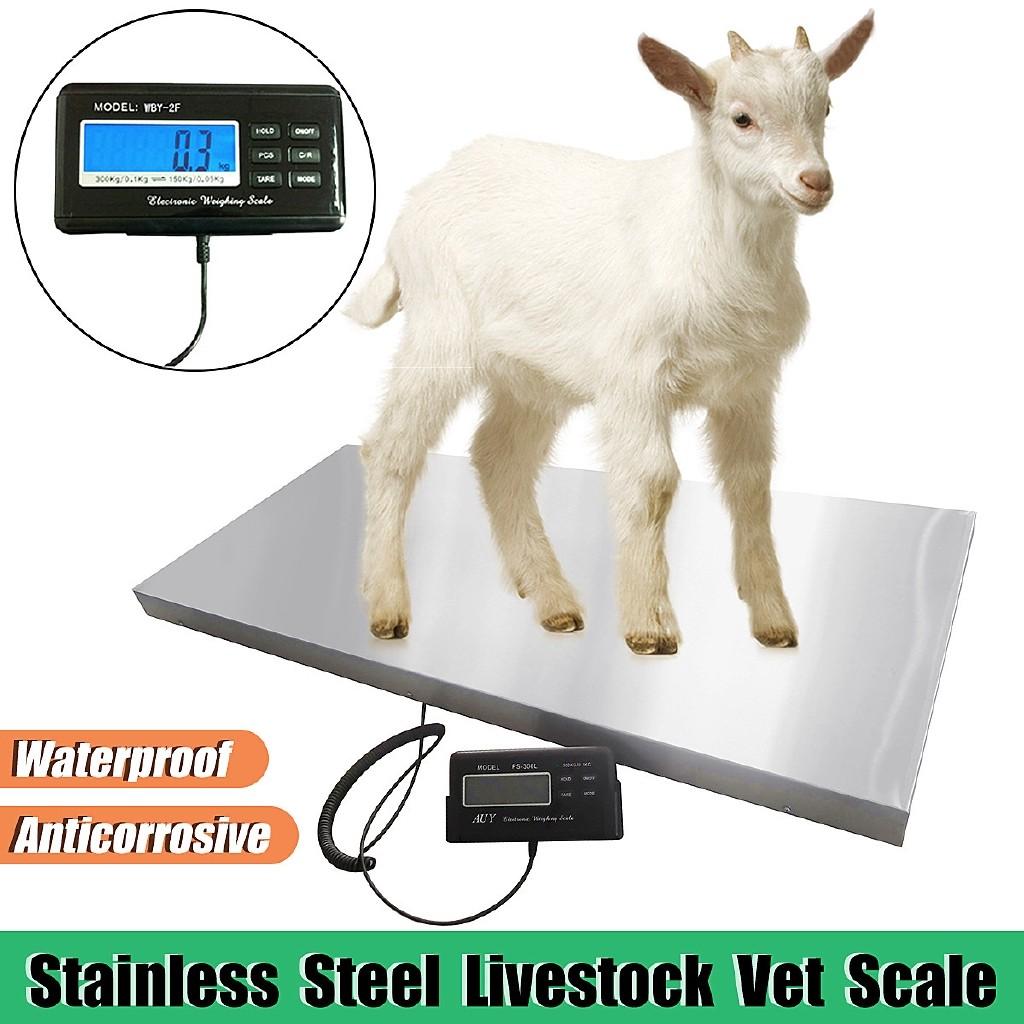
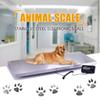
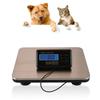
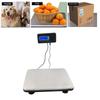
Name: Animal/Parcel Platform Scale
Color: Silver
Material: Stainless steel
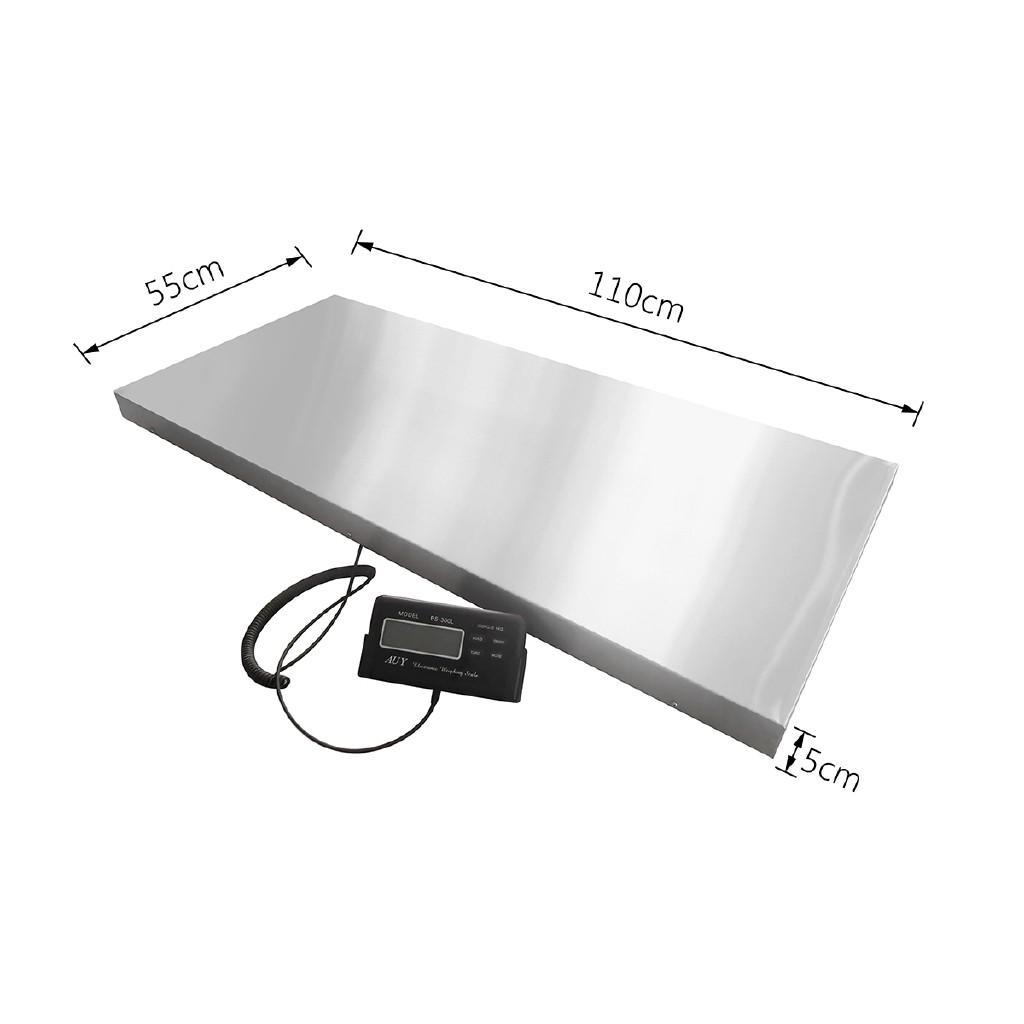
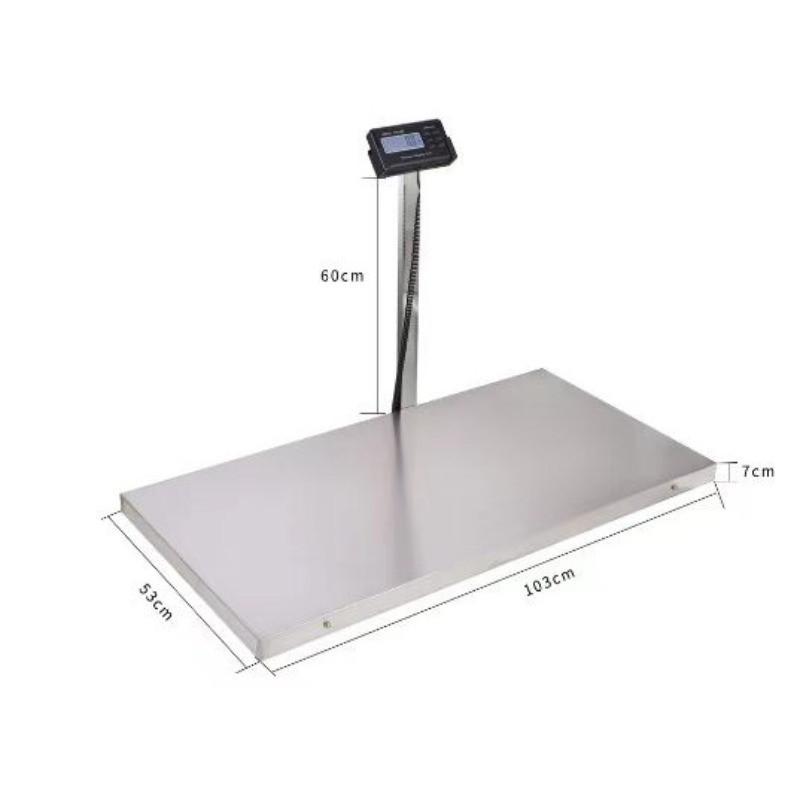
Size: 110×55×5cm (Approx. 43×22×2"")
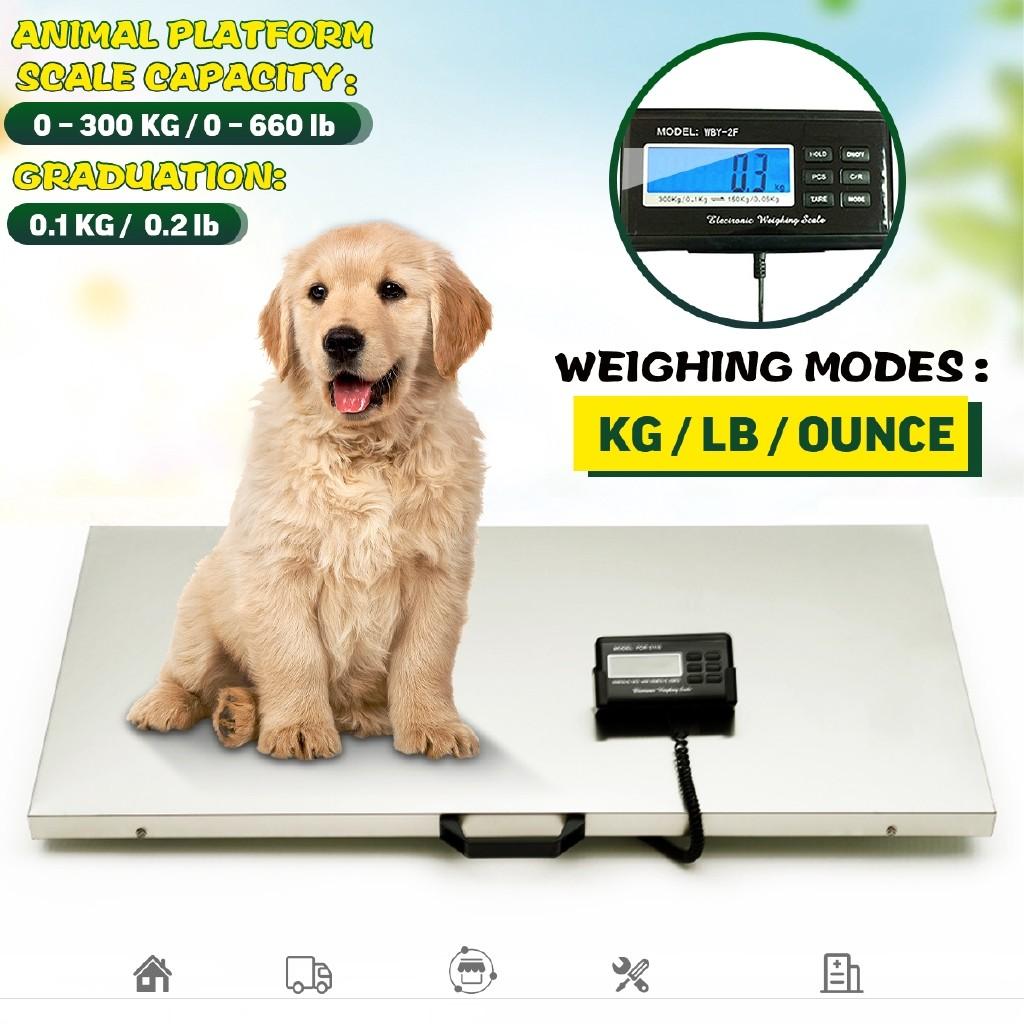
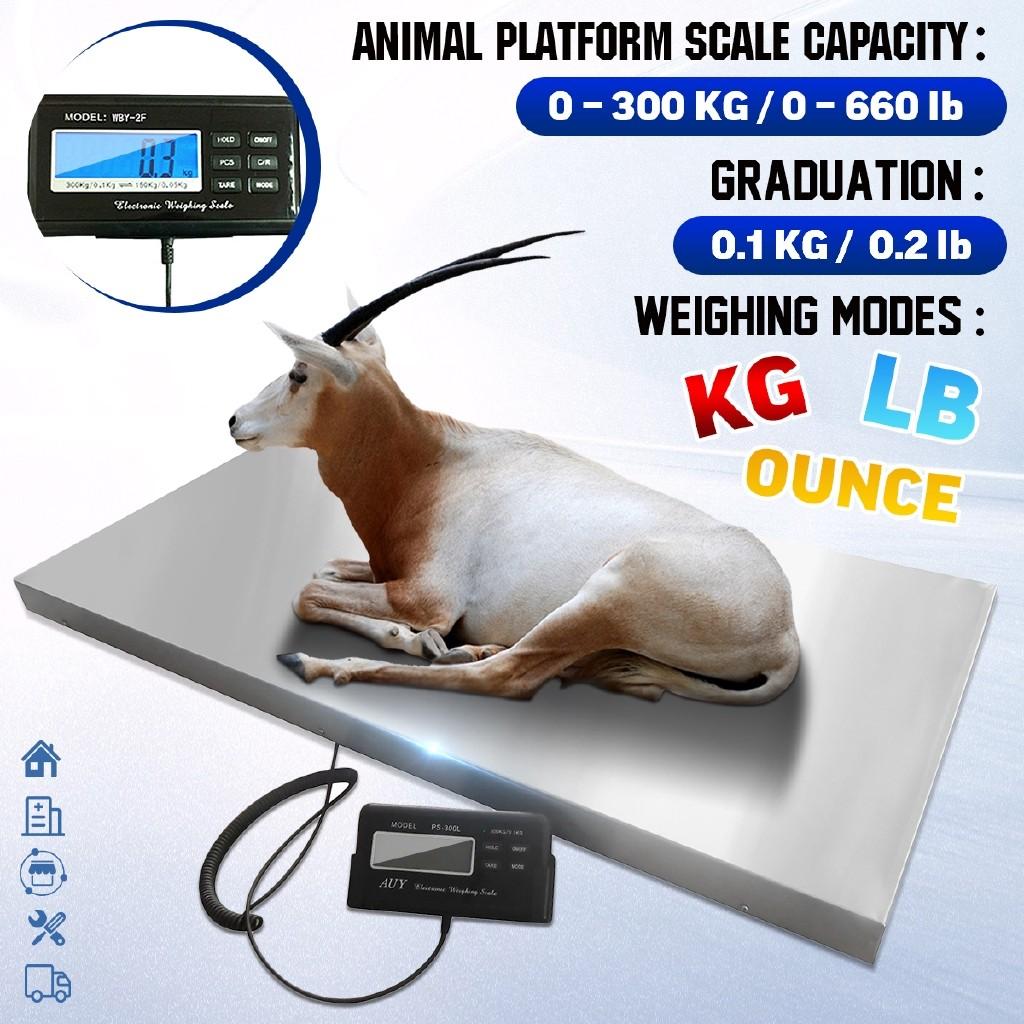
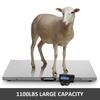
Capacity: 0~300kg, 0~660lb
Graduation: 0.1kg, 0.2lb
Weighing Modes: kg / lb / ounce
Power: 4*AA & AC adaptor
Features:
- Suitable for use in home, medicine, business, industry and transportation.
- Convenient for weighing large size objects.
- Thick and stainless steel platform.
- Easy to operate.(Before each use no need for calibration)
- Easy to chage the units of weight.(Kilogram-Pound-Ounce)
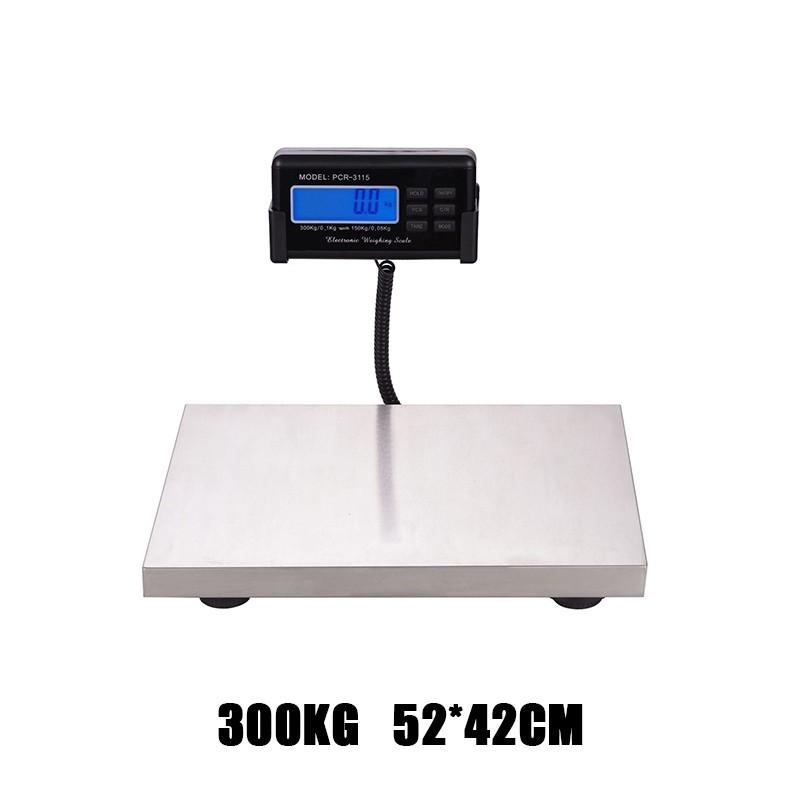
- Big blue LCD backlight.
- Hard key operation.
- Hold key: the reading will be held after taking off the goods, if press the key once more.
- Low battery indication/overload indication.
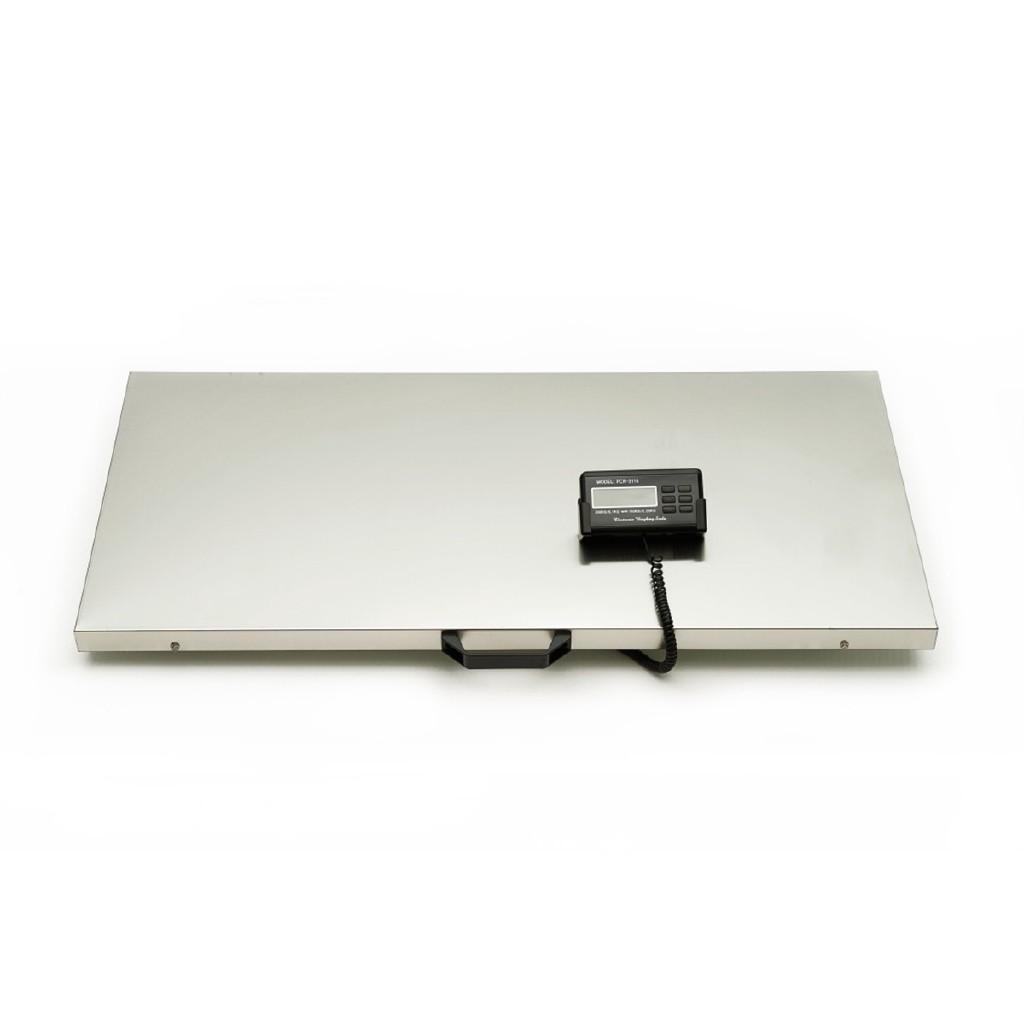
- Super-long cable connecting the screen and platform.
Operation:
- Place 4 pieces of AA size batteries into the scale batteries’ containers(both sides of the indicator) or connect an adaptor.
- Place the scale on a flat, hard, horizontal surface, Press ON/OFF button to turn on the scale.
- Wait until the LCD show 0.00 and the scale ready for weigh.
Package include:
1 x Animal/Parcel Platform Scale
1 x AC adaptor
--------------
1. It must be placed on a flat, solid, and vibration free surface for use;
2. Cannot be used in environments with large temperature changes;
3. Use away from places with significant electromagnetic changes;
4. Only neutral detergent can be used for cleaning.
power supply
1. Use 4 AA batteries or a power adapter to supply power;
2. The power adapter cannot share the same line with high-power appliances, as they may cause interference when starting;
Attention: If the product has not been used for more than one month, please remove the battery.
Key function
ON/OFF: Turn on and off the power supply;
MODE ": Unit conversion and other functions;
TARE: Peel off the skin;
HOLD ": Keep the display reading unchanged;
C/R ": Range conversion;
PCS: Counting function.
weigh
1. Press "ON/OFF" to perform a self check on the product. After 2-3 seconds, it will display "0.0kg" or "0.00kg" and enter weighing mode.
2. Weight unit: After turning on, the default weight unit is "kg". Press the "MODE" button to convert units. Each time you press it, the units will cycle through "kg" - "oz" - "lb".
3. Items beyond the maximum range cannot be placed on the scale, otherwise the sensor may be damaged.
When weighing animals, they should be placed in trays or cages.
5. Press the "C/R" key to select the appropriate range and accuracy.
Notice:
1. Please allow 1-5mm error due to manual measurement. Please make sure you do not mind before you bid.
2. The colors may have different as the difference display, please understand.
3. This scale has been calibrated prior to shipment, however, accuracy may be affected by variations of gravity, shipment, handling and changes of temperature.