----------------------------------------------------------------------
【Voltage Compatibility】
When using electrical appliances, please note that they are designed for Japanese voltage specifications (90-110V), so if you use them with a different voltage, it may cause a malfunction.
【Plug Type】
Our products use Japanese plug types (A or B type).
Please use a conversion adapter if necessary.
【Important Note on Transformers and Adapters】
A transformer adjusts voltage to match your device’s requirements.
A conversion adapter only changes the plug shape and does not adjust voltage.
Using only a conversion adapter without a transformer may result in damage to the product.
【Liability】
We are not responsible for malfunctions or damages caused by improper use, such as operating the product without a transformer.
----------------------------------------------------------------------
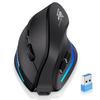
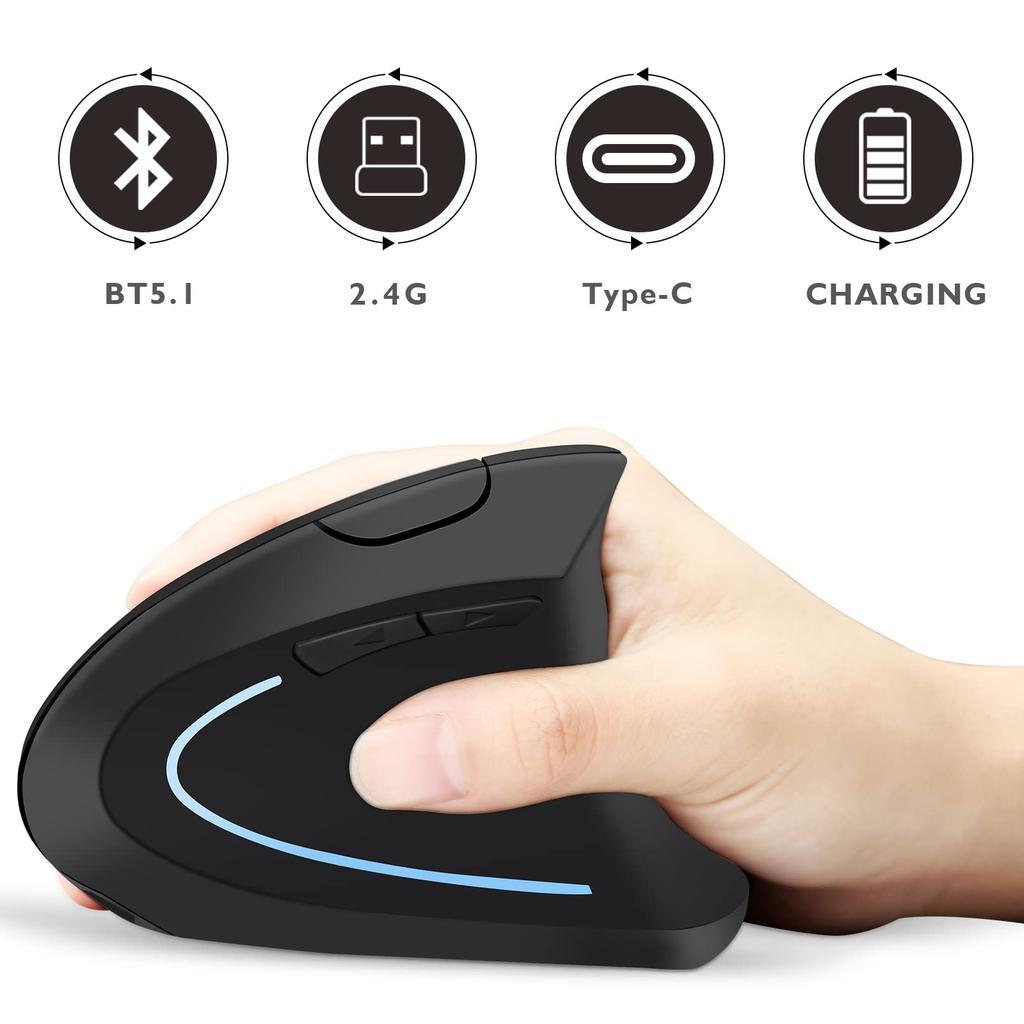
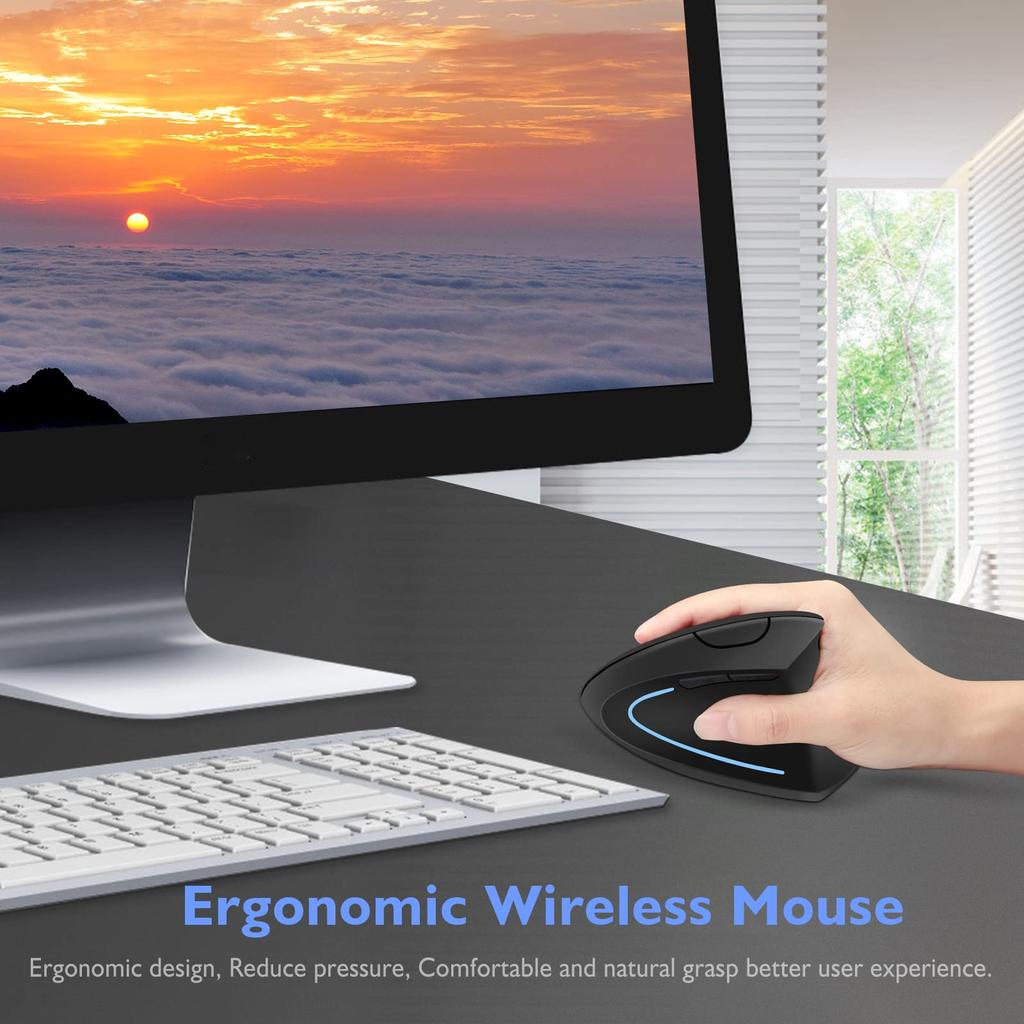
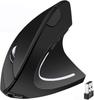
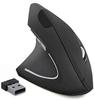
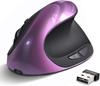
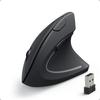
【2022 Latest Upgrade Optical Ergonomic Design】Specially designed to reduce the overall pressure on your hands and allow you to use the mouse for long periods of time, providing a more comfortable experience.
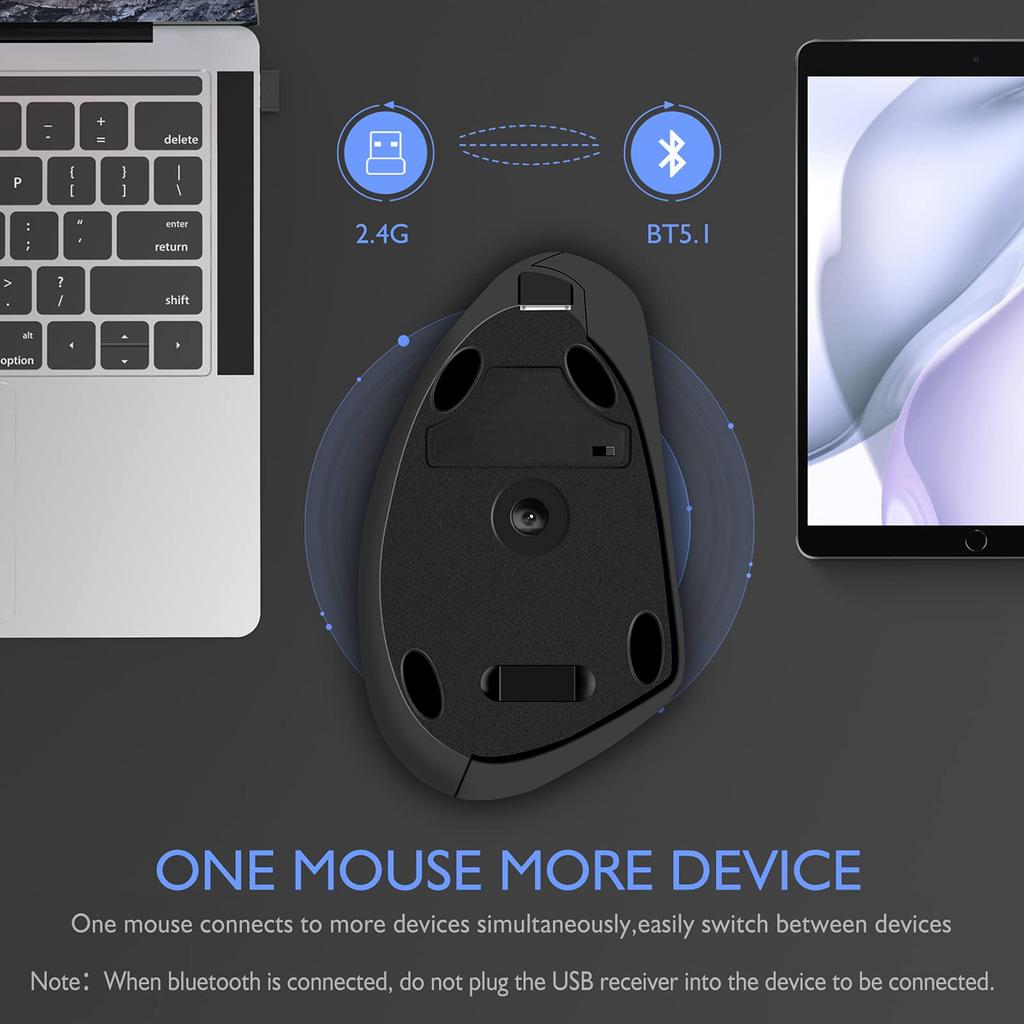
Dual-Mode Bluetooth Mouse (BT 5.1 + 2.4GHz): This dual-mode wireless mouse allows you to freely switch between two devices with one mouse. Note: When selecting Bluetooth connection, do not insert the USB receiver into the device you are connecting to. Otherwise, the 2.4GHz connection will be automatically selected.
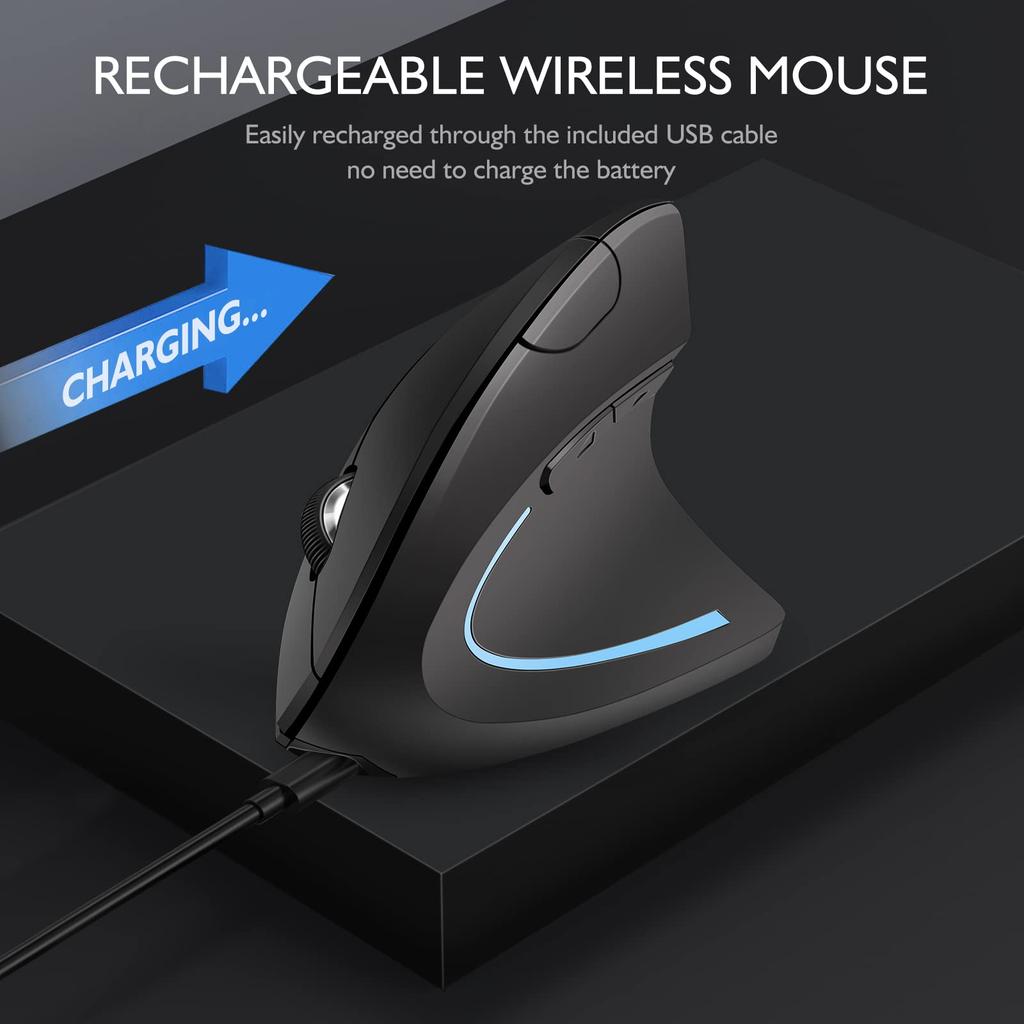
Built-in and Automatic Energy-Saving: The mouse is built-in and comes with a charging cable. No batteries need to be replaced. To save power, the mouse will go to sleep after 10 minutes of inactivity. You can wake it up by clicking any button.
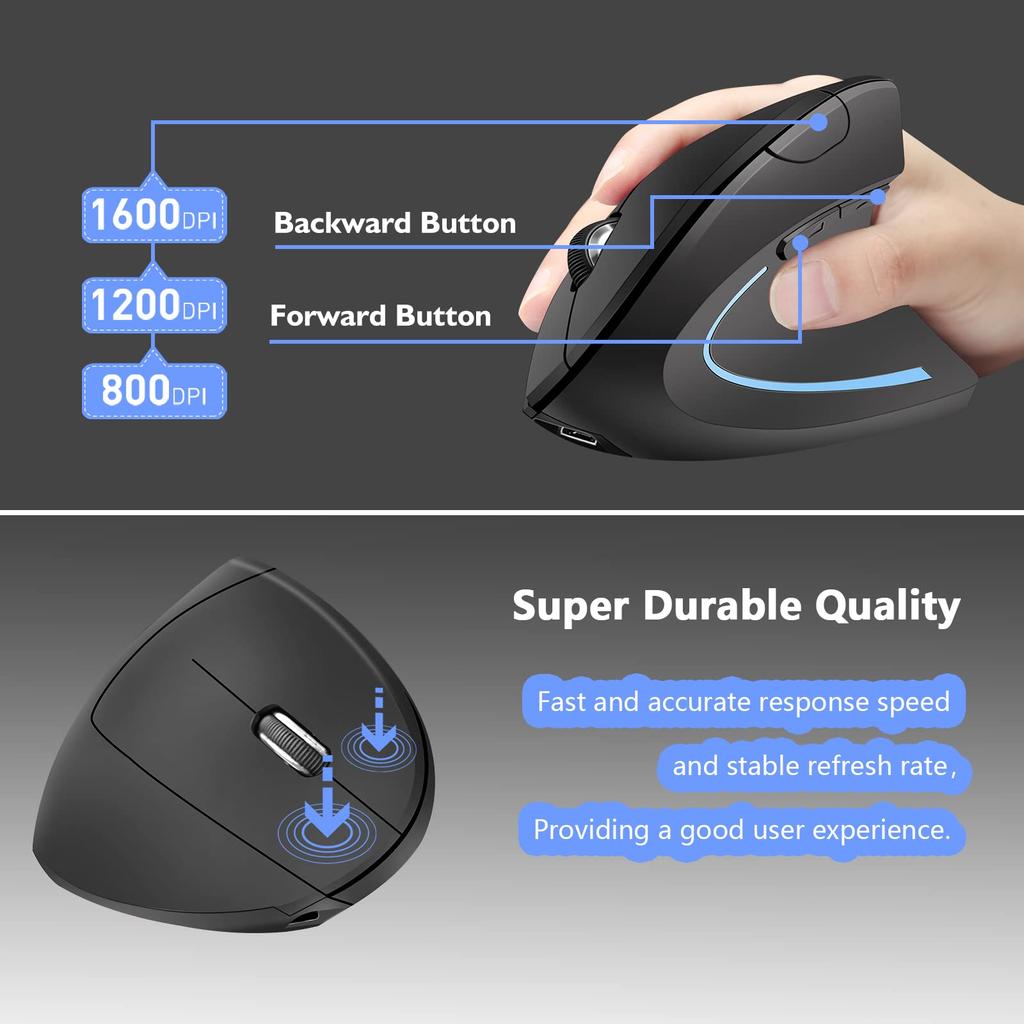
【3 DPI Levels & Silent Click】Three levels of DPI: 1000, 1200, and 1600, satisfying your different needs. The special soundless design for the left and right buttons allows you to concentrate on your work or game without disturbing others.
[Multi-function buttons] "Forward" and "Back" buttons are convenient for browsing pages and playing games.
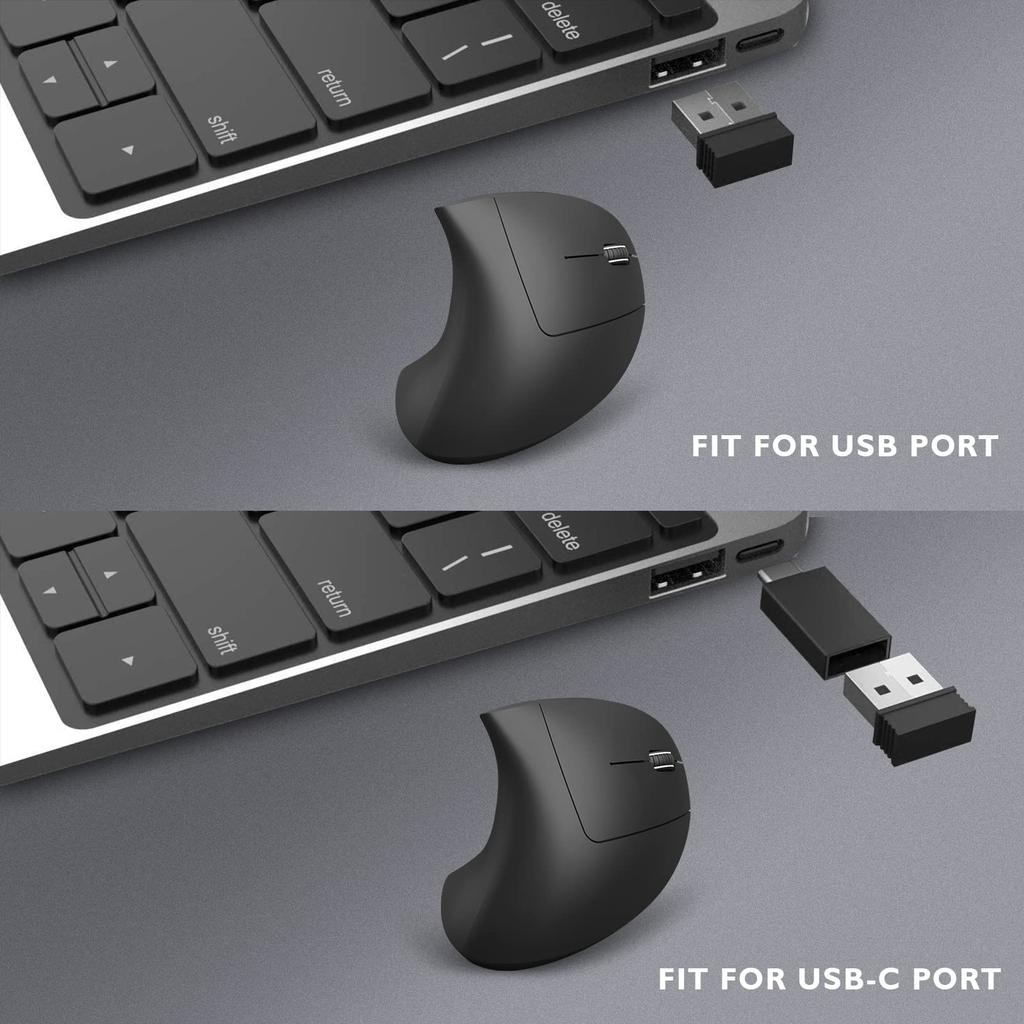
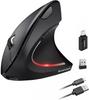
Tips: The scientific ergonomic design keeps your wrist and arm in a healthy position, allowing for smooth movement and reducing overall stress. How to Use: A. 2.4GHz Mode: Switch to the "ON/OFF" button on the right. Plug the receiver into a USB port or use a USB-C adapter to connect it to your computer's Type-C port. Then you can use the mouse in 2.4GHz mode. B. Bluetooth Mode: Turn on Bluetooth on your device and power on the mouse. Press the DPI button or press the left, roller, and right buttons together for 5 seconds. When the mouse name appears on your device, click it to connect. Note: System Requirements: Windows 8/10, Android 4.2 or later, Mac & iOS 10.10 (compatible with 4.2BLE, 4.1BLE, 4.0BLE or earlier). Package List: 1 x Dual Mode Mouse, 1 x Charging Cable, 1 x USB Receiver (mouse grounded), 1 x Type-C Adapter. Note: 1. The mouse cursor will turn off when it starts moving slowly or stops moving.
Please charge the mouse. Note: Do not charge the mouse with a mobile phone charger. 2. Please charge the mouse for 2 hours before using it for the first time. The blue light next to the scroll wheel will be on while charging and will turn off when the mouse is fully charged. 3. Not all computers support two modes. For example, Windows 7 does not support Bluetooth mode. 4. Bluetooth mice have a memory function. When the mouse is connected to another device, if you want to connect to a device that was not last connected to the mouse, you will need to reconnect it to the device. 5. When selecting the Bluetooth connection method, do not insert the USB receiver into the device you want to connect to. If not connected, the 2.4G connection method will be automatically selected.



 Zwrot w przypadku braku dostawy



![Perix Ergonomiczna mysz bezprzewodowa Mała cicha konstrukcja Gumowana obróbka Ergonomia dla użytkowników Gwarantowana PERIMICE-719L Leworęczna [Oryginalny produkt]](https://img.joomcdn.net/ef25a41b726afdd00a767ab589c63949d0de8a5a_100_100.jpeg)