----------------------------------------------------------------------
【Voltage Compatibility】
When using electrical appliances, please note that they are designed for Japanese voltage specifications (90-110V), so if you use them with a different voltage, it may cause a malfunction.
【Plug Type】
Our products use Japanese plug types (A or B type).
Please use a conversion adapter if necessary.
【Important Note on Transformers and Adapters】
A transformer adjusts voltage to match your device’s requirements.
A conversion adapter only changes the plug shape and does not adjust voltage.
Using only a conversion adapter without a transformer may result in damage to the product.
【Liability】
We are not responsible for malfunctions or damages caused by improper use, such as operating the product without a transformer.
----------------------------------------------------------------------
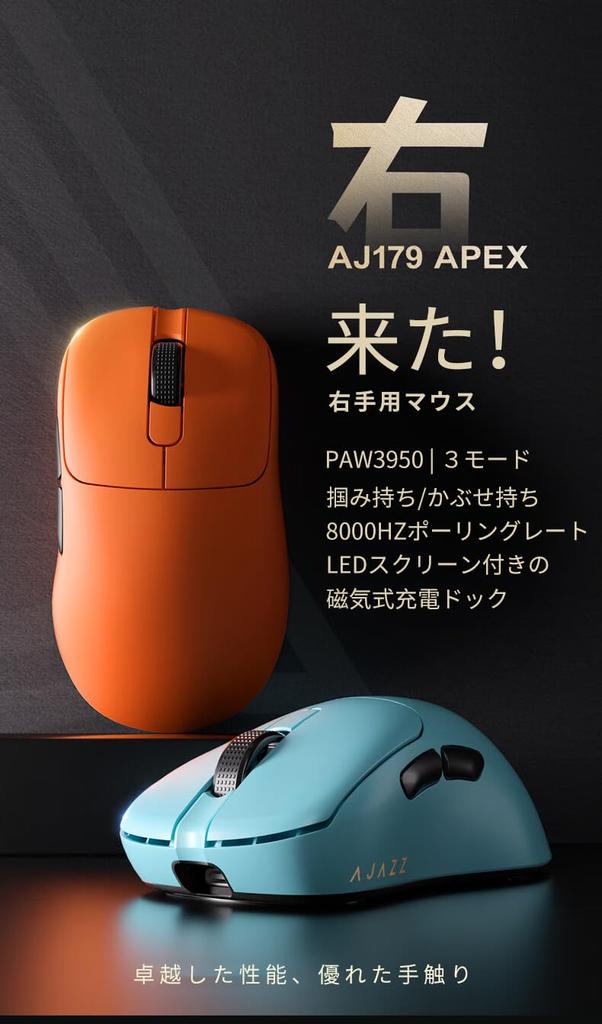
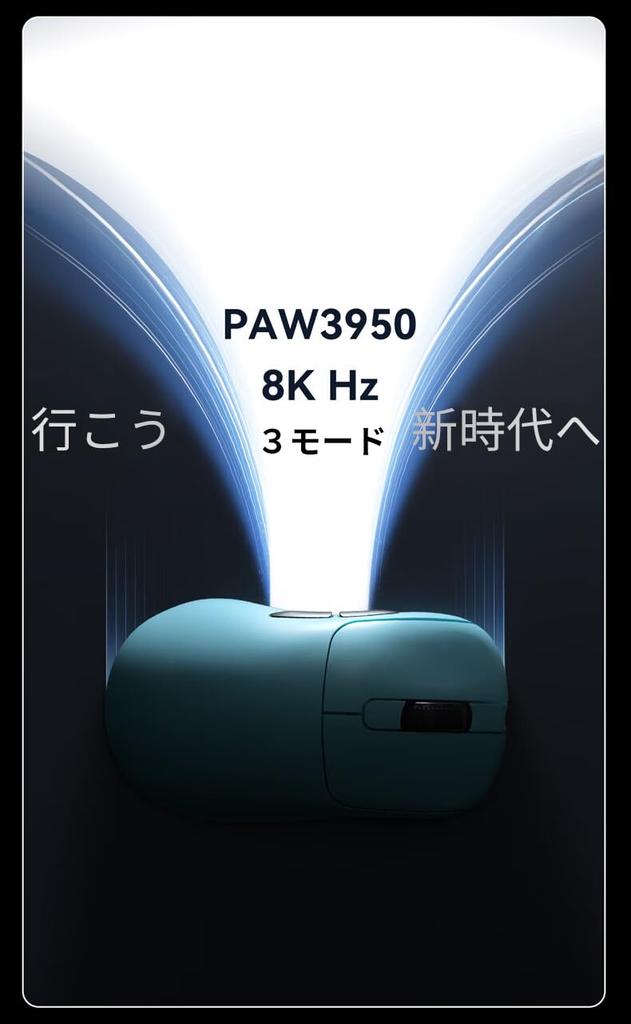
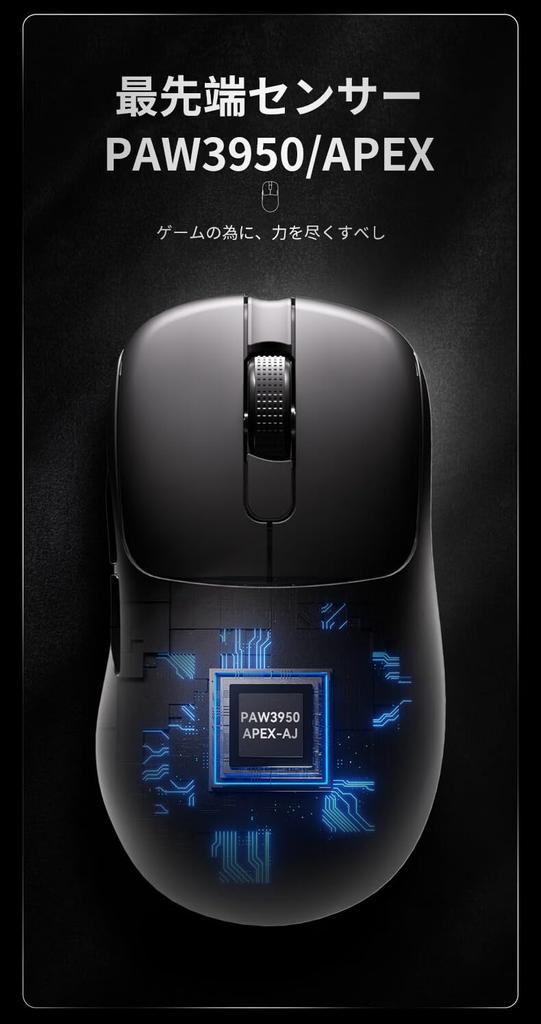
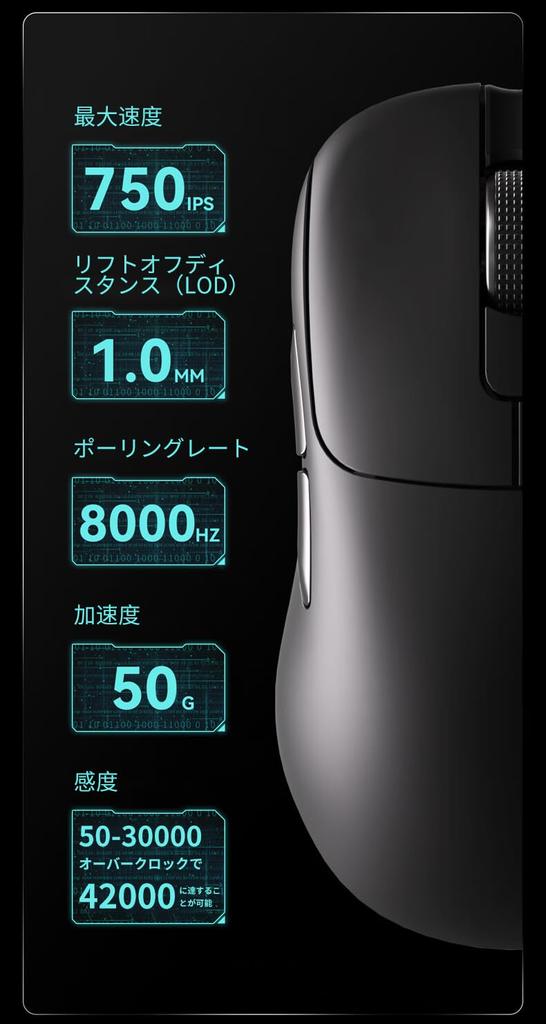
Cutting-edge Optical Sensor & Ultra-Speed 8KHz: This mouse is equipped with PixArt's cutting-edge optical sensor, the PAW3950, for smoother, more precise control and a deeper gaming experience. It boasts a maximum acceleration of 50G, a maximum tracking speed of 750 IPS, and a maximum DPI of 30,000 (up to 42,000 DPI when overclocked). The polling rate is 8 times faster than previous models, reaching 8,000 Hz.
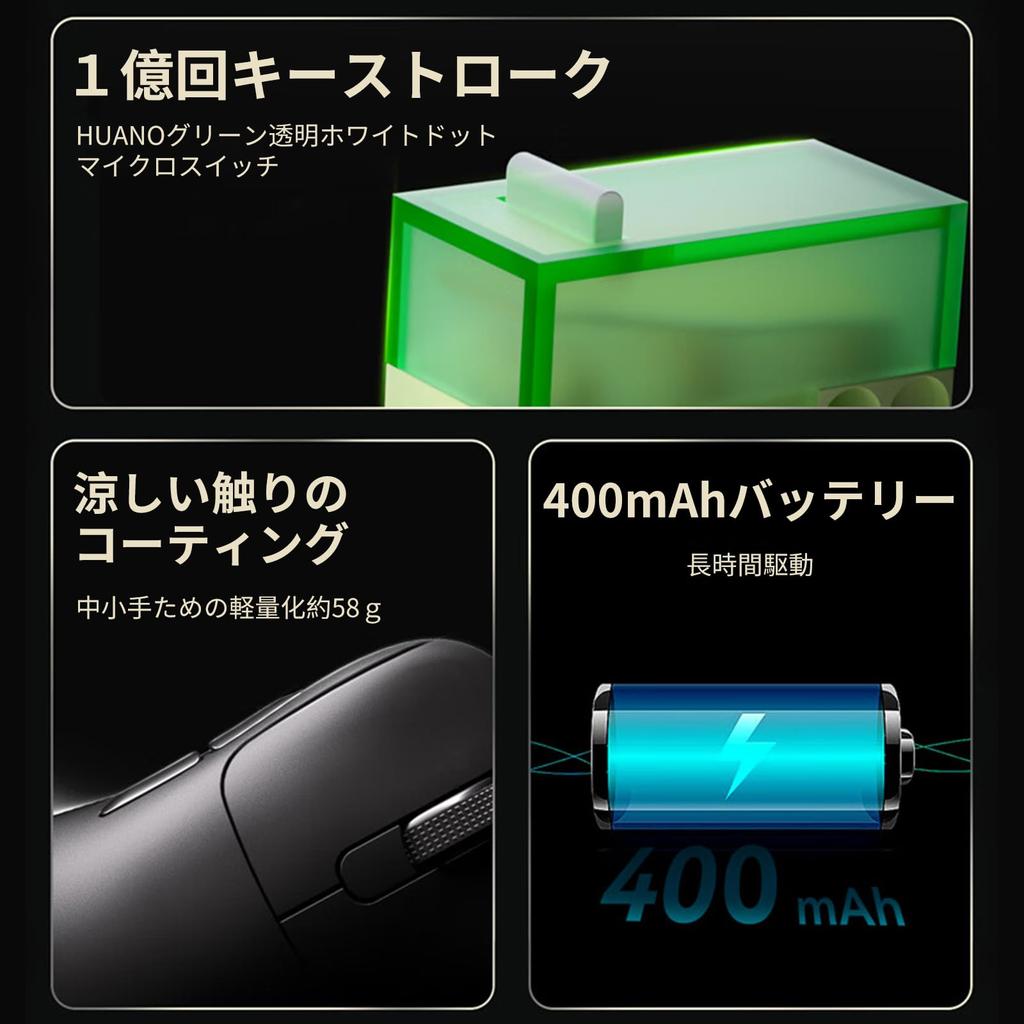
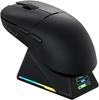
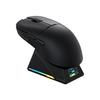
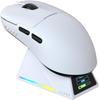
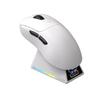
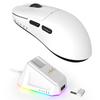
[Magnetic LED Screen Charging Dock] This mouse is equipped with a 400mAh battery for extended use. It also comes with a magnetic charging dock. Eliminate the need for cable charging by simply placing the mouse on the charging dock. The magnetic design ensures fast and stable charging. The magnetic charging dock also features an LED screen. It displays information such as the time and date, which is very convenient. It also displays information such as the mouse's DPI, polling rate, and lift-off distance (LOD), making the mouse status clear at a glance, whether you're gaming or working. You can also customize the screen display via the driver.
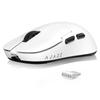
[Right-Handed Ergonomic Design] This gaming mouse features an ergonomic design, making it ideal for right-handed players. Its compact size and lightweight design (weighing just 58 grams) combined with a cool-touch coating make it smudge- and fingerprint-resistant, smooth to the touch, and durable, protecting it from dirt and moisture while maintaining a comfortable feel and reducing fatigue even during extended gaming sessions.
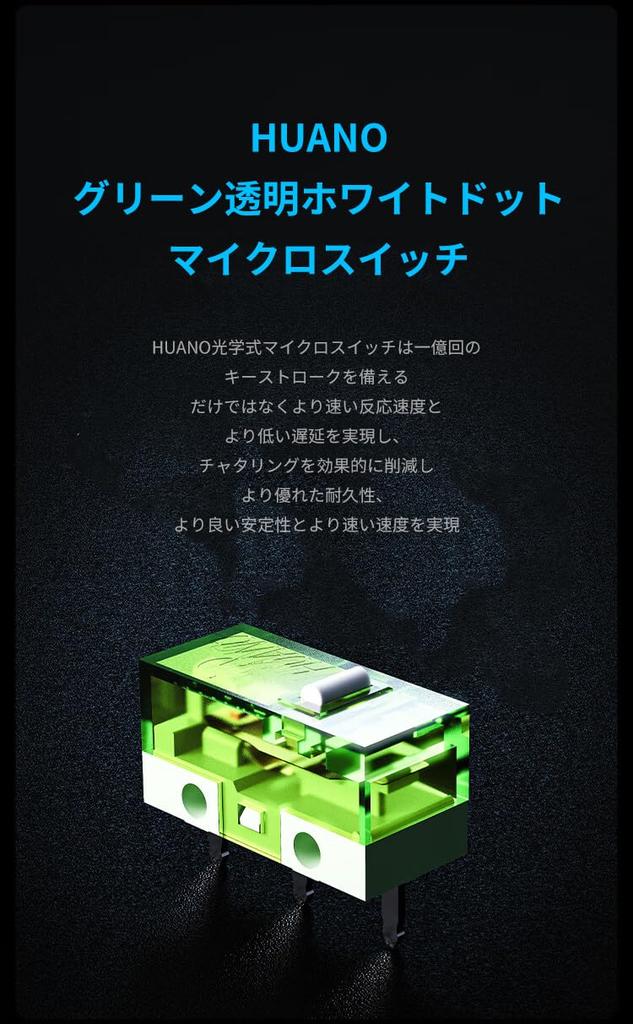
[Excellent Durability] This wireless mouse features a 400mAh battery, allowing for worry-free use even over long periods of time. The magnetic charging dock design eliminates the need for traditional cable charging; simply place the mouse on the charging dock to charge, and the LED screen displays the remaining charge. The HUANO green transparent white dot microswitch provides a battery life of up to 100 million clicks, making it both lightweight and durable.
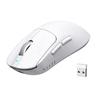
[Tri-Mode Connection Method] This gaming mouse supports three connection methods: Bluetooth, 2.4G, and Type-C. It can be used comfortably in any environment, whether gaming or work. Connection is also extremely simple. "2.4G Connection": Shift the switch on the bottom of the mouse to 2.4G to enter 2.4G mode. Alternatively, in 2.4G mode, press and hold the right and left buttons and the wheel simultaneously for about five seconds until the green light flashes to enter pairing mode. Once the 2.4G receiver is connected, the mouse is ready to use. "Type-C Wired Connection": Regardless of the mode, the mouse will automatically enter wired mode and begin charging once connected via cable. "Bluetooth Connection": Shift the switch on the bottom of the mouse to BT to enter Bluetooth mode. Once in Bluetooth mode, press and hold the DPI/PR button for about five seconds until the blue light flashes to enter Bluetooth pairing mode.
【High-Quality After-Sales Service】We strive to provide the best after-sales service to all customers who purchase this gaming mouse. If you have any problems during use, please feel free to contact us. We will respond within 24 hours.
Cutting-Edge Optical Sensor & Ultra-Speed 8KHz: This mouse features PixArt's cutting-edge optical sensor, the PAW3950, for smoother, more precise control and a deeper gaming experience. It boasts a maximum acceleration of 50G, a maximum tracking speed of 750 IPS, 30,000 DPI (up to 42,000 DPI when overclocked), and a polling rate of 8,000 Hz, more than eight times faster than previous models. Magnetic LED Screen Charging Dock: This mouse boasts a 400mAh battery for extended use. It also comes with a magnetic charging dock. Simply place the mouse on the charging dock, eliminating the need for cable charging. The magnetic design ensures fast and stable charging. The magnetic charging dock also features an LED screen, which conveniently displays information such as the time and date. It also displays mouse DPI, polling rate, and lift-off distance (LOD), providing a clear overview of your mouse's status whether gaming or working. You can also customize the screen display using the driver.
[Right-Handed Ergonomic Design] This gaming mouse features an ergonomic design, making it ideal for right-handed players. Its compact size and lightweight design (weighing just 58 grams) combined with a cool-touch coating make it smudge- and fingerprint-resistant, improves grip, and enhances durability. It protects against dirt and moisture while maintaining a comfortable feel and reducing fatigue even during extended gaming sessions. [Excellent Durability] This wireless mouse features a 400mAh battery, ensuring worry-free use even during extended periods of use. The magnetic charging dock design eliminates the need for traditional cable charging; simply place the mouse on the charging dock to charge, and the LED screen displays the remaining charge. The HUANO green transparent white dot microswitch provides a lifespan of up to 100 million cycles, making it both lightweight and durable. [Tri-Mode Connection] This gaming mouse supports three connection methods: Bluetooth, 2.4G, and Type-C. It can be used comfortably in any environment, whether gaming or work. Connection is extremely simple.
"2.4G Connection": Shift the switch on the bottom of the mouse to 2.4G to enter 2.4G mode. Alternatively, in 2.4G mode, press and hold the right and left buttons and the wheel simultaneously for about 5 seconds until the green light flashes to enter pairing mode. Connect the 2.4G receiver and the mouse will be ready to use. "Type-C Wired Connection": Regardless of the mode, the mouse will automatically enter wired mode and begin charging once connected with a cable. "Bluetooth Connection": Shift the switch on the bottom of the mouse to BT to enter Bluetooth mode. Once in Bluetooth mode, press and hold the DPI/PR button for about 5 seconds until the blue light flashes to enter Bluetooth pairing mode. [High-Quality After-Sales Service] We strive to provide the best after-sales service to all customers who purchase this gaming mouse. Please feel free to contact us with any issues you may have during use. We will respond within 24 hours.