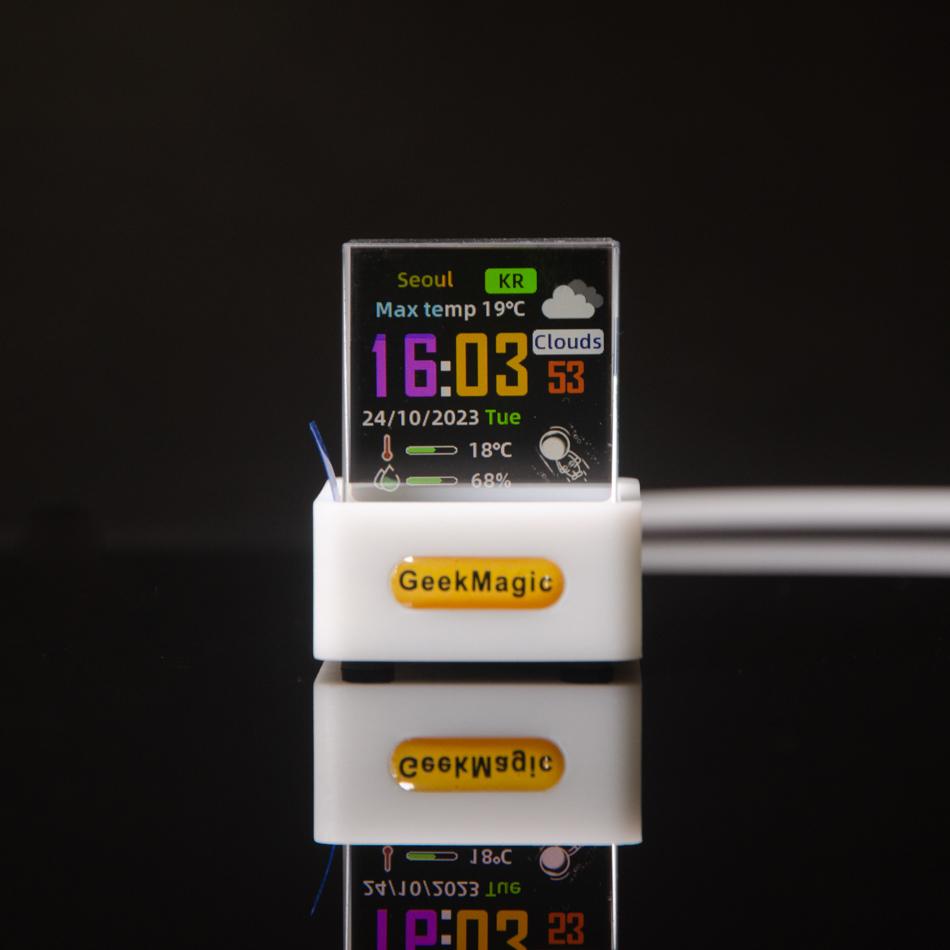
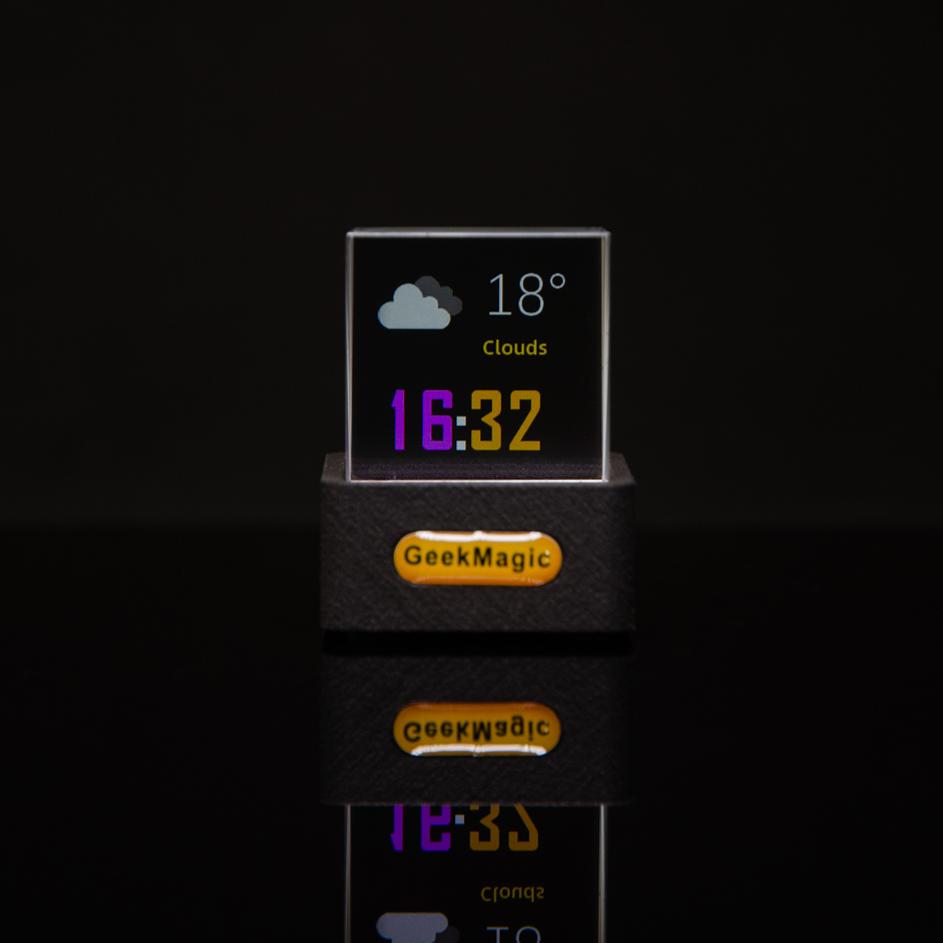
Size: 3.8*3.5*3.1cm
Origin : China
Is Smart Device : YES
Length : 38mm
Weight : 80g
Diameter : 35mm
Width : 31mm
Model Number : HelloCubic-Lite
Function : With Backlight
Shape : Geometric
Material : Glass & Crystal
Style : Brief
Motivity Type : Digital
Display Type : DIGITAL
Type : Desk Clocks
Just another cool gadget on your desk
Mini crystal display does not take much place of your desk
GeekMagic
---Crystal Display---
Smart po album
Upload pos of your loved ones to a transparent display to adorn your computer
desk. It not only can display JPG images but also plays GIF pictures, so when you place
pictures of your favorite things in it, every glance will radiate joy!
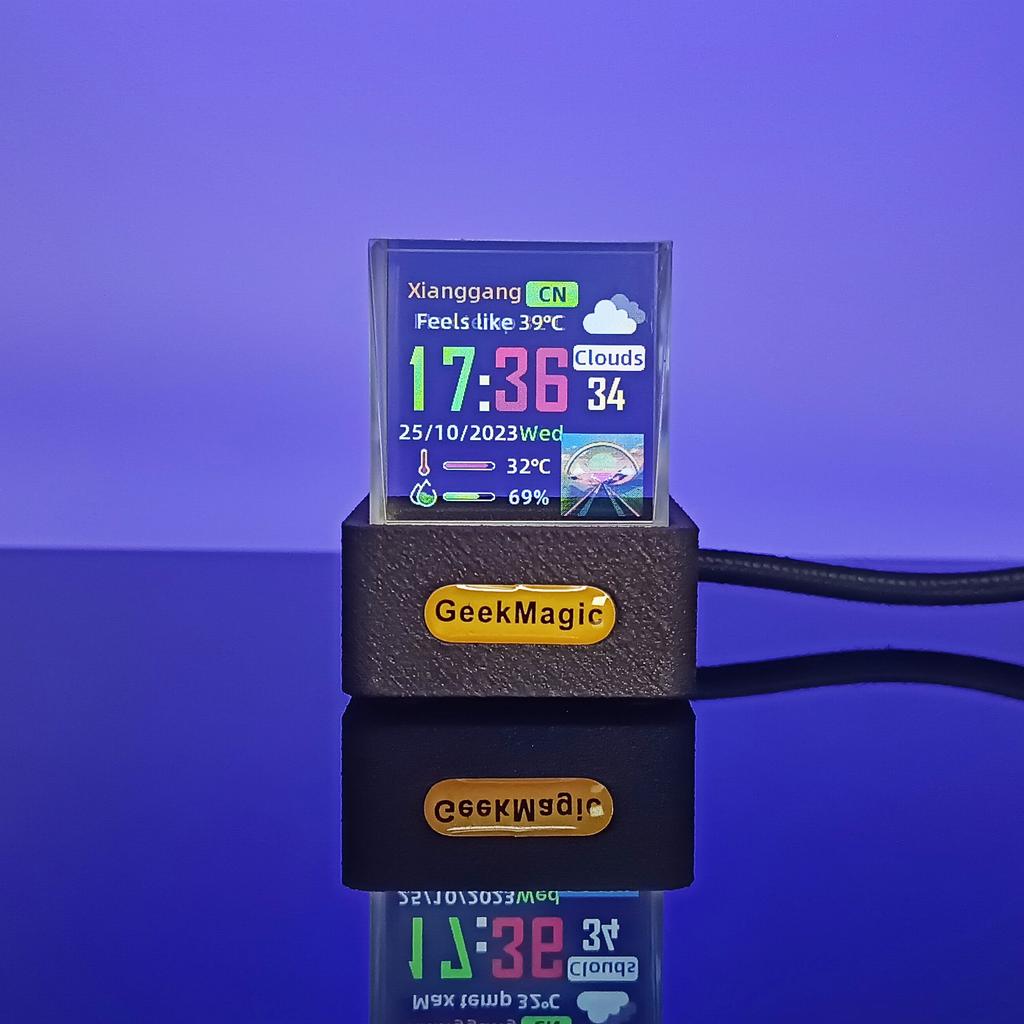
Custom upload image: The gif at the bottom right corner of the weather interface is 80x80px; Total free space 1-2MB for you to customize.
The full screen size image is 240x240px. You can put your favorite pos on the desktop for display!
Mobile 2.4g spot or router 2.4g WiFi connection: During initial settings, after entering the local city, the time and weather will be synchronized and updated online.
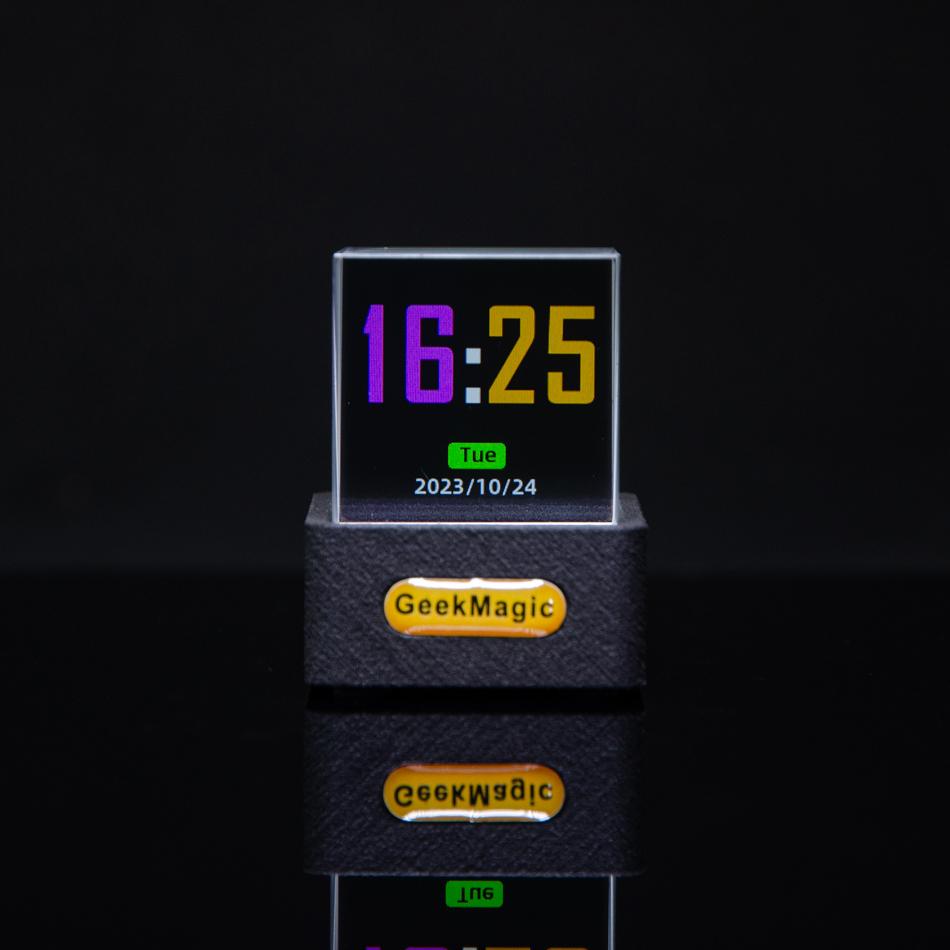
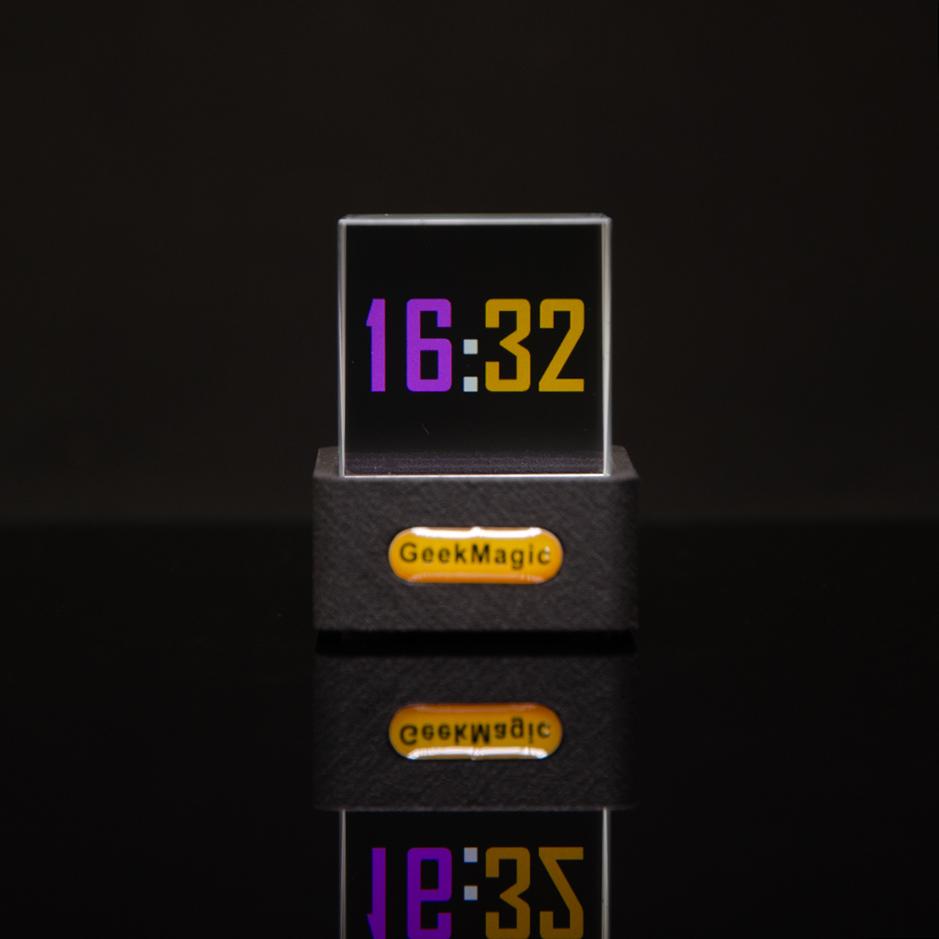
If used at the bedside to avoid brightness interference with sleep, the clock brightness can be adjusted and night mode can be set. You can also change the number font and color, so set your preferred display screen to use it
24-HOUR 12-HOUR
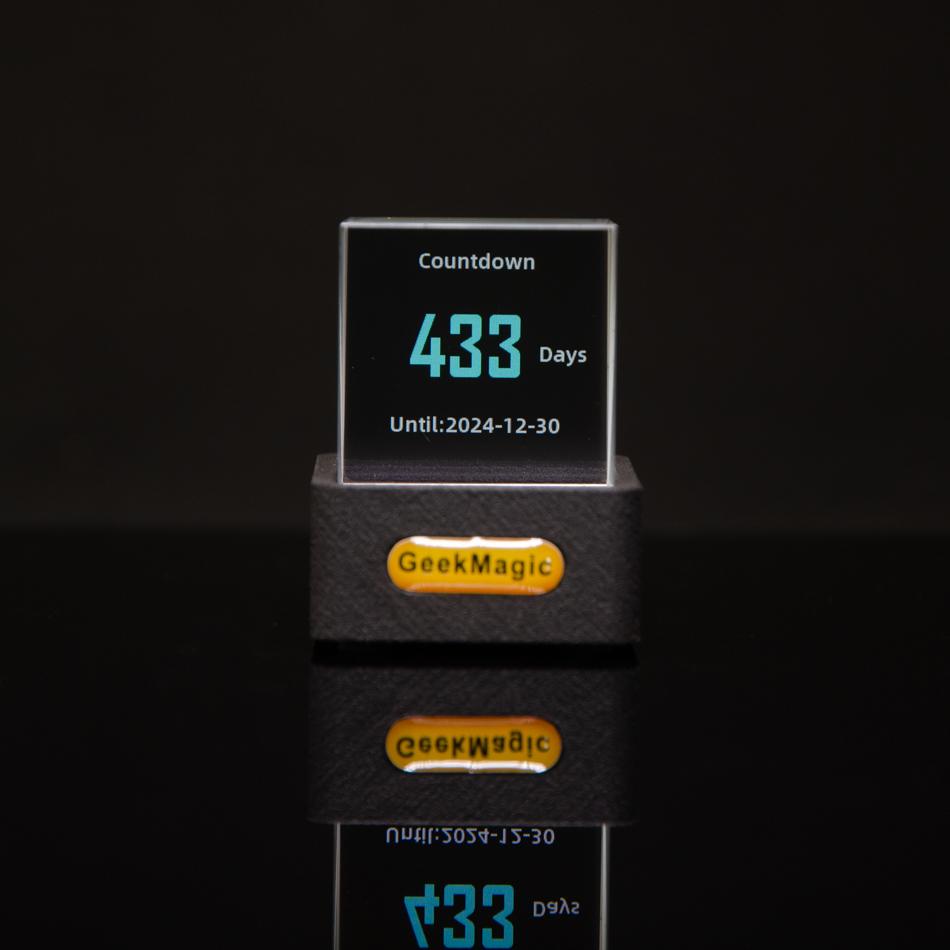
Countdown of days
ATTRACTING EYESAlthough the clock is small, the brightly colored screen will make our gaze linger, especially when moving GIF images, it will feel very cute and cute!Precautions:1. Beware of anti slip for prisms2. Connect USB Type-c cable for clock power supply3. Make the front of the clock clearly visible at eye levelIf the prism does not display after turning on the power, please ensure that the orientation of the prism is correct, as the prism display is directional, so only one reflective screen can be seenThe first step is to start with Wi Fi connection: When the power is first plugged into the product, a "GIFTV" spot name and IP address will be displayed on the screen. Connect yourcomputer or phoneto the "GIFTV" WiFi, and then enter the displayed IP address in the address bar of your phone or computer browser. Click "access" to enter the clock background settings interface*5G Wi-Fi not supportedClock Control web interfaceSelect "Network" in the top left corner, click to scan for surrounding WiFi connections, select the WiFi that needs to be connected, directly enter SSID and password, click Save, and then observe whether the network is successful after the clock restarts
After completing the WiFi connection, the product will restart and a new IP will appear on the screen. It will disappear within 2-3 seconds, so remember it or take a po. If you miss it, you can power off and reinsert it, but it will still display after turning on the computerSimplified large font clockvisible from 3-4 meters awayAutomatic switch display of several themes
Or set the favorite theme you like manuallyPRODUCT PACKAGINGToal weight about 0.13kg