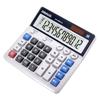
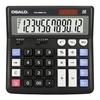
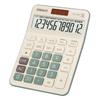
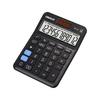
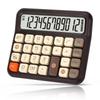
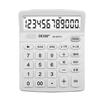
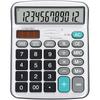
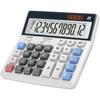
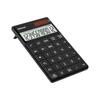
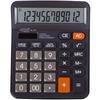
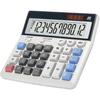
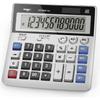
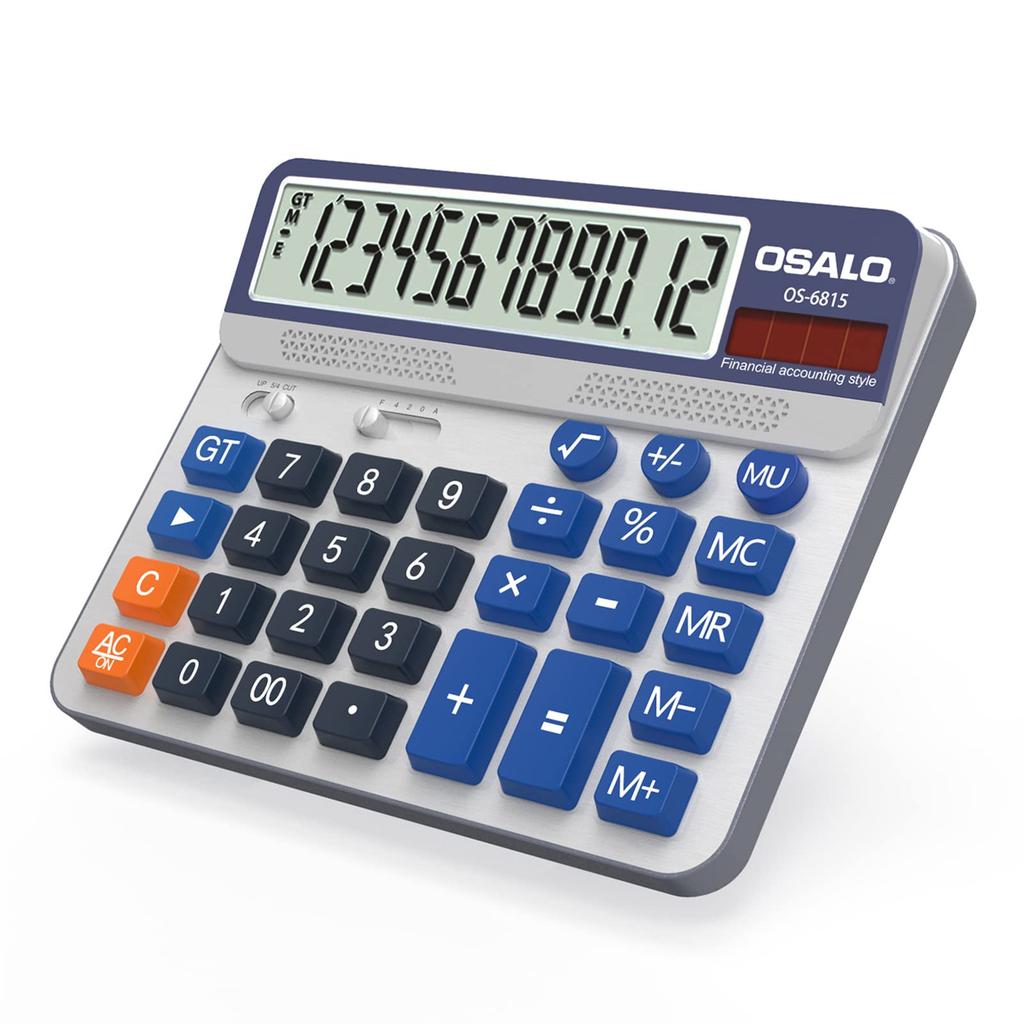
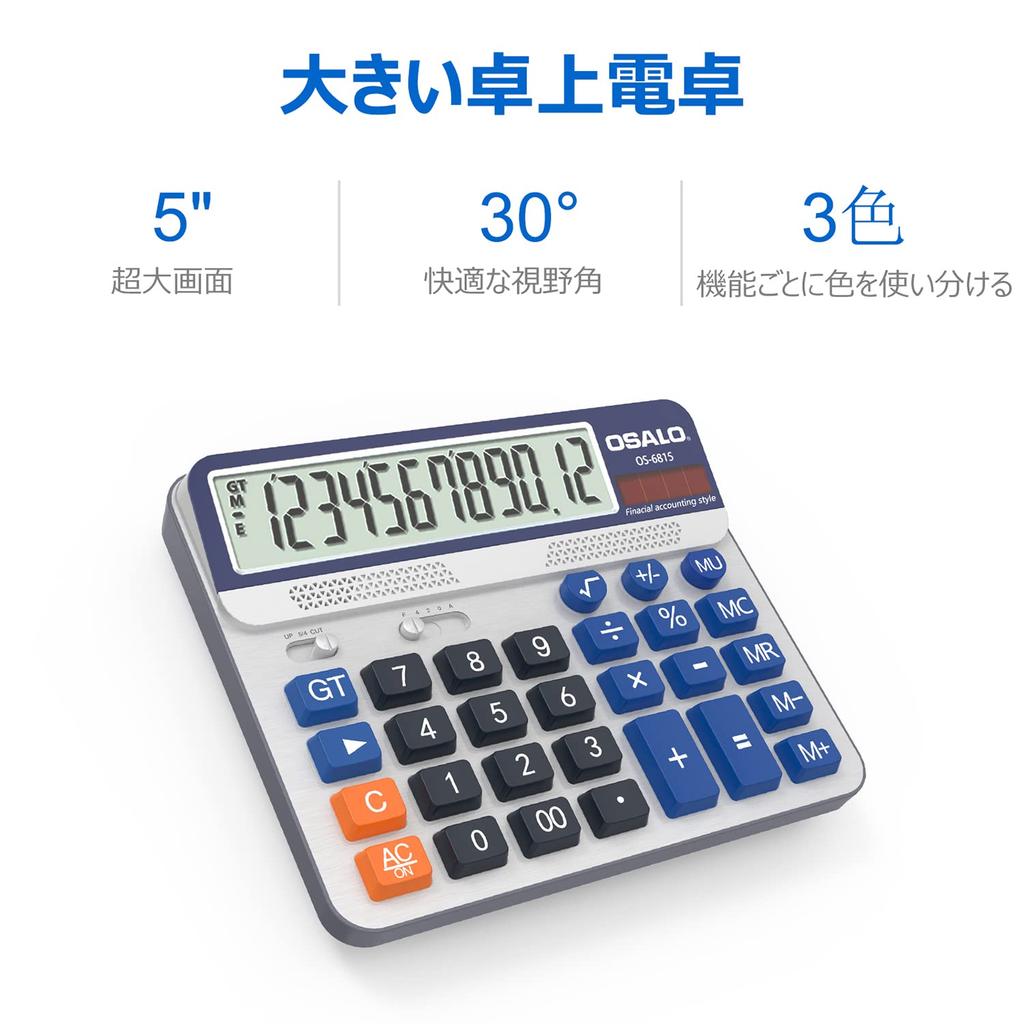
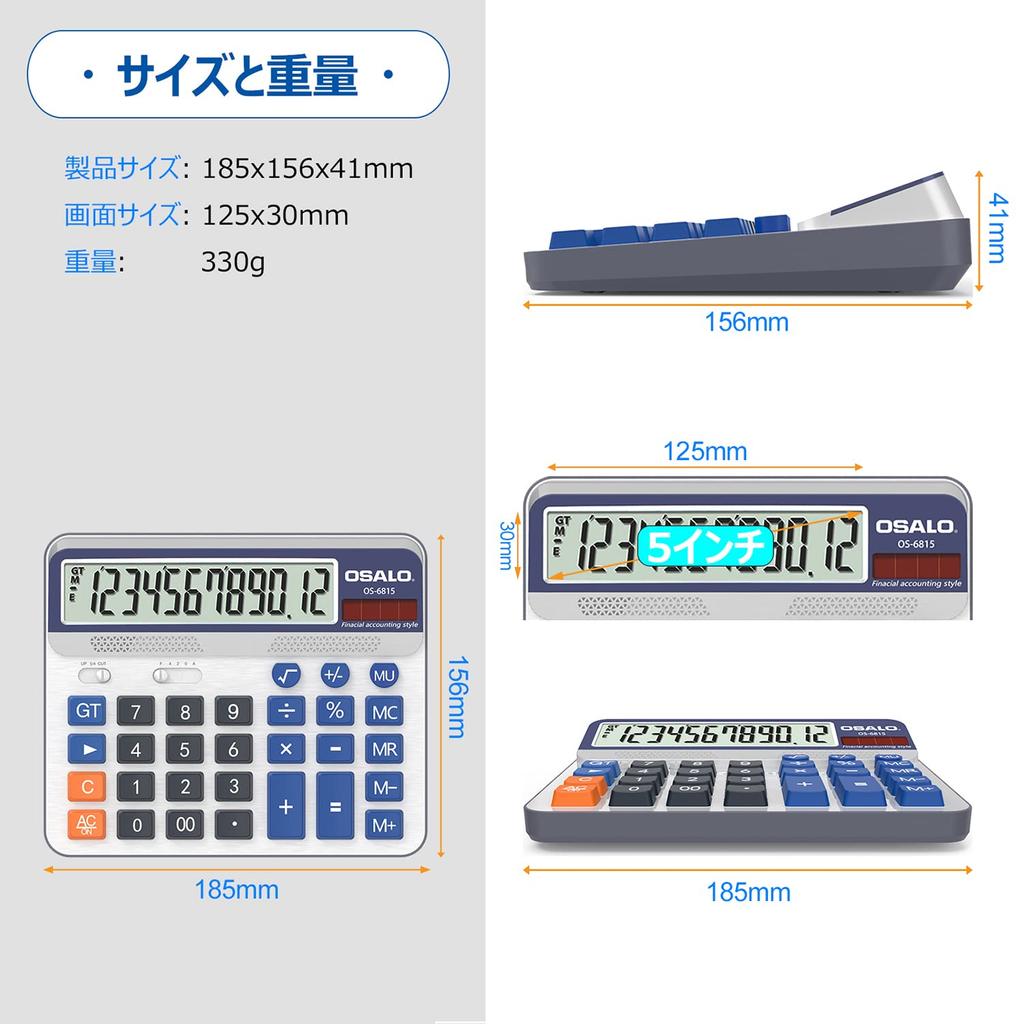
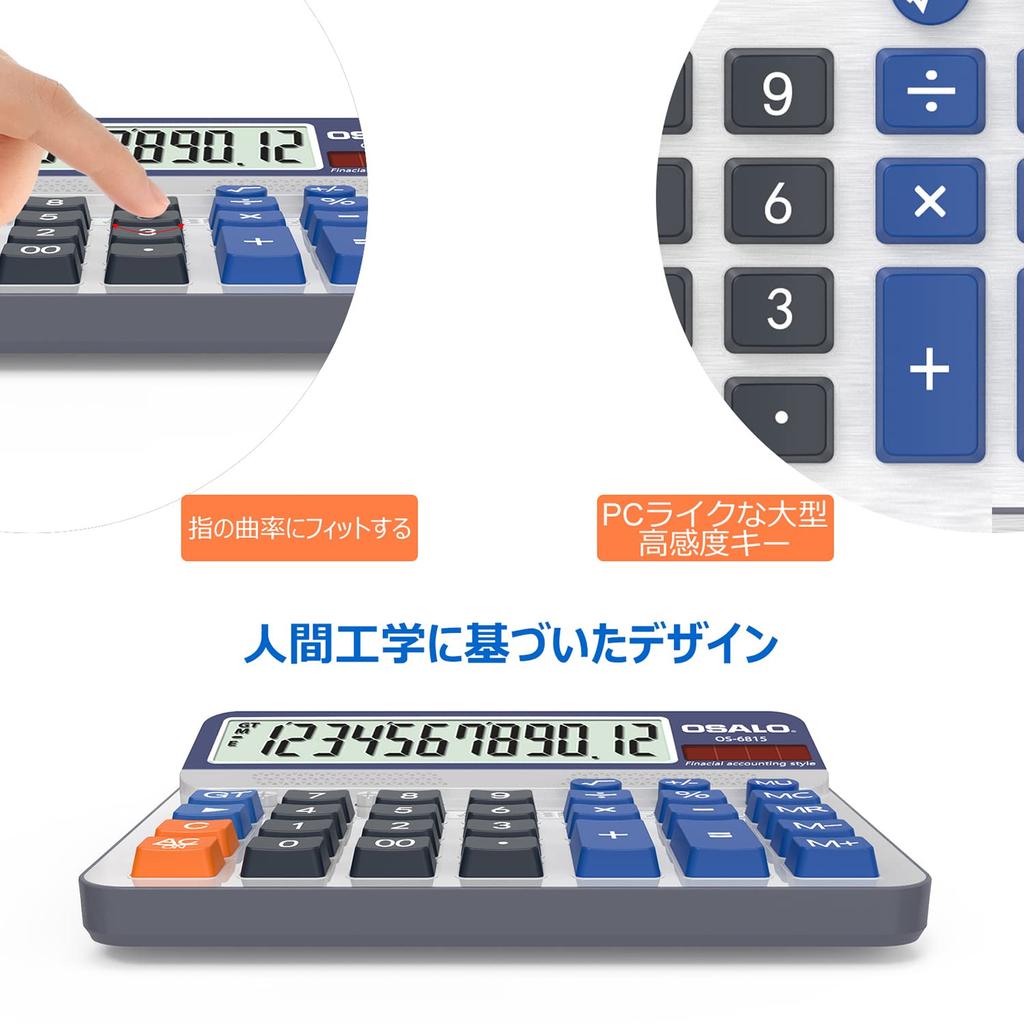
【5-inch LCD Display & Large Buttons】When you place this calculator on your desktop, the large 30° display is positioned directly opposite your field of view, providing a clearer view than a straight-on display. Large, widely spaced keys ensure more precise presses. Package weight: 330g.
[Large Accounting Calculator] Silver panel with orange, blue, and gray color buttons, featuring a vibrant color scheme. The panel functions to meet accounting and daily needs.
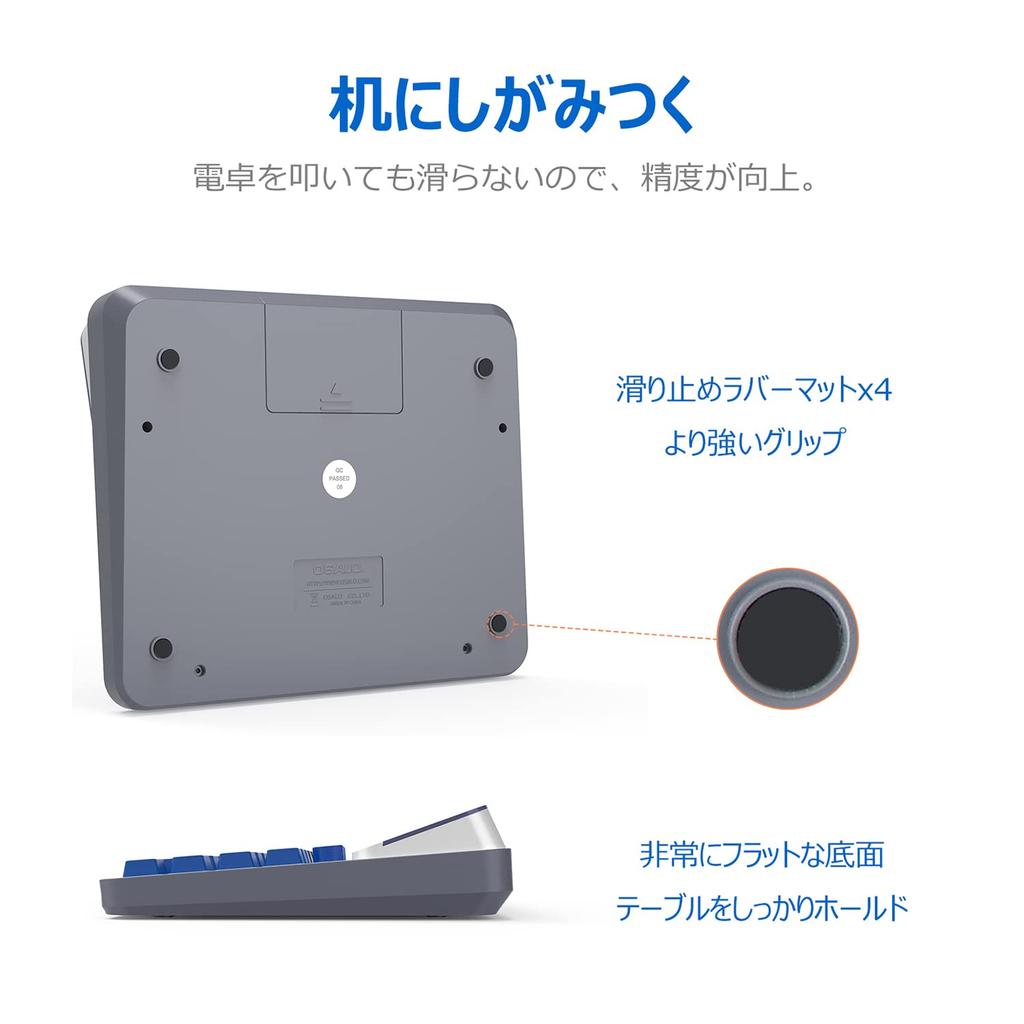
【ABS Engineering Plastic】This calculator is made of ABS high-strength engineering plastic, making it lightweight yet durable. It can withstand impacts from being dropped several times from desktop height.
[Solar Power] The calculator uses a high-conversion-rate solar panel, allowing it to use solar power even in bright locations. At the same time, it provides twice the power of a matched unit, ensuring safe and uninterrupted operation. The calculator automatically shuts down after 8 minutes.
【Usage Occasions】This calculator is suitable for all occasions. It's perfect for everyone to use at school, in the office, at home, or in the supermarket. It's also a great gift choice for children, parents, and friends.
Features
Product dimensions: 185 x 156 x 41 mm. Product weight: 330 g. Desktop calculator. Large 12-digit display and large buttons. Dual power.
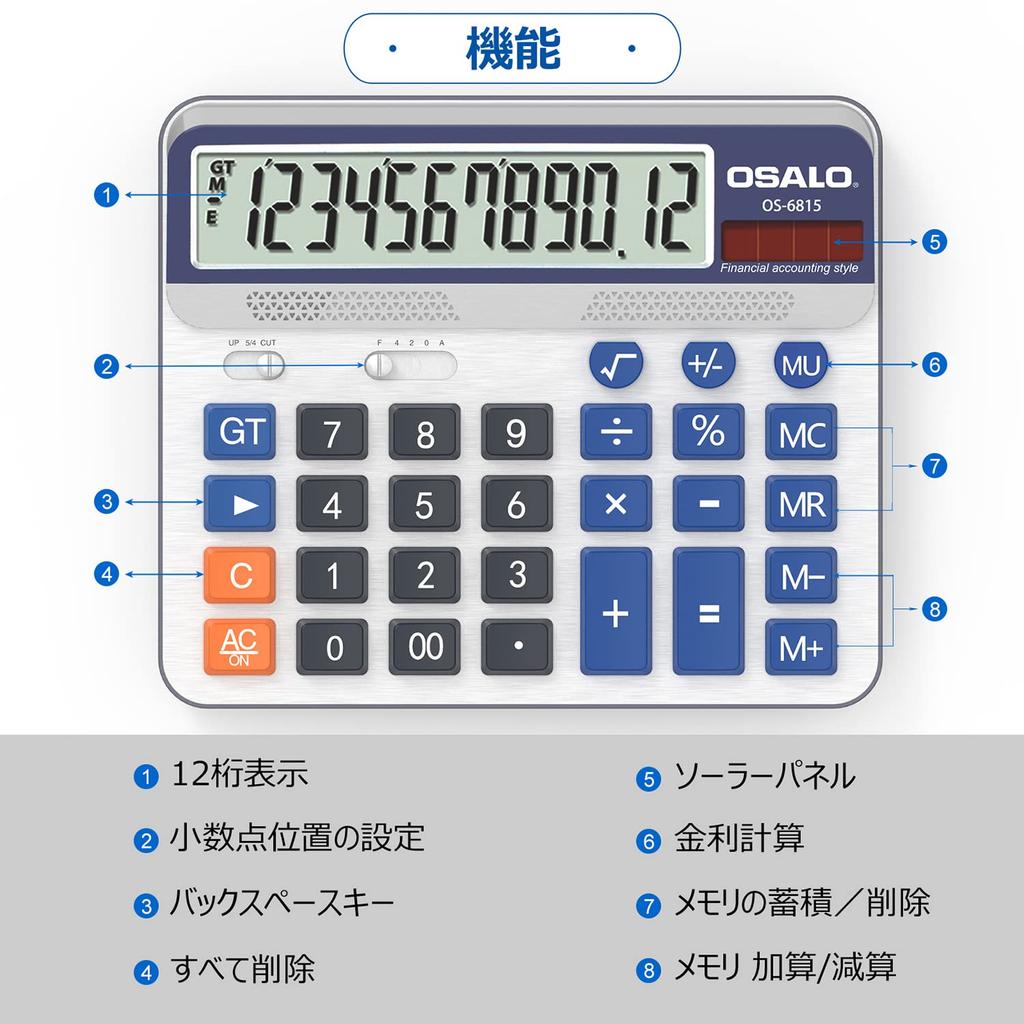
Functions 【M+】 Adds the number displayed on the screen to the number stored in memory. Example: 3 x 8 + 2 x 6. If you enter these numbers directly into the calculator, you will get the wrong answer: 156. Press [3*8], [M+], [2*6], [M+], and then press [MRC] once to get the correct answer: 36. 【M-】 Subtracts the number displayed on the screen from the number stored in memory. Combination of [MRC], [MR] and [MC]. [MR] Recalls the current memory register value. [MC] Clears (sets to zero) the memory register. Pressing the key once activates the [MR] key, and pressing the key twice activates the [MC] key. Pressing the [GT] [=] key saves the result to the grand total memory. Example: To calculate [2*3+3*5+6*8], press [2*3=], then [3*5=], then [6*8=] to get the correct answer: 69. [MU] is an abbreviation for markup and is used to calculate the gross profit margin (GPM). For example, if you enter [100], press [15], and then press the [MU] key, you will get 117.65 (this
(15% of the total is equivalent to 17.65). [Constant Calculation] To calculate, press [5*5*5*5+2+2=629], then [5*===+2==] and 629 will be displayed. [AC] Press after each calculation to clear all values. Warning
Solar panels provide limited power. Please install them before use. The batteries included with the product are non-rechargeable; do not attempt to charge them. Package contents:
1 x Calculator (1 AA battery included). 1 x General English Guide.




 No-delivery refund