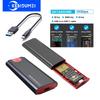
Descriptions:
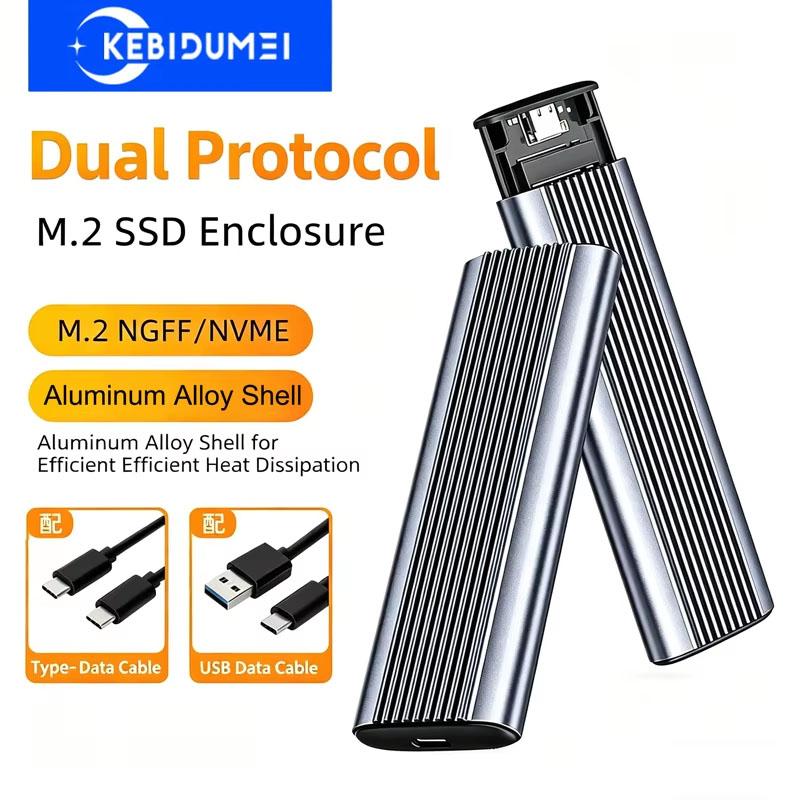
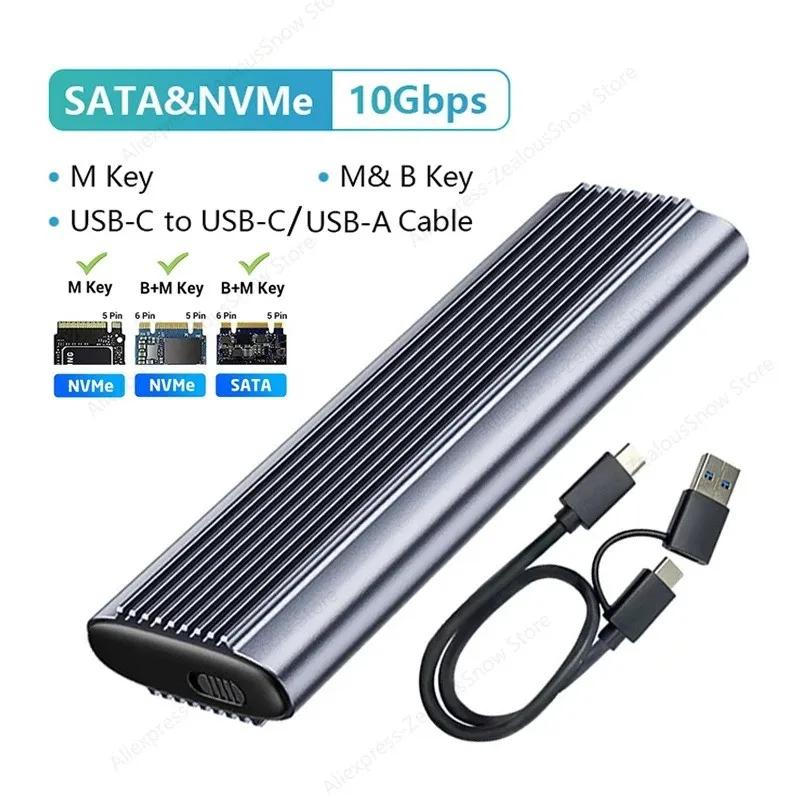
There are three models available. Please confirm your M.2 SSD protocol before ordering.
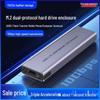
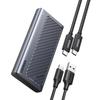
( SATA and NVMe dual protocol)Support M Key (NVMe protocol)/M&B Key (NVMe and SATA protocol) SSD, incompatible with B Key SSD + USB3.1+2in1USB-C to USB-C/USB-A
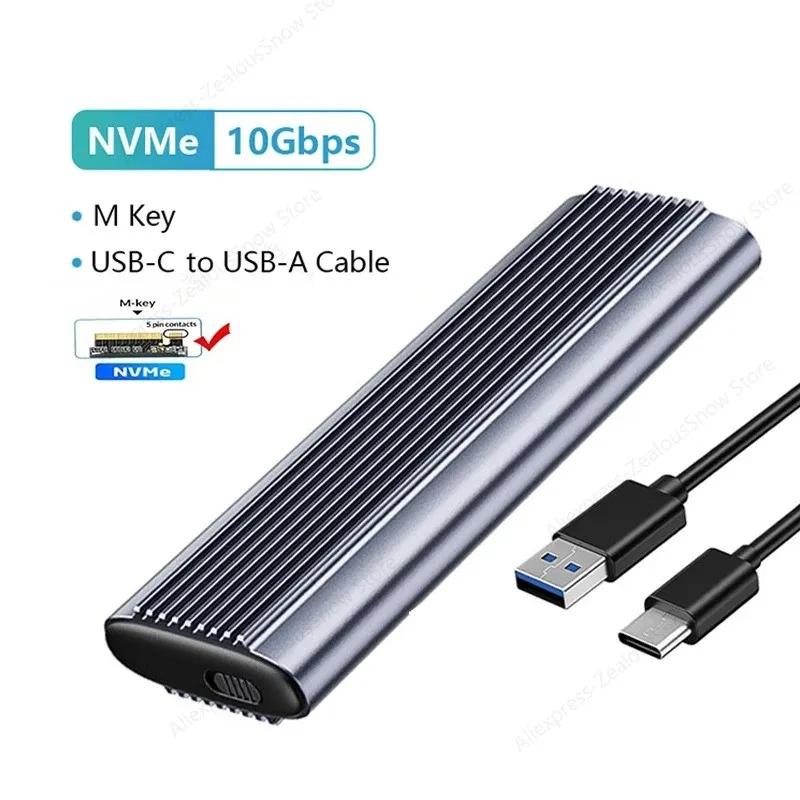
(NVMe Potocol 10Gbps model)Only NVME PCI-E protocol M key SSD + USB3.1 +USB-C to USB-A
(SATA Potocol 5GGbps model)Only NGFF SATA protocol M&B Key SSD + USB3.1 +USB-C to USB-A
Features:
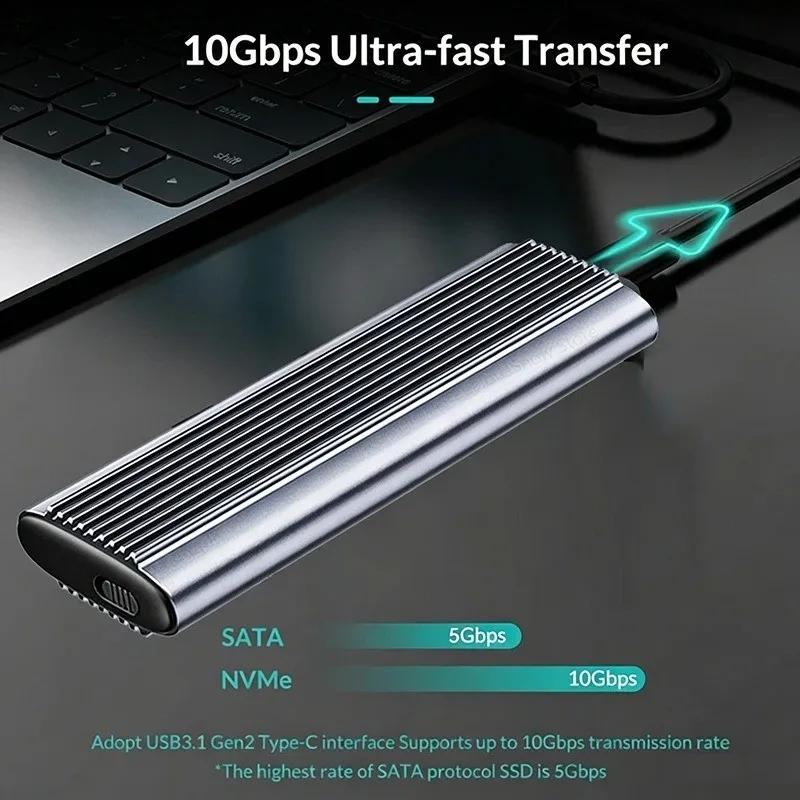
(USB3.1 10Gbps NVMe SSD Speed)
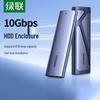
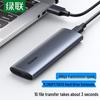
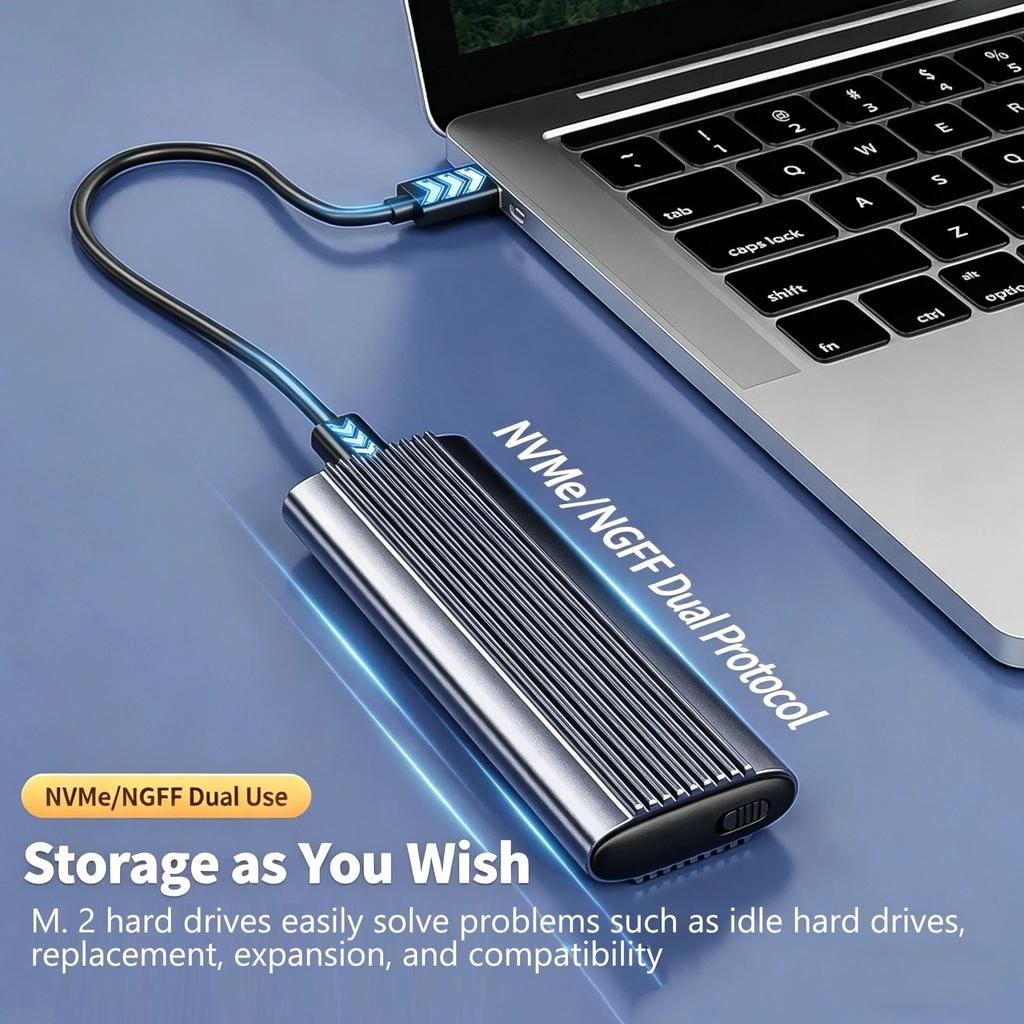
M2 ssd adapter up to 10Gbps. High-speed M.2 NVME to USB 3.1 Gen2, perfect solution for data transfer and backup, the actual transfer speed depends on the speed of the SSD, the type of USB port, computer performance and NVMe media used, etc.
(4TB large capacity Easy to read)
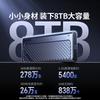
Stable reading of large capacity hard drives, no need to worry about insufficient space, enjoy convenient storage anytime, anywhere
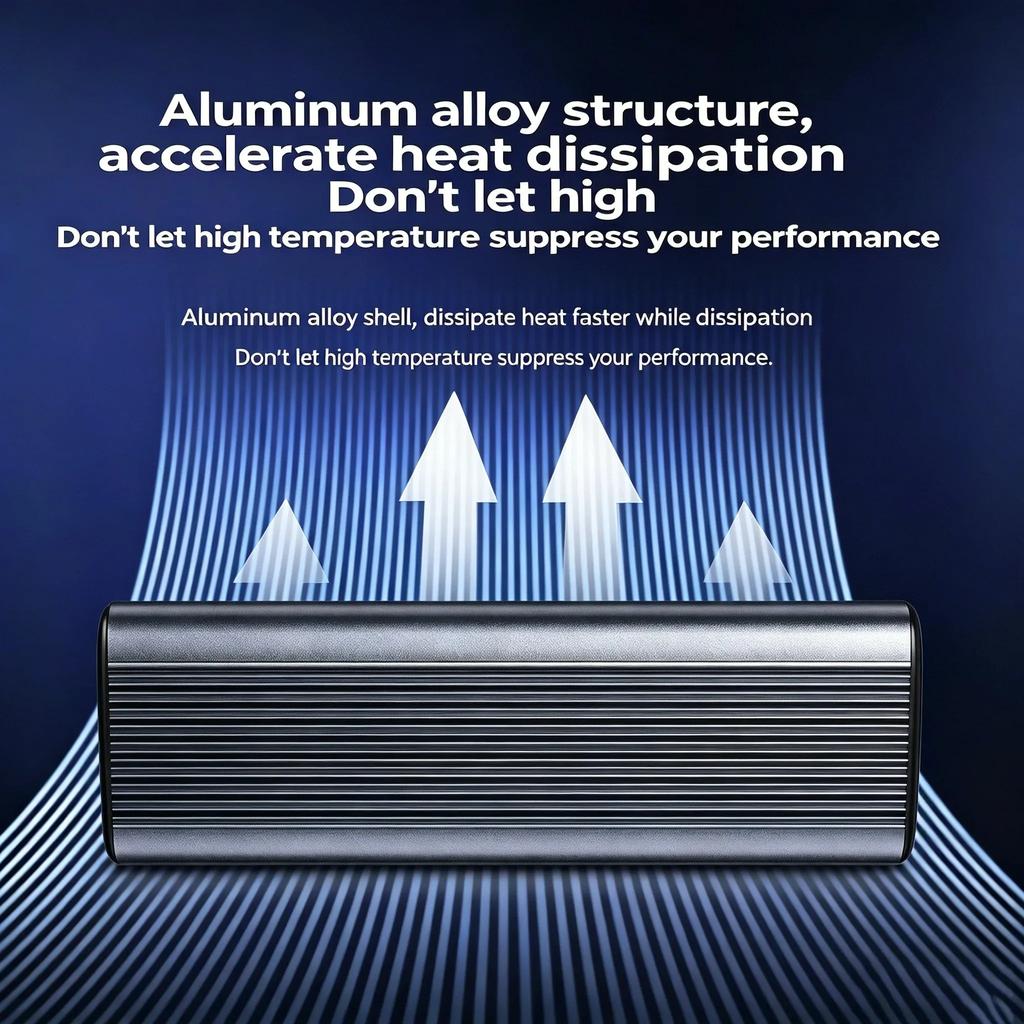
(Aluminum alloy shell)
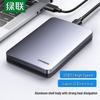
dissipate heat faster while dissipation Don't let high temperature suppress your performance.
(Universal Compatible SSD Enclosure)
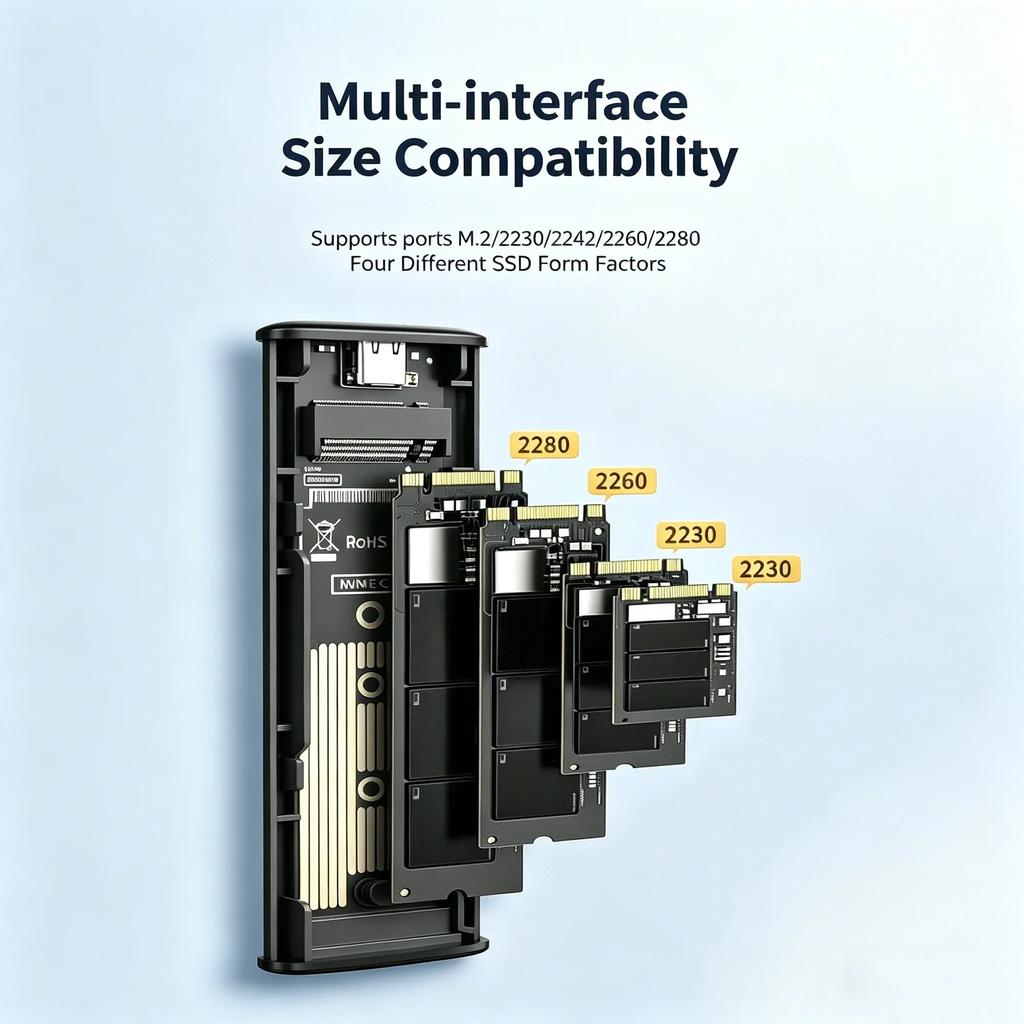
10Gbps M.2 SSD Enclosure is compatible with M Key or M&B Key's 2230 2242 2260 2280 . SSD enclosure support Windows, Mac OS and Linux. Plug and play, no additional drivers or software required.
Specifications:
Type: M.2 NVME/NGFF SSD Enclosure
Applicable: M.2 NVME/NGFF 2230/2242/2260/2280 SSD
Cable: USB-C to USB-A Cable
Material: Aluminum Alloy
Max Supported Capacity: 4TB
Support Interface: B+M Key/M Key/B Key
Output Connector: Type-C
System: for Windows 98/Se/Me/2000/XP/Vista/Win7/Win8/Win10/MAC OS 8.6 or the latest versionTool free:Easy to use, no need to drive.
NVMe Supriority: 1. up the performance 2. decrease delay 3. decrease power dissipation 4. IPOS of SSD will increase
Package Included:
1* SSD Enclosure
Attention:
1. M.2 SSD is NOT included.
2. NVMe model case is not compatible with NGFF SATA M.2 SSD.
3. For new unused SSD, it's necessary to make a partition at first, otherwise it can not be recognized.
4. It is normal that the aluminum case heats up when using, and it doesn't affect normal use.
5. Plesae do format and partition when you use SSD for the case(Right click My computer- Management-Storage- Disk Management)



 No-delivery refund