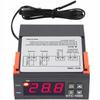
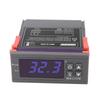
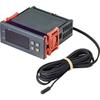
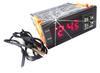
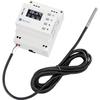
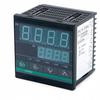
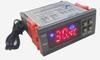
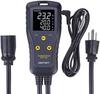
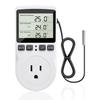
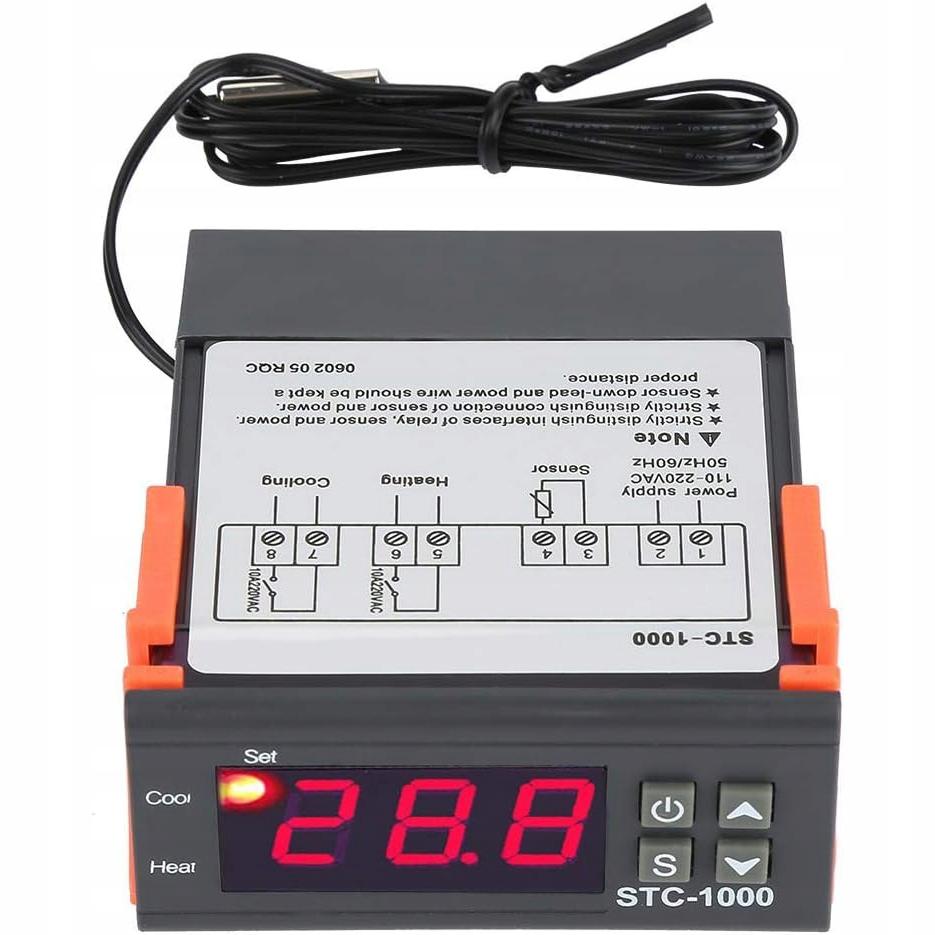
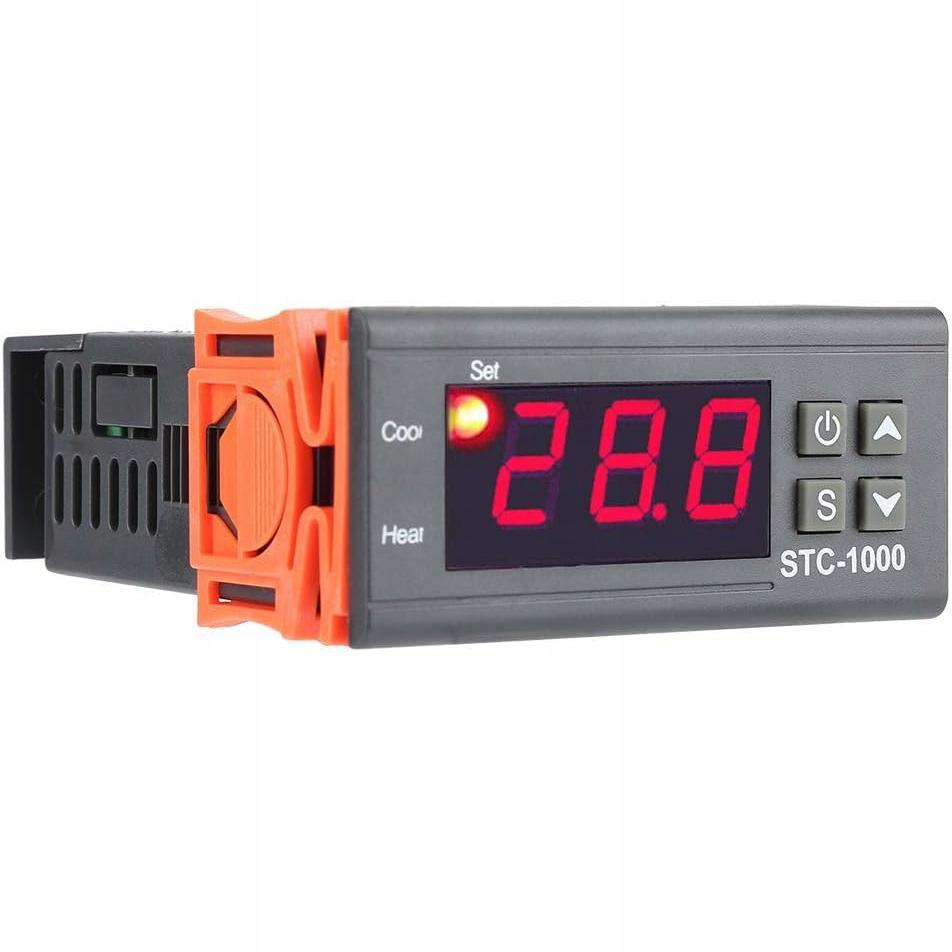
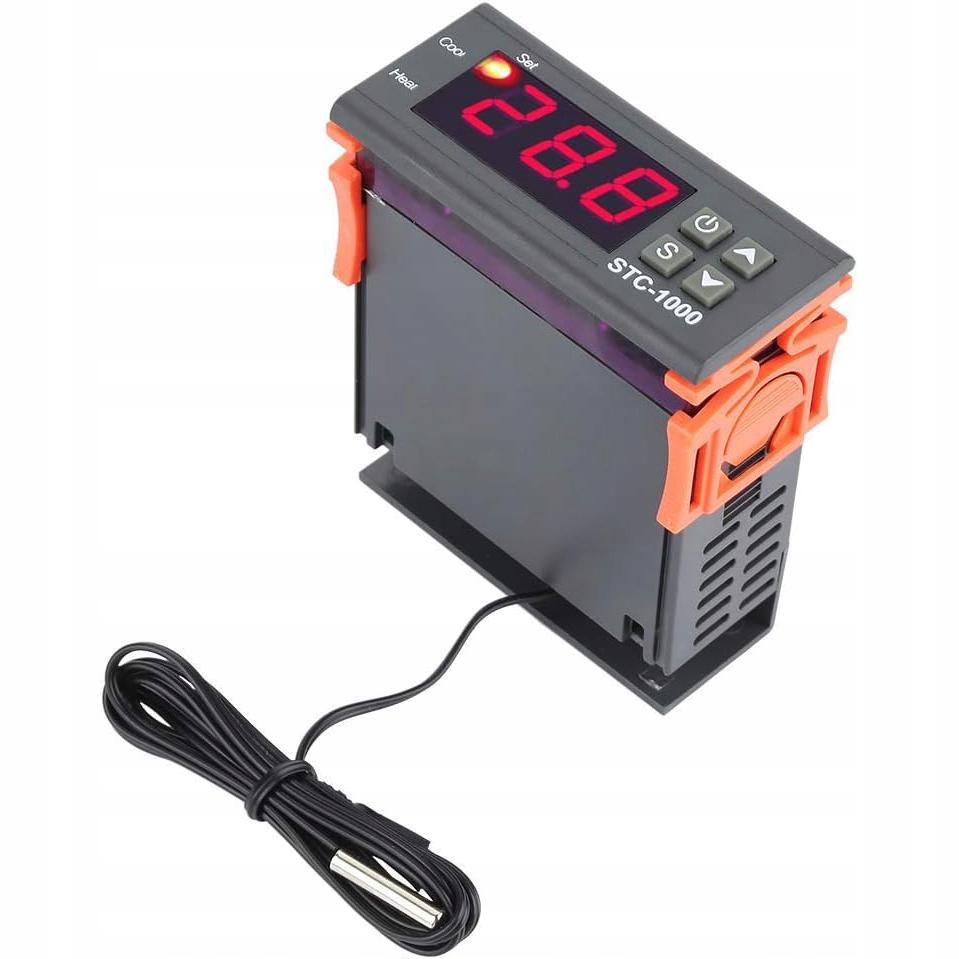
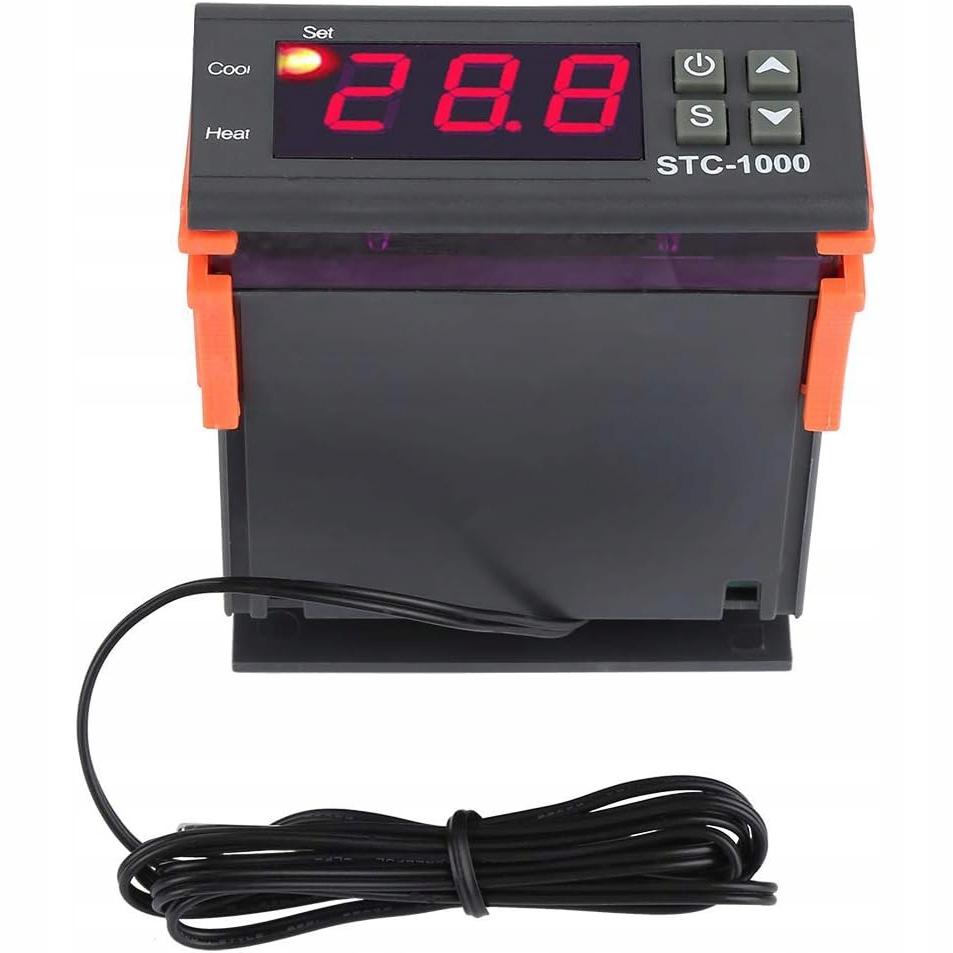
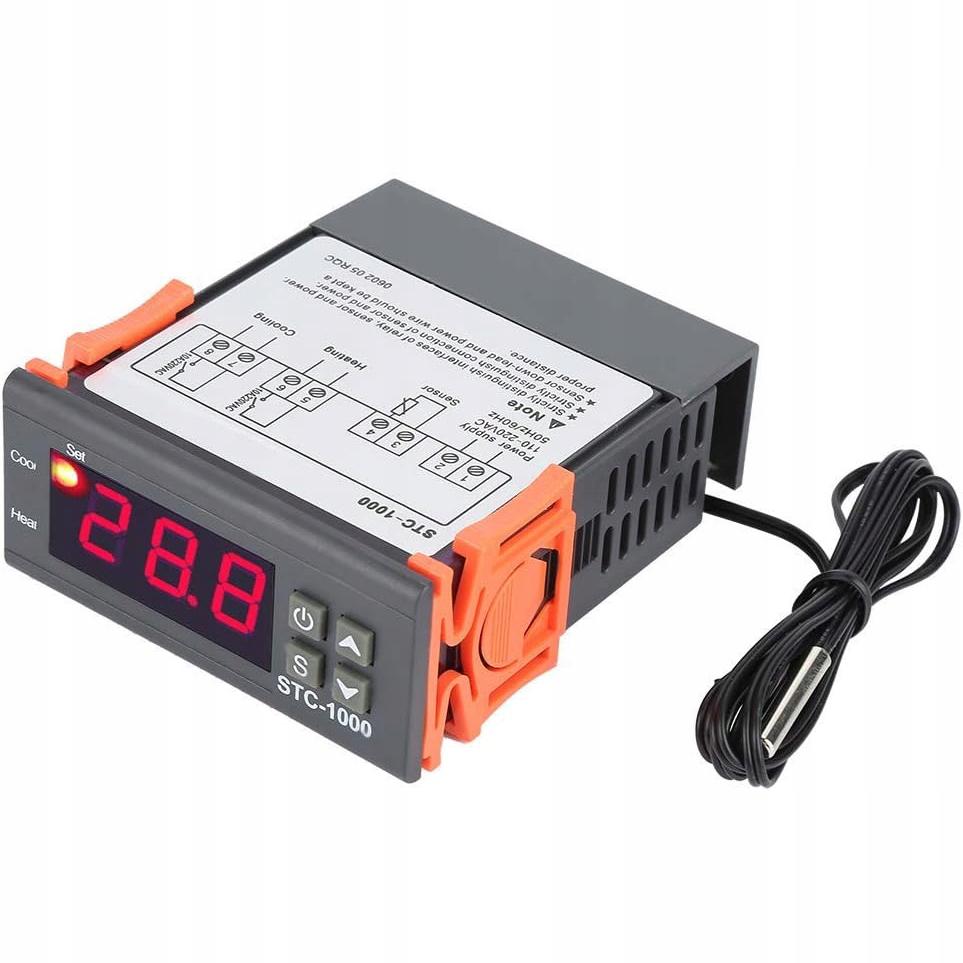
Thermostat Temperature Controller STC-1000 230V with ProbeThe STC-1000 universal temperature controller is used in central heating pumps, circulation pumps, fans, refrigerators, furnaces, swimming pools, smokehouses, and many other devices. It features a clear LED display and a waterproof probe with an approximately 1m cable.
Temperature Control:Precise temperature setting possible within a range of -50°C to 110°C.Temperature Calibration:Enables accurate adjustment of measurements to actual values.
Mode Switching:Quickly switch between cooling and heating modes.
External Thermostat:The waterproof probe with a 1m cable allows you to monitor the temperature in various conditions.LED Display:Large and clear LED display that makes it easy to read current settings and parameters.
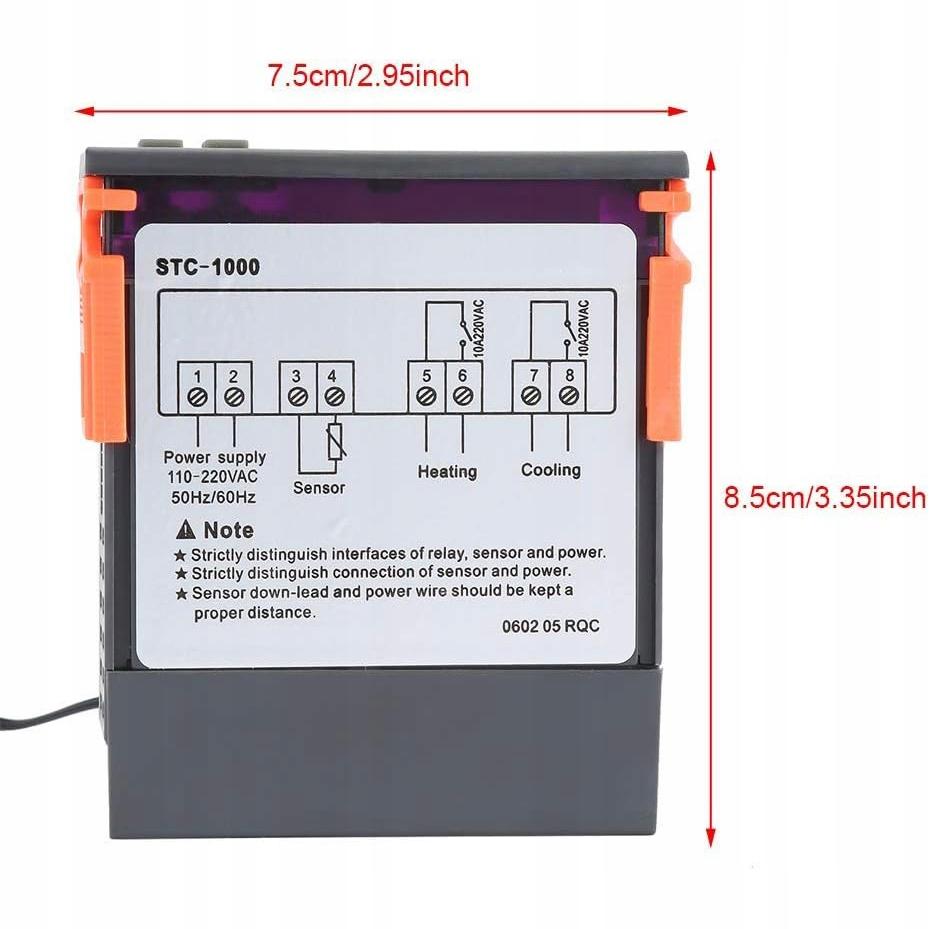
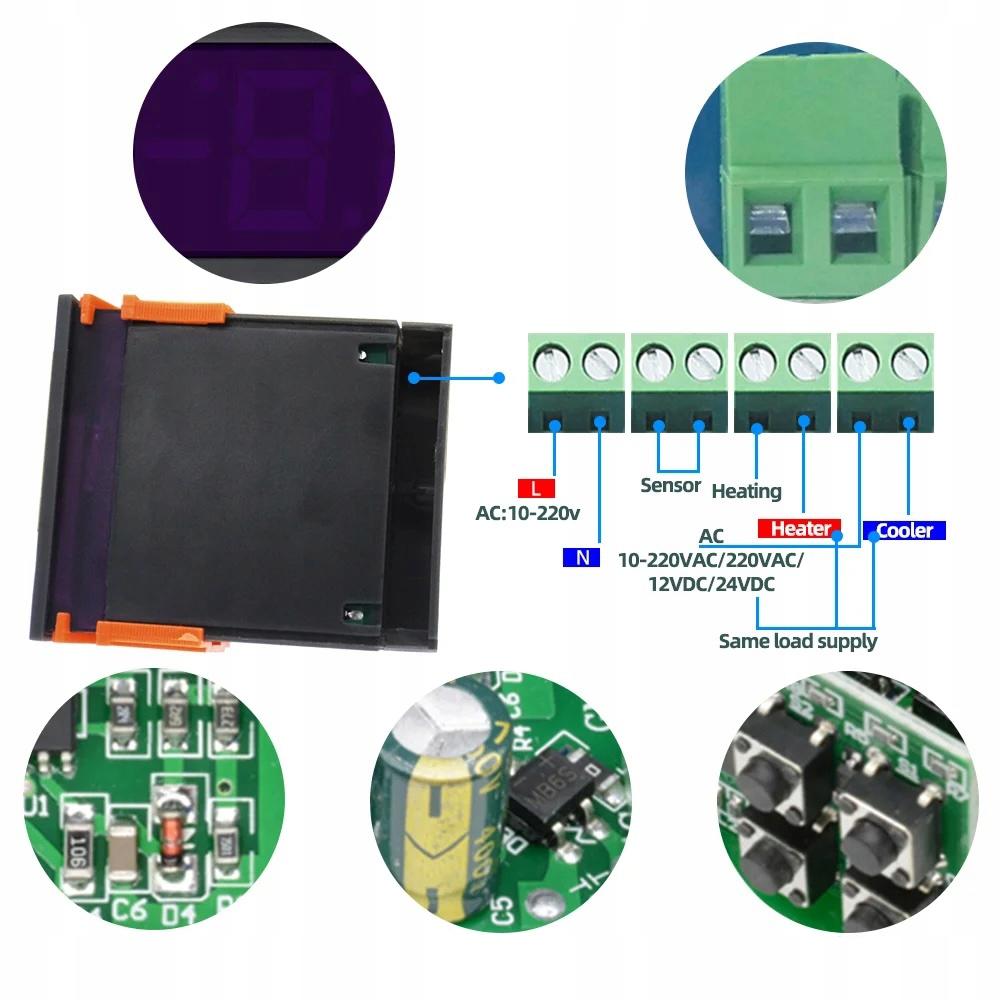
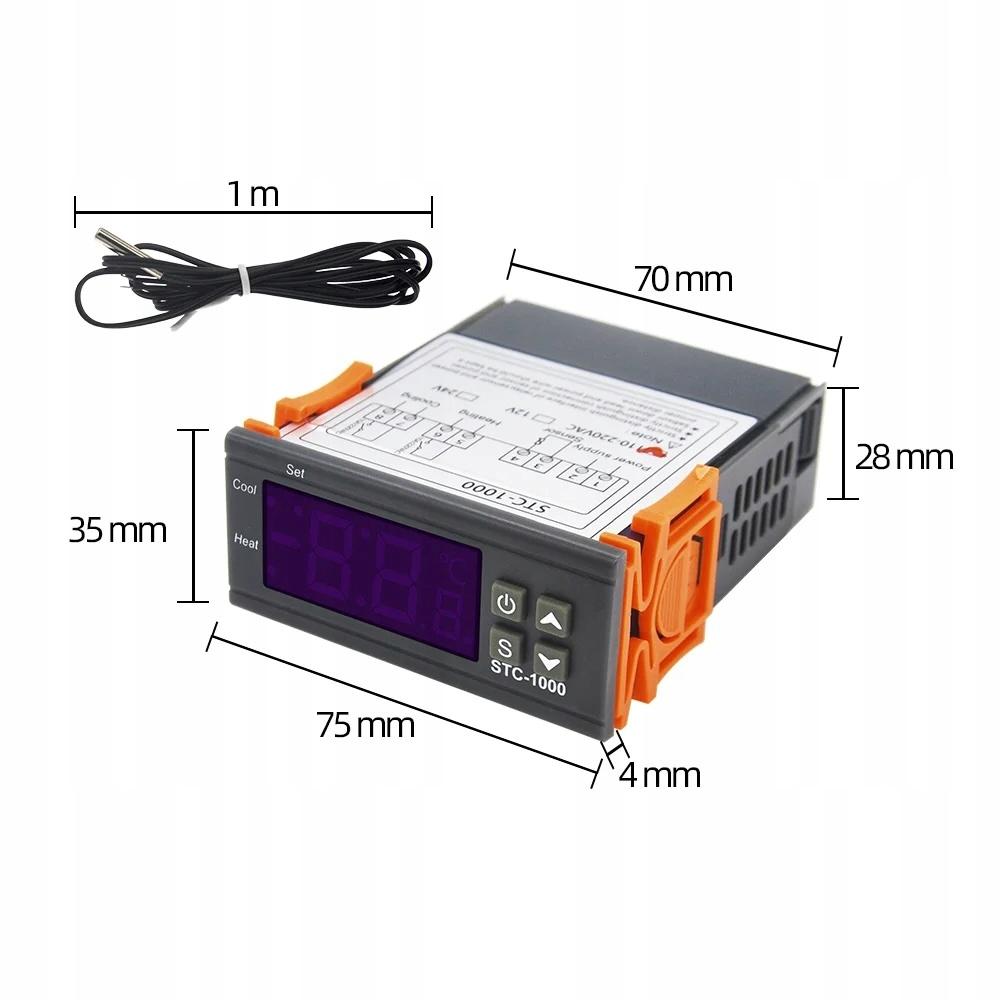
No Additional Power Supply:No additional power supply required. Specifications:Power supply: 230V ACMaximum load current of the heating relay: 2300WMaximum load current of the cooling relay: 2300WCurrent consumption: +/- 3WPermissible humidity: 20% – 85%Temperature measurement: -50°C to 110°CTemperature control range: -50°C to 110°CMeasuring accuracy: 0.1°C +/- 2%Temperature control accuracy: 0.1°CHysteresis change range: 0.3°C to 10°CTemperature sensor calibration range: -10°C to 10°CRelay delay time change range: 0 to 10 minutes (Delay only possible on the cooling relay)Relay delay time control precision: 1 minuteRefresh rate: 0.5sProbe (sensor) type: NTC10k (in waterproof housing)Probe (sensor) length with cable: 1 meterProbe (sensor) diameter: 4 mmProbe (sensor) length with metal tip: 20 mmDisplay type: LED 3 digitsDisplay color: RedWire connection: Terminal blockHousing material: PlasticFront panel dimensions: 34 mm (height) x 75 mm (width)Back panel dimensions: 70 mm (width) x 82 mm (depth without front panel) x 86 mm (depth with front panel) (front) Instructions for use:Checking parameters:During operation, press the button once to display the set temperature.
Pressing the button will display the set hysteresis.
Setting parameters:During operation, hold the "S" button for 3 seconds to enter the temperature setting mode ("F1" will appear on the display and the SET LED will light up).Use the arrow keys to move to the next setting item.
To change the setting value, select the desired item, hold down the "S" button, and change the value using the or button.
After setting the value, release the "S" button and press the power button once to save the settings and return to the current temperature display.
If no operation is performed for 10 seconds, the device will automatically return to normal operation mode.Restoring Factory Settings:After an error occurs (display shows "Er"), pressing any button will restore the default settings and return to normal operation.


 No-delivery refund