-----------------------------------------------------------------------------------
🛍️ Shop with Confidence
Thank you for visiting Favorite Fun Hub.
We carefully select and deliver quality items from Japan to customers worldwide.
🔹 Direct Shipping from Japan
All items are carefully packed and shipped directly from Japan.
🔹 Quality Checked
Products are inspected before shipment to ensure good condition.
🔹 About Manuals
If included, manuals are primarily in Japanese.
We recommend using translation apps if needed.
-----------------------------------------------------------------------------------
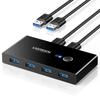
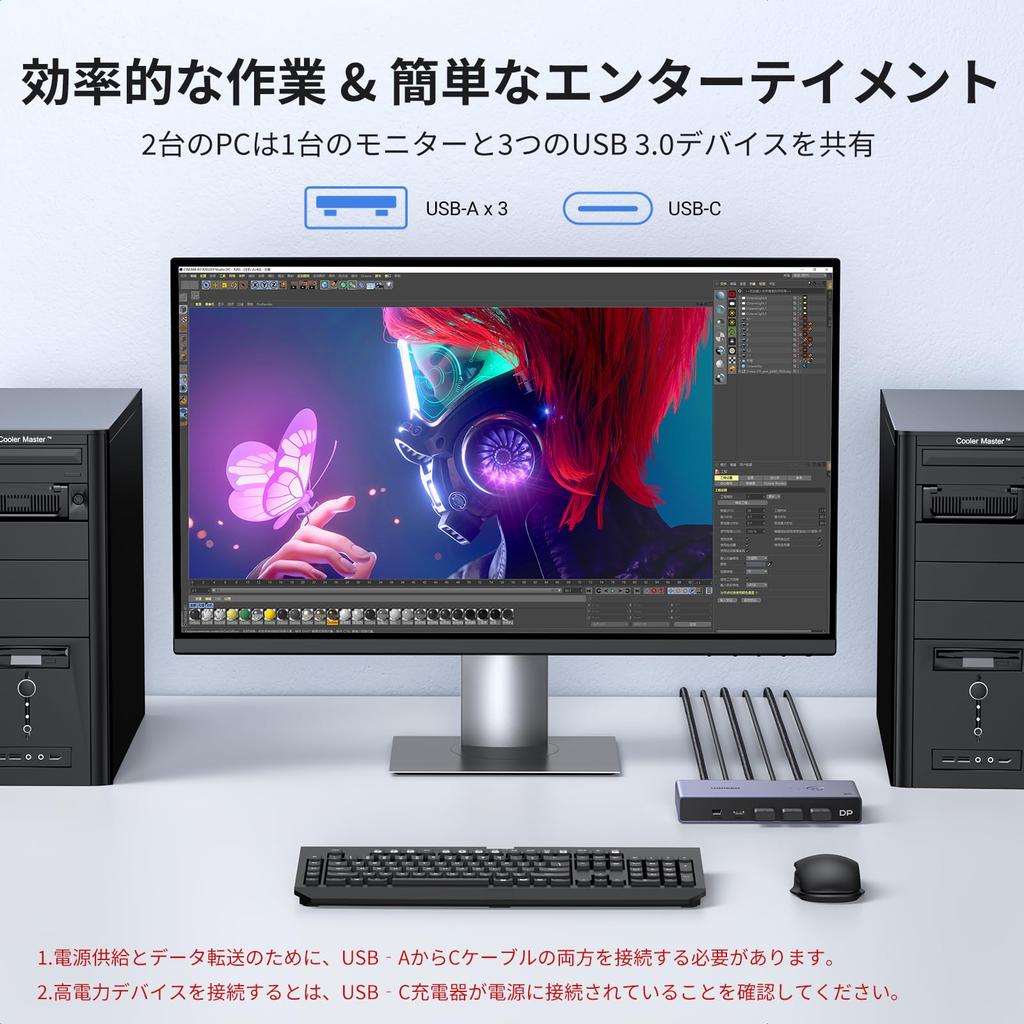
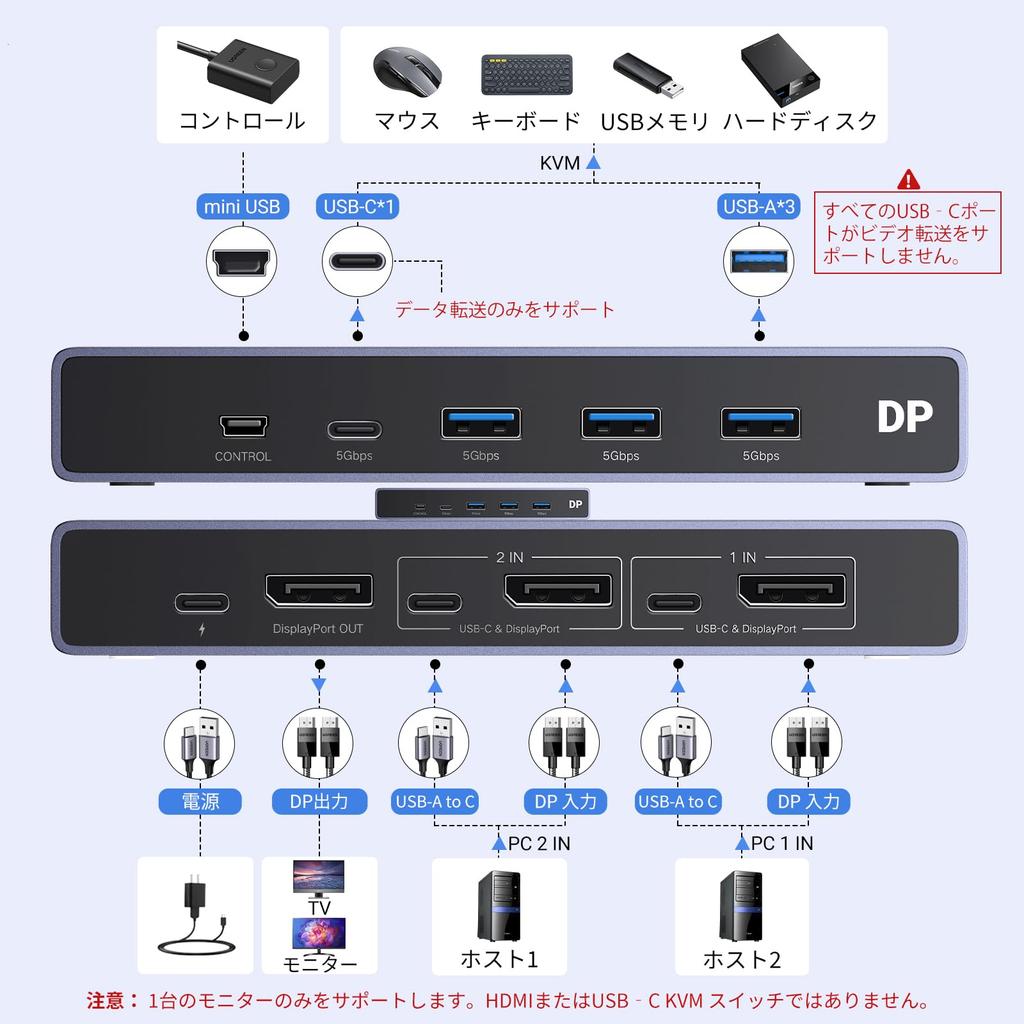
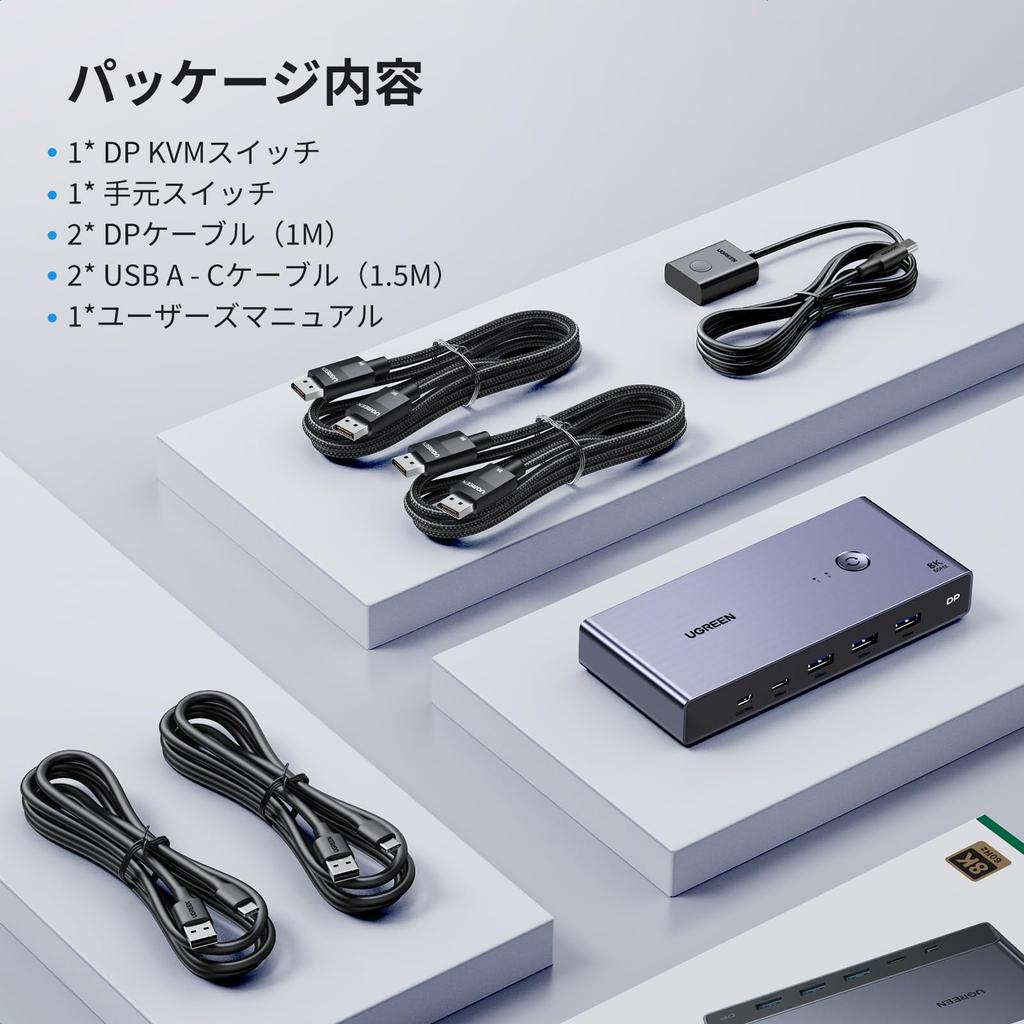
[DP KVM Switch with 2 Inputs and 1 Output] This DisplayPort KVM switch allows two DP-equipped computers to share one DP monitor, one USB-C device, and one USB device, such as a mouse, keyboard, or printer. This eliminates the need for separate monitors for each computer, saving space and providing a spacious, user-friendly interface. It's not just a DisplayPort switch, it's also a keyboard and mouse switch. Easily switch between two hosts to maximize productivity. Note: Two USB A to C cables are required for power and data transfer. This is not a USB-C KVM switch.
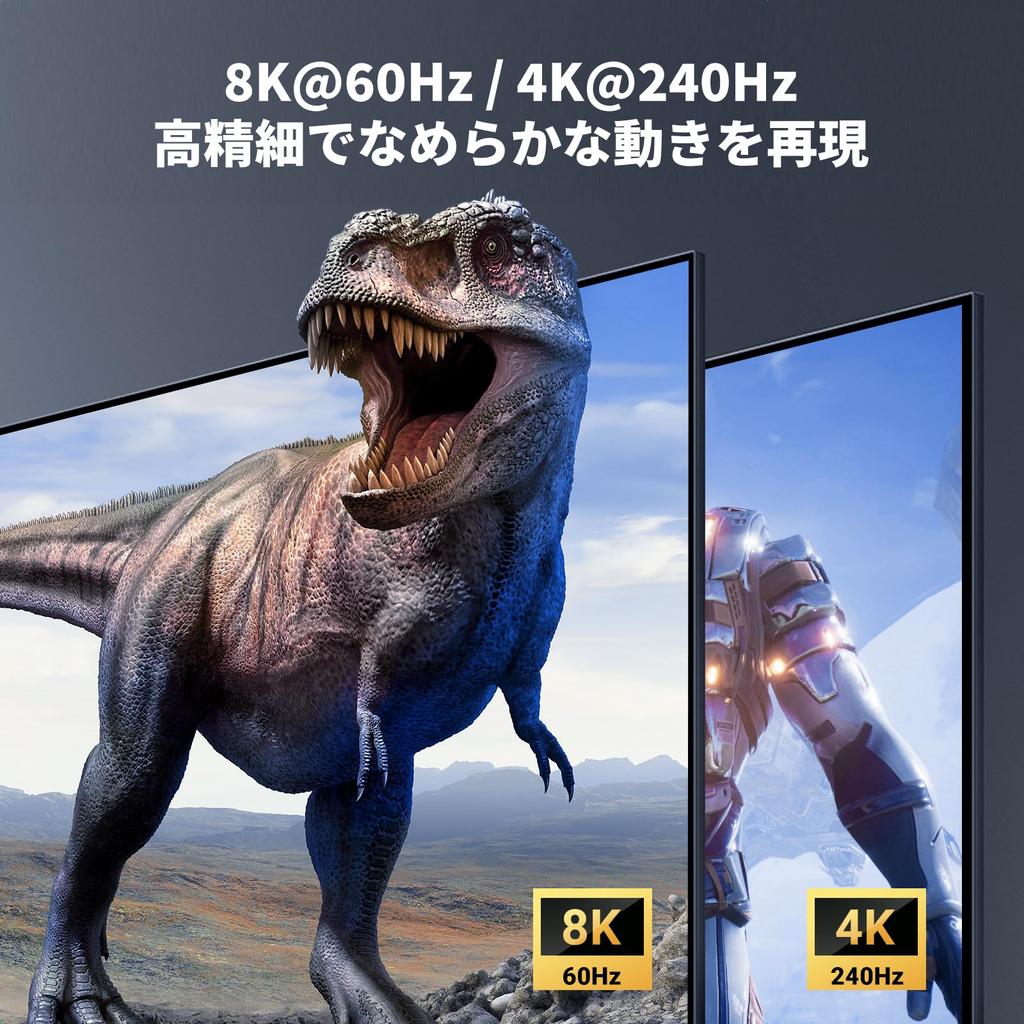
[8K60Hz / 4K240Hz Ultra-High-Definition Images] With 7,680 x 4,320 pixels (approximately 33.18 million pixels), 16 times the resolution of current Full HD, you can now see clearer, more vibrant image details. Even at 4K UHD resolution, the 240Hz refresh rate ensures smooth, blur-free display, making each scene more clearly visible. Note: To achieve 8K@60Hz resolution, your computer and monitor must support 8K, and the 8K DP1.4 input and output cables must be no longer than 1 meter AWG30.
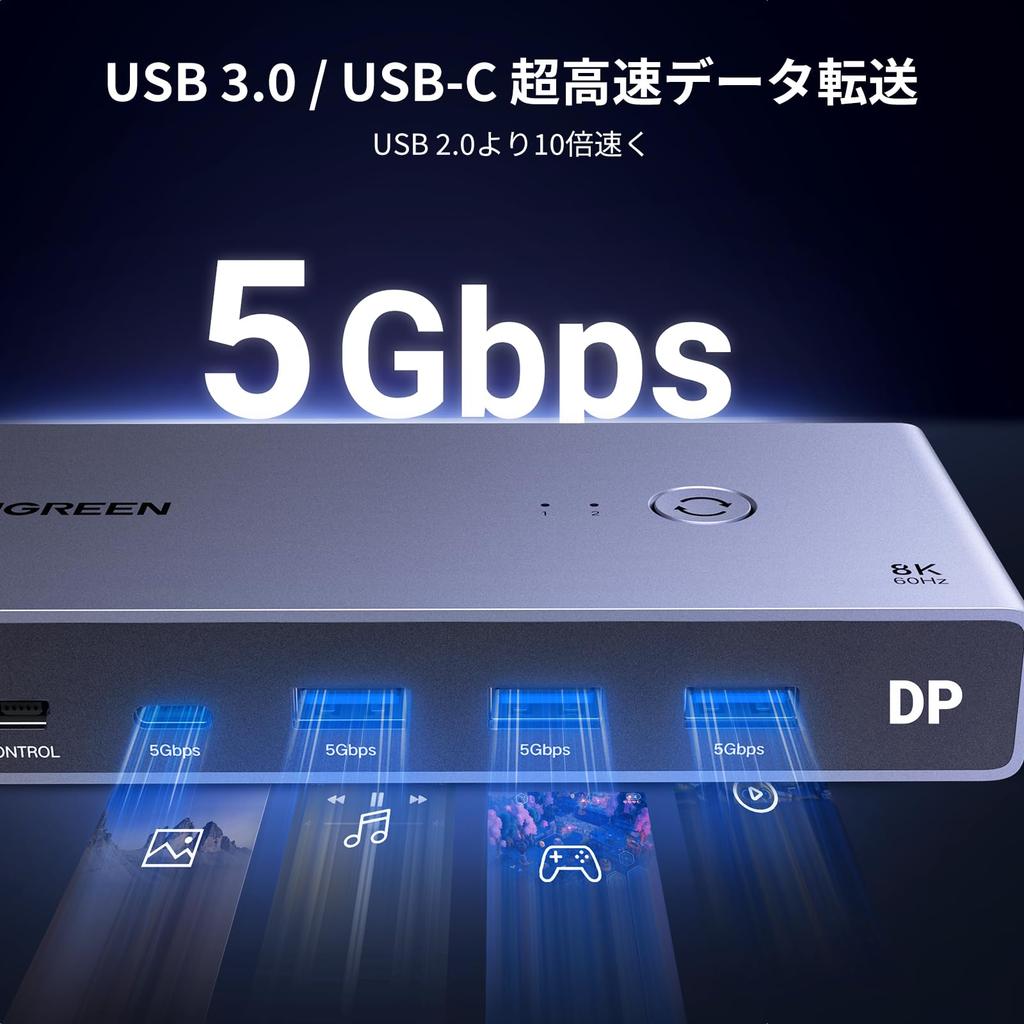
[High-Speed Data Transmission with 3 USB 3.0 Ports and 1 USB-C Port] Share USB devices such as hard drives, mice, keyboards, and printers with your PC. The USB 3.0 and USB-C ports achieve data transfer speeds of up to 5Gbps. You can also use wireless devices by connecting a mouse or keyboard receiver to the USB port. Note: When connecting high-power devices such as hard drives, make sure the USB-C port is charged.
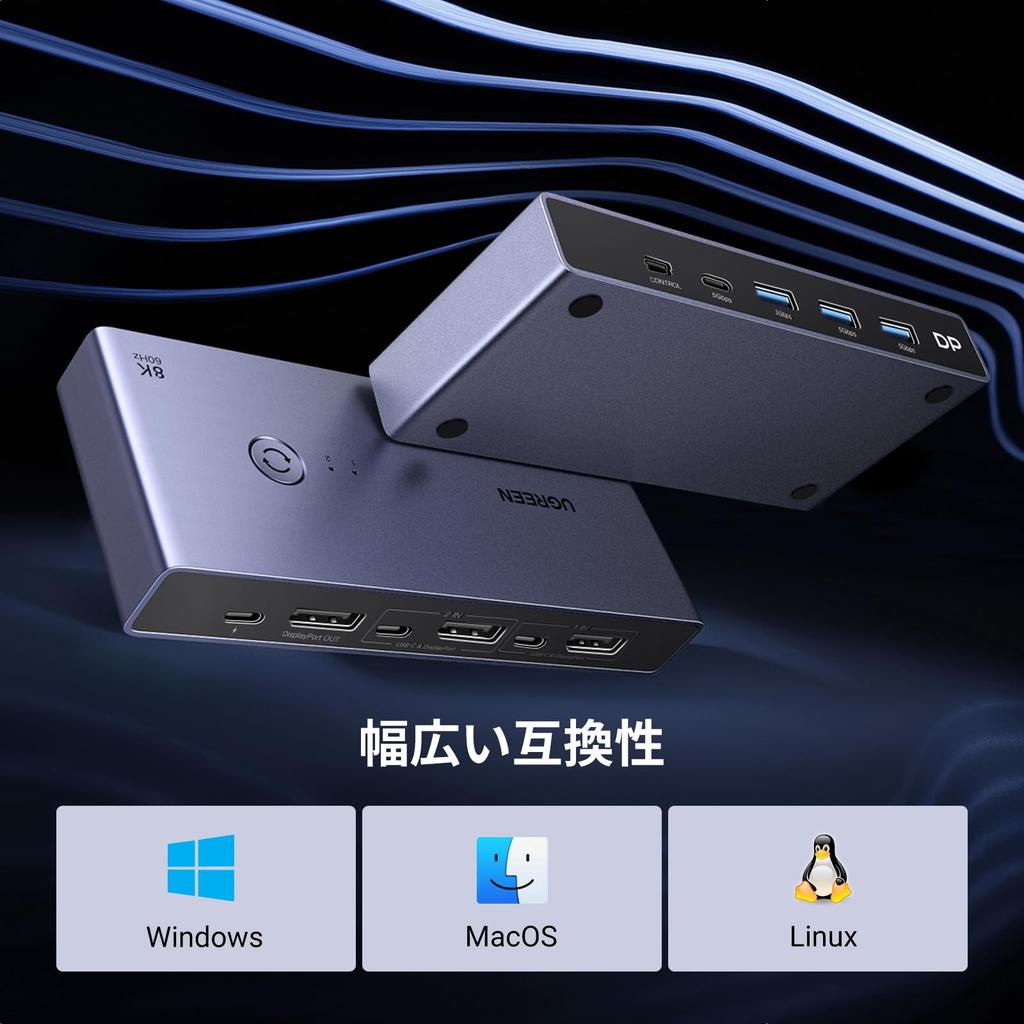
[No drivers required, easy switching] No software installation is required; simply connect and switch between computers. There are two ways to switch between computers: by pressing the button on the top of the device or by using the handheld switch. It also comes with a handheld switch that can be placed at your fingertips for easy computer switching. Note: This DisplayPort KVM switch does not support hotkey switching.
Important Notes: 1. You must connect both USB A to C cables for power. 2. USB-C power cable or power adapter is not included. 3. We recommend not using it with a hub to avoid incompatibility. 4. This is not a USB-C KVM switch. 5. This is not an HDMI KVM switch and does not have an HDMI port.
UGREEN DisplayPort KVM Switch, 2 Inputs, 1 Output, 8K 60Hz





 No-delivery refund