Voltage Compatibility】
When using electrical appliances, please note that they are designed for Japanese voltage specifications (90-110V), so if you use them with a different voltage, it may cause a malfunction.
【Plug Type】
Our products use Japanese plug types (A or B type).
Please use a conversion adapter if necessary.
【Important Note on Transformers and Adapters】
A transformer adjusts voltage to match your device’s requirements.
A conversion adapter only changes the plug shape and does not adjust voltage.
Using only a conversion adapter without a transformer may result in damage to the product.
【Liability】
We are not responsible for malfunctions or damages caused by improper use, such as operating the product without a transformer.
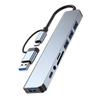
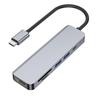
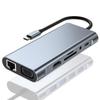
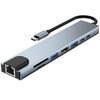
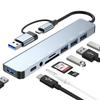
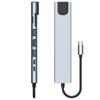
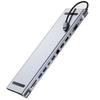
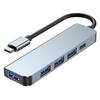
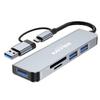
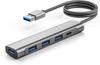
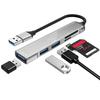
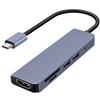
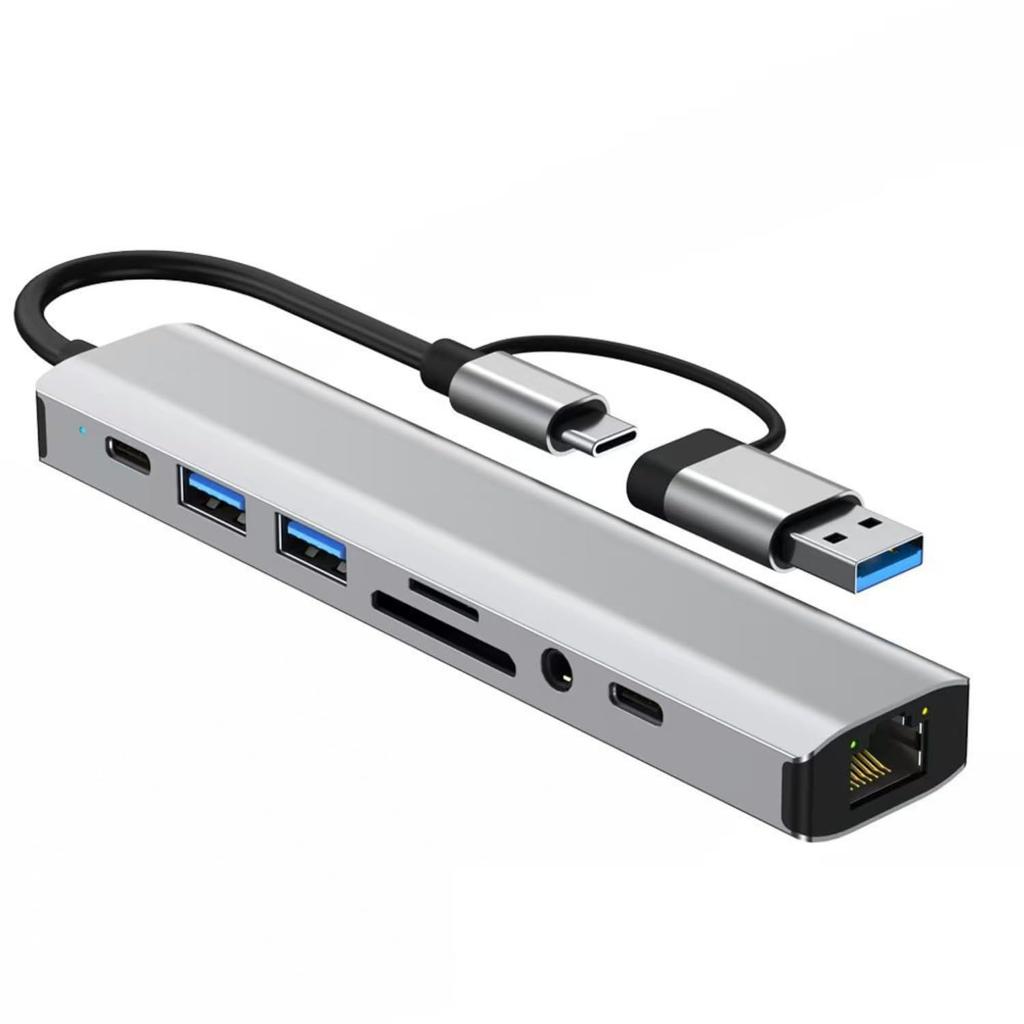
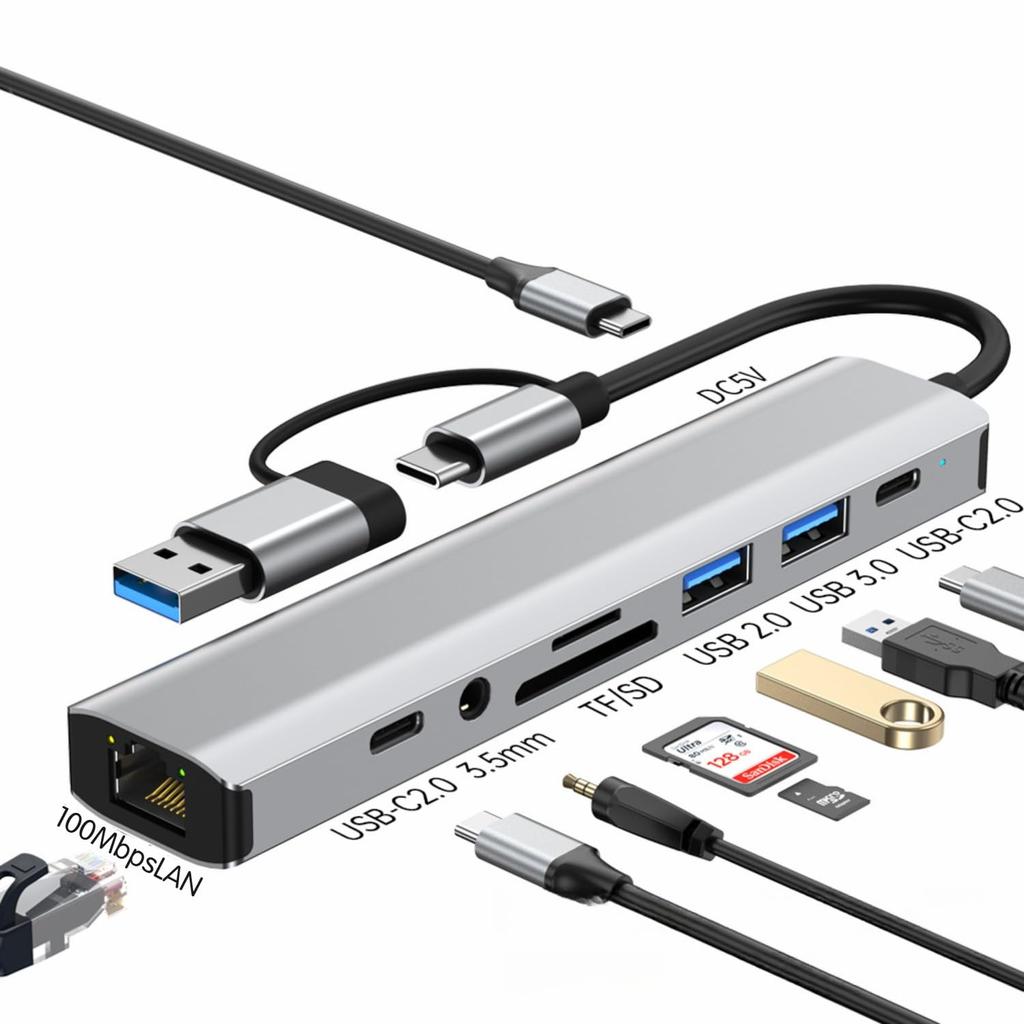
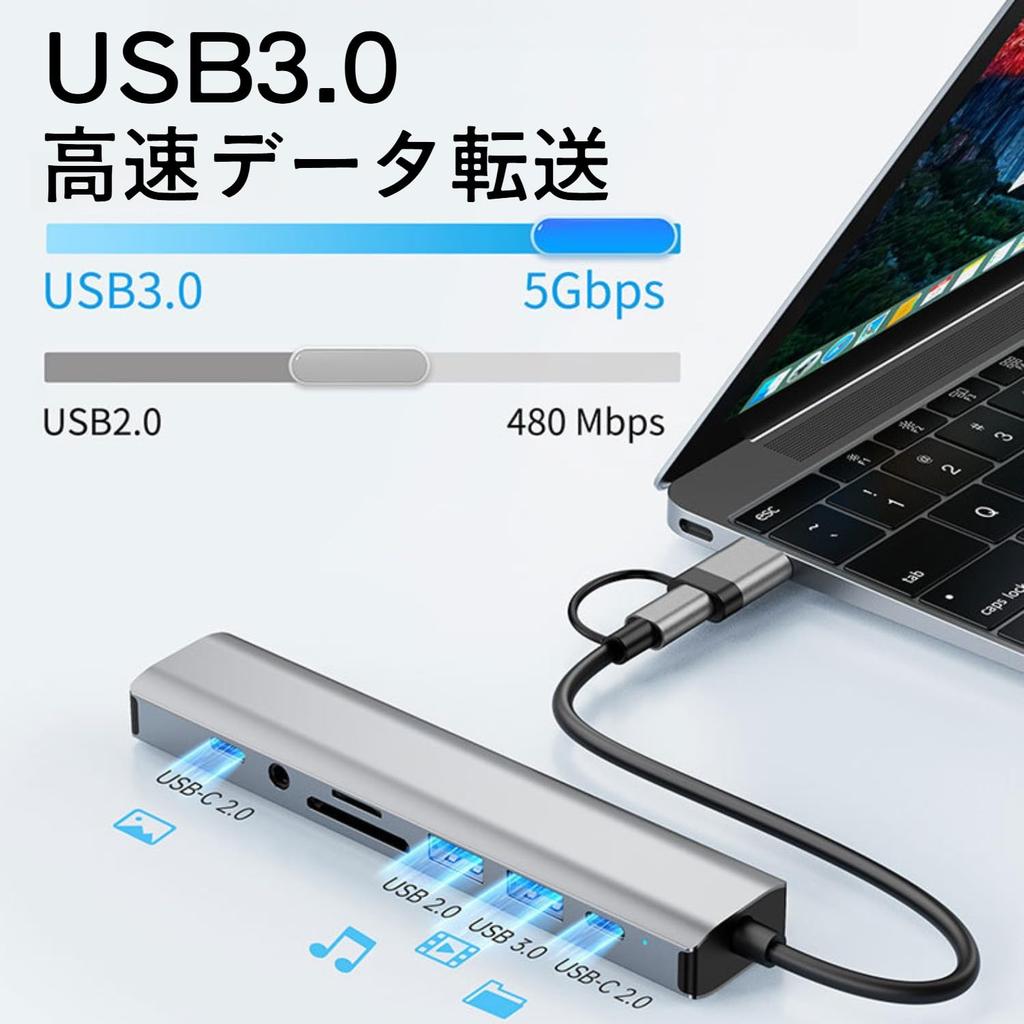
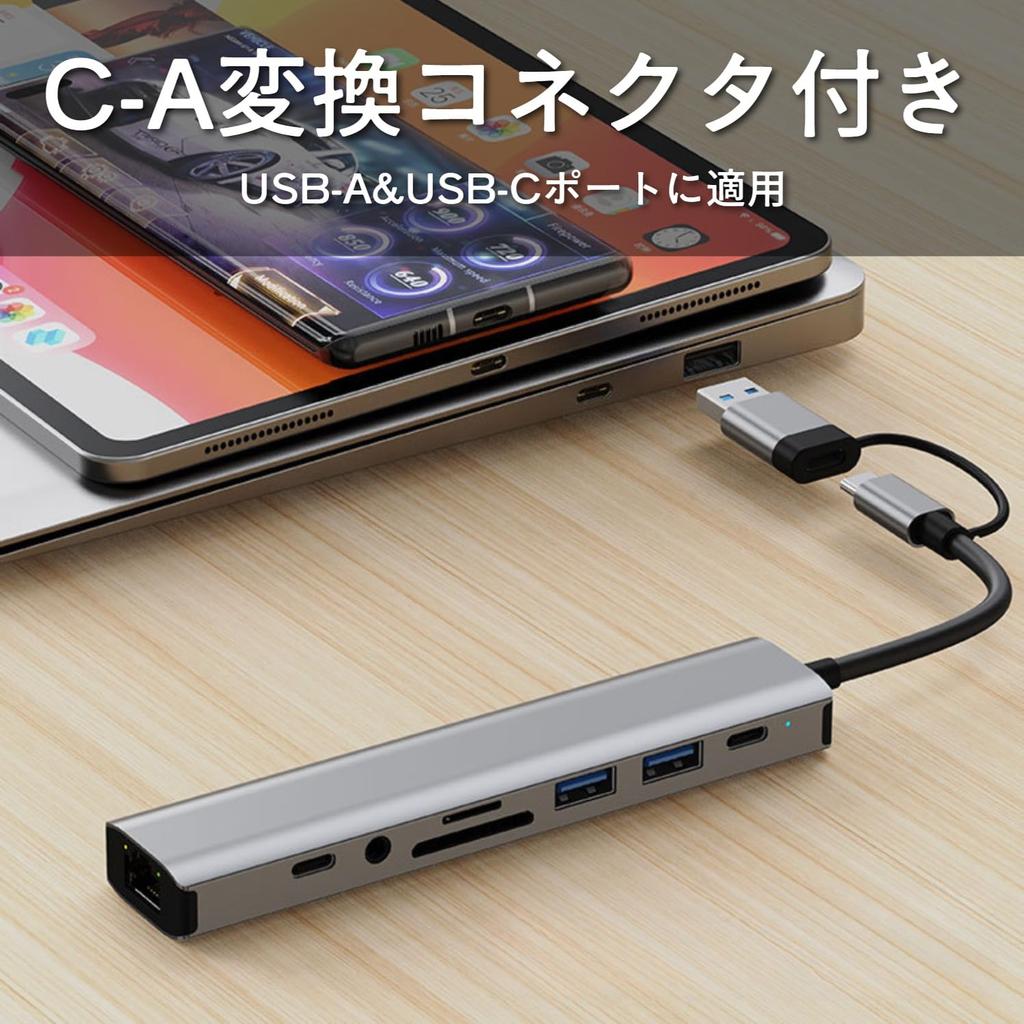
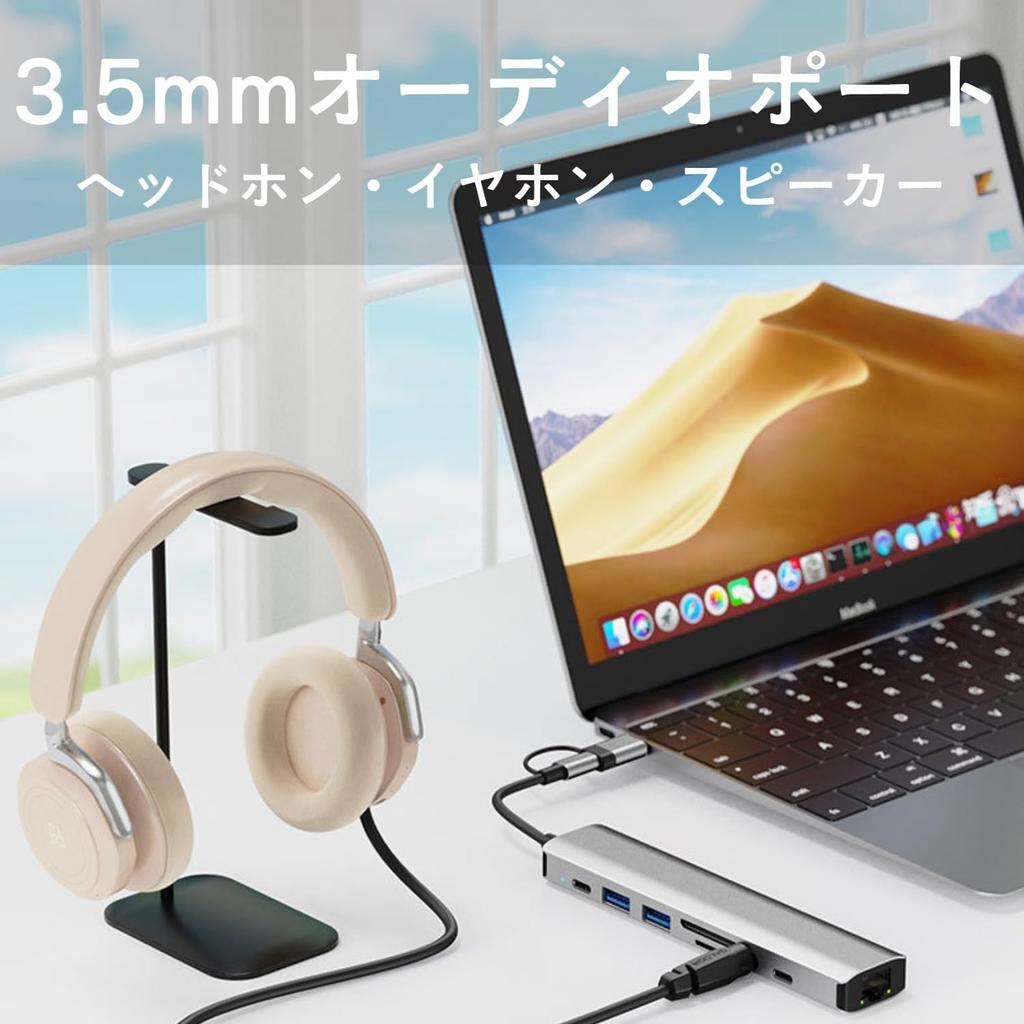
9-in-2 USB Hub: This 9-in-2 USB Hub features one USB-A 3.0 data port, one USB-A 2.0 data port, two USB-C data ports, a 100Mbps Ethernet port, an SD/TF card reader, a 3.5mm audio port, and a DC-5V power port. It also includes a USB-A adapter, making it compatible with devices with USB-C ports, such as MacBooks and iPad Pros, as well as Windows laptops and other devices with USB-A ports.
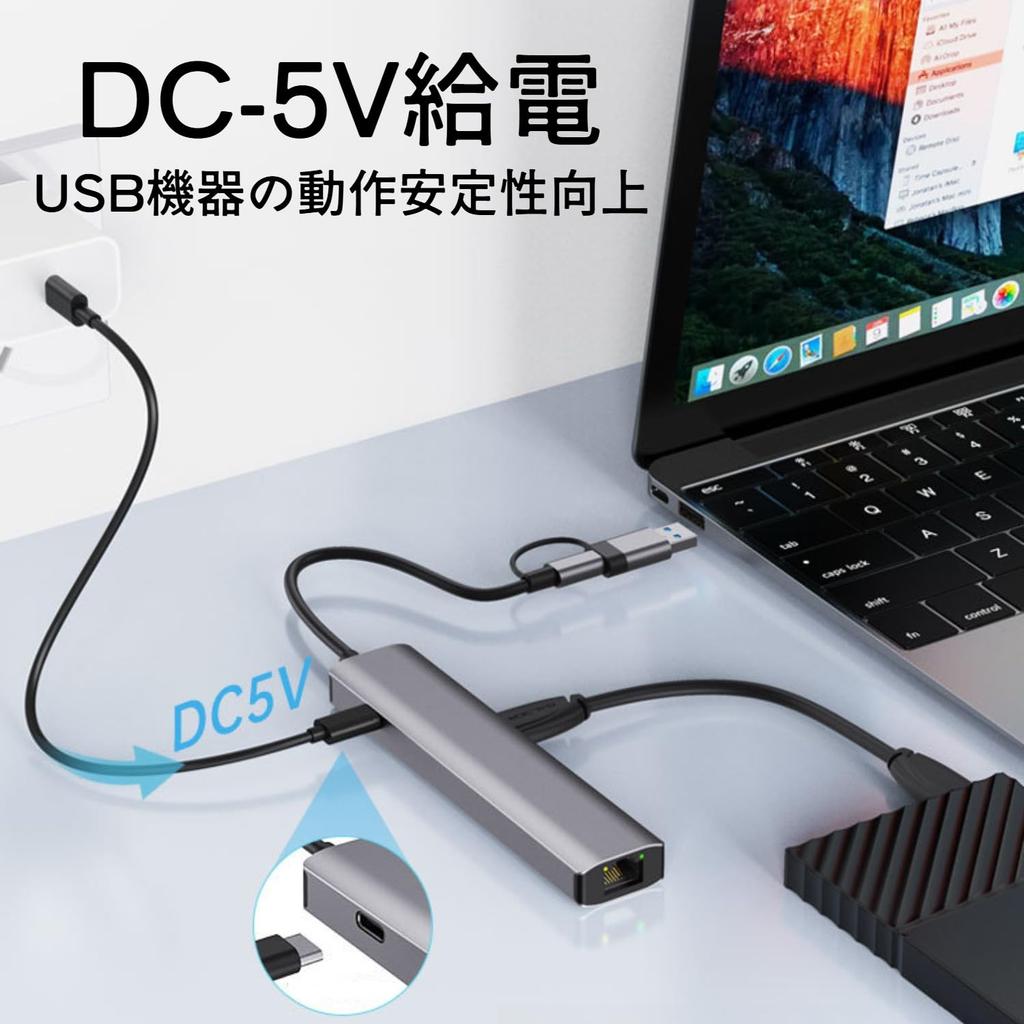
DC-5V Power Port: When using high-power devices (such as external hard drives), connecting an adapter to the DC-5V power port improves the reliability of your USB devices. Note: This Type-C power port does not support data transfer. The power port is used to power the hub itself; it cannot charge devices such as computers or smartphones.
[5Gbps High-Speed Data Transfer] The USB 3.0 Hub boasts excellent data transfer speeds of up to 5Gbps, allowing you to smoothly transfer large files like videos, photos, and music. The built-in USB-A port makes it ideal for connecting various devices, such as USB flash drives, external hard drives, and printers, to laptops with limited interfaces.
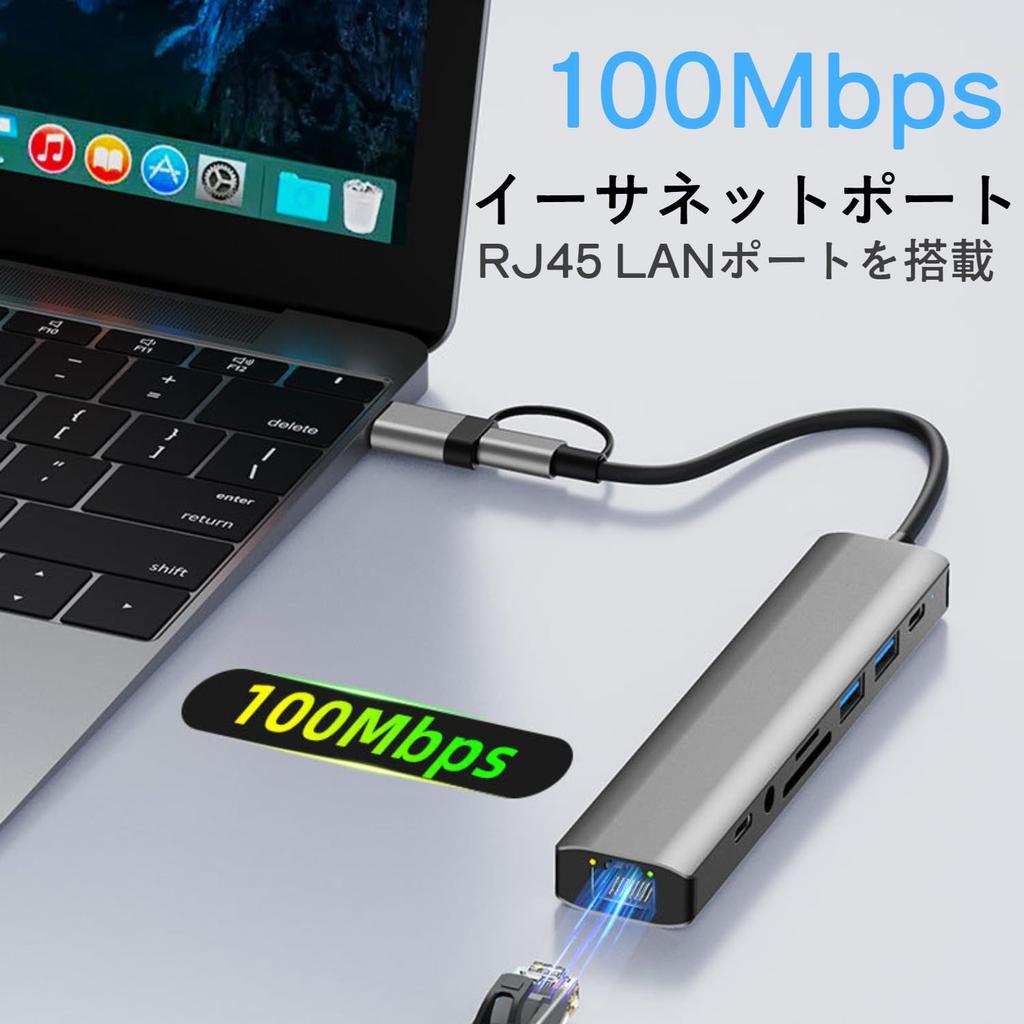
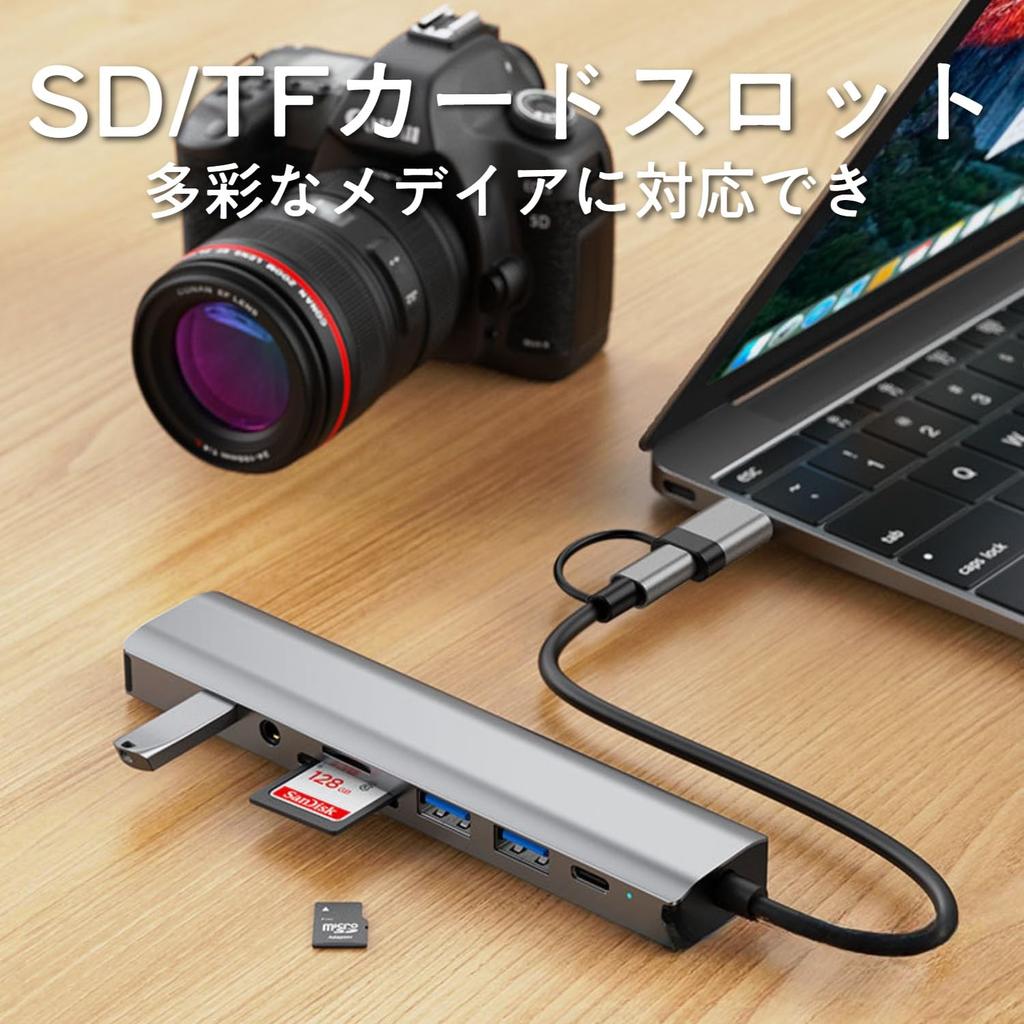
[LAN Port & Card Reader] The Ethernet adapter provides high-speed connection speeds of up to 100Mbps, allowing for easy, fast, and stable wired network connection. It also features an SD card reader for a wide range of media. Note: The SD and TF card slots cannot simultaneously read photos and videos.
[High Quality and Certified] The docking station passed our proprietary compatibility reliability test before shipping. It features a high-quality chipset with excellent heat dissipation, stable connection, and high-temperature, overcurrent, and short-circuit protection circuits. It's FCC, CE, RoHS, and UKCA certified, ensuring the stability of your docking station.
About this product
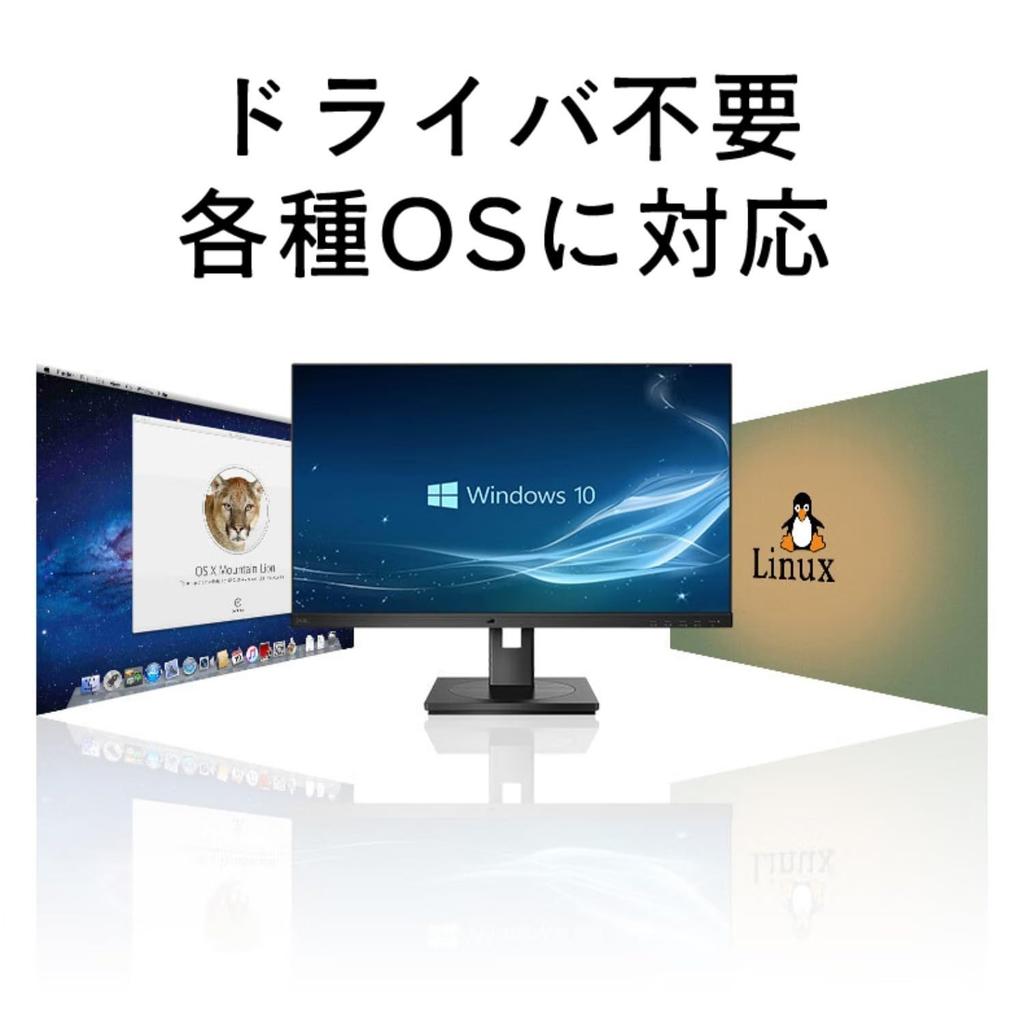
To ensure proper display output, please ensure your device supports Displayport Alt Mode via the USB-C/Thunderbolt port. This hub is compatible with Windows 10 and later, Mac OS 11 and later, iPadOS 14 and later, and Android 9 and later. All iPads with USB-C ports are compatible. The DC-5V power port does not support charging computers or smartphones. The power output from the two USB-A ports is 5V 1.5A and 5V 0.9A. The USB 3.0 hub is backward compatible with USB 2.0/1.1 devices. 2.4GHz wireless devices (keyboards, mice, etc.) may not function properly around the USB 3.0 port. In that case, please connect them to the USB 2.0 port. This USB hub supports powering itself. If the connected device requires too much power or a high current (over 900 mA), we recommend using the DC-5V power port.
Frequently asked questions
Q. Does this hub require an external power source to operate?
A. This hub does not require an external power supply and can be powered by your laptop/MacBook/iPad. However, if you are using accessories that require power, such as an external hard drive or audio interface, we recommend using the DC-5V power port to ensure sufficient power supply.
Q. When I connect two external hard drives, the hub disconnects.
A. External hard drives may require more power than the laptop's USB-C port can provide, which can cause the hub to disconnect. If you are using accessories that require power, such as external hard drives, we recommend connecting them to a DC-5V powered port.
Q. When I copy data to a USB memory stick/SD card, the copy speed is slow.
A. Unless otherwise specified, the write speed of commercially available USB memory sticks and SD cards is usually slower than the read speed. Please check the write speed of your USB memory stick/SD card.
Q. Sometimes I can't connect to the Internet after my computer wakes up from sleep mode.
A. The setting to turn off the network adapter during sleep may be affecting your computer. Please turn this setting off.
If you have any questions about other products, please contact us by clicking the "Ask a Question" button on the seller page.


 Zwrot w przypadku braku dostawy