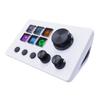
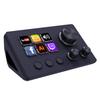
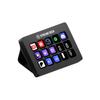
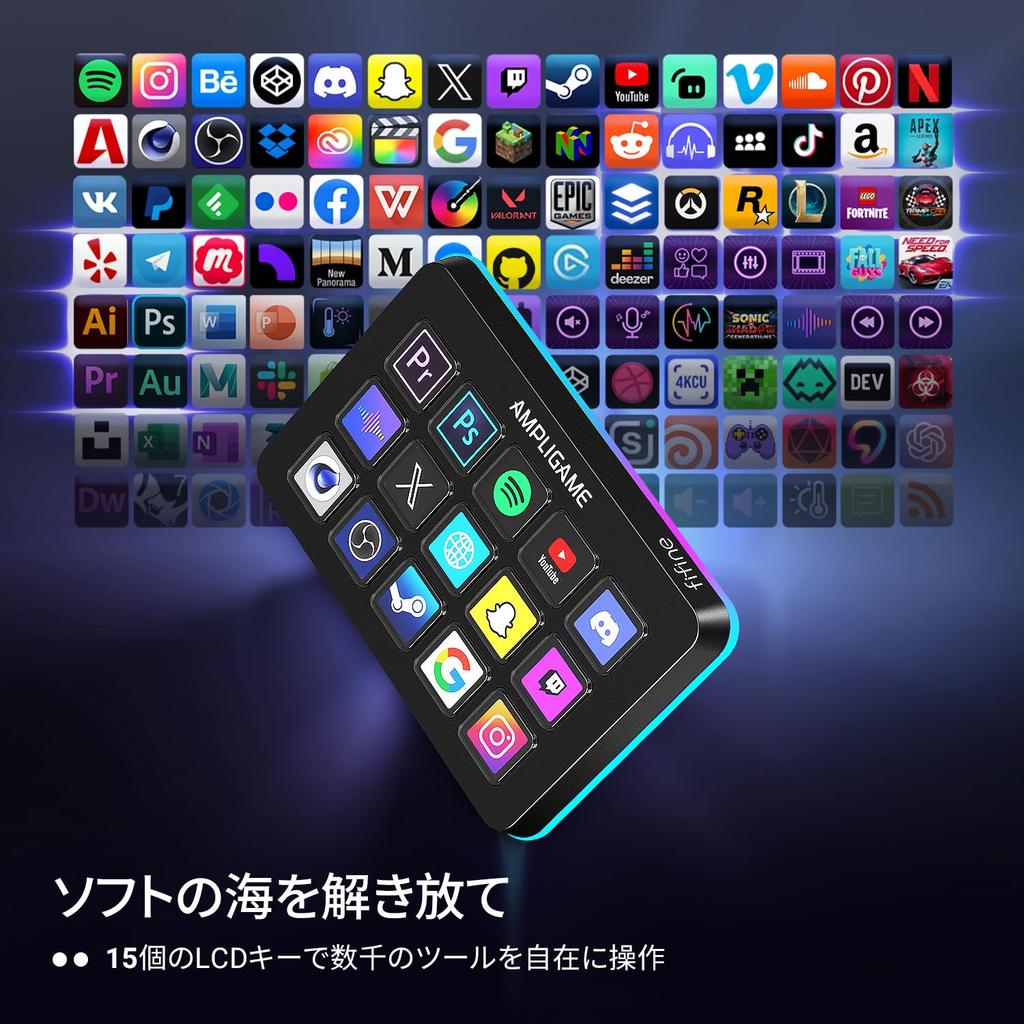
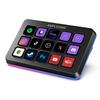
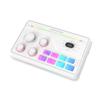
【Customizable LCD Buttons】Equipped with a total of 15 customizable LCD buttons, you can create and assign various operations according to your live streaming needs. Simply press a button to launch software or plugins, switch OBS scenes, control audio levels, and more—it's incredibly easy and convenient to use.
【Wide Compatibility】Compatible with software, applications, and plugins downloadable from the dedicated software store or OS, and works with OBS Studio, Twitch, YouTube, and more. The dedicated software includes numerous plugins that can be used for streaming.
【Visual Operation Keypad】After setting and customizing shortcut keys, the application will appear on the Stream Controller's touchscreen, allowing you to control it directly by pressing the buttons. There is no need to open numerous windows and interfaces on the PC screen, streamlining your workflow and improving work efficiency.
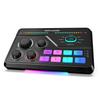
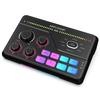
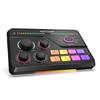
【Vibrant RGB Lighting】The unit features a glowing RGB ring around its perimeter, with a total of nine different modes. The appearance of the shortcut buttons and the game's atmosphere can be matched to individual preferences, and the dynamic RGB lighting effect provides viewers with a more vivid gaming experience.
[Suitable for Various Situations] Multitasking becomes easier with games, live streaming, graphic design, video editing, music production, work, and more. You can also create folders and generate different programs to process each task independently.
With 15 customizable LCD buttons, you can control OBS scene switching, volume adjustment, and app launches with a single touch, significantly improving your workflow. The RGB ring supports 9 different lighting patterns, making it perfect for creating the right atmosphere for your streams. A wide range of plugins are available with the dedicated software, and it works with Twitch and YouTube. It comfortably supports multitasking in a variety of situations, including gaming, streaming, editing, and work.




 Zwrot w przypadku braku dostawy


![Elgato Stream Deck MK.2 [Produkt]](https://img.joomcdn.net/94eb89922c70c74ec9761d109212fa173cc729fc_99_100.jpeg)
![Elgato Stream Deck Elgato Stream Deck klucz Kontroler do tworzenia treści na żywo Urządzenie do współpracy streamerów Kompatybilny z MK.2 MK.2 [układ 15]](https://img.joomcdn.net/7e205ff5f3baf772d7a16a9c6608327817d10a86_100_100.jpeg)