---------------------------------------------------
【Condition】
Please check the product description and photos for the condition.
Some items may have not been tested or may show signs of use.
【Included Items】
Accessories are limited to those shown or mentioned in the product description.
Items such as manuals, boxes, or cables are not included unless specifically stated.
【Product Specifications and Firmware】
Some Japanese domestic models may have limited functionality overseas.
Please check compatibility before purchase.
【Voltage Compatibility】
Our products are selected to support international voltage ranges (e.g. 100–240V).
However, please make sure your local voltage is compatible before use, as incorrect voltage may still cause malfunction.
【Plug Type】
Our products use Japanese plug types (A or B type).
Please use a conversion adapter if necessary.
【Important Note on Transformers and Adapters】
A transformer adjusts voltage to match your device’s requirements.
A conversion adapter only changes the plug shape and does not adjust voltage.
Using only a conversion adapter without a transformer may result in damage to the product.
【Liability】
We are not responsible for malfunctions or damages caused by improper use, such as operating the product without appropriate voltage or equipment.
---------------------------------------------------
COMPATIBILITY AND PREMIUM SERVICE - The Surface Pro Pen Eraser is compatible with Surface Pro 9/10/11/8/X/7/7plus/6/5/4/3, Surface Laptop/Laptop 2/Laptop 3/Laptop 4/Laptop 5, Surface Book/Book 2/Book 3, Surface GO 1/Surface GO 2/Surface GO 3/GO 4, Surface Studio/Surface Studio 2, and ASUS/HP/Sony/Dell series. If you have any questions, please feel free to contact us via our 24-hour online service.
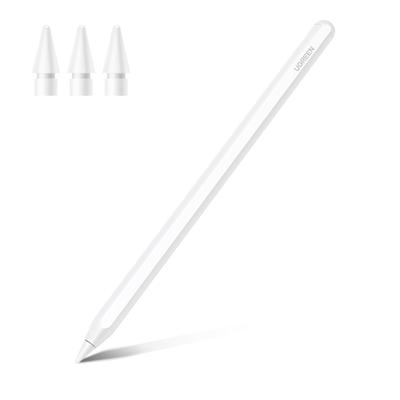
User-Friendly Experience - The Surface Pro Stylus Pen lets you write with just a press of a button. No Bluetooth or app drivers are required, making it easy to use. It features two multi-function buttons: an eraser button (press and hold to erase errors) and a right-click button (one-click function, equivalent to the right mouse button). Additionally, this Windows Surface Stylus Pen features two powerful magnets that securely attach to your tablet, making it easy to carry and hard to lose.
Write and draw like on paper - The Surface Pro 11 Pen features 4096 levels of pressure sensitivity, recognizing the pressure and tilt of your pen to create lines of different thicknesses (the stronger the pressure, the thicker the line). Plus, the 45mm tip replicates the feel of a real pen stroke, allowing you to accurately create contours, shading, and color on your screen. Enjoy smooth, natural drawing with no delays or lags.
Anti-Palm Touch Technology - The Surface Pro 11 stylus features anti-palm touch technology. Your hand fits naturally on the tablet screen when drawing or writing, so you don't have to worry about accidentally touching the screen and interrupting your text or drawing. It's as easy and natural as drawing or writing on paper, with an incredibly smooth flow.
Dual Touch Design - Surface Pro 7 Pencil features a 2-in-1 touch design. One tip of the Surface Pro Pencil uses traditional handwriting input, recreating the feel of a real pen stroke for greater freedom in writing and drawing. The other tip uses capacitive touch technology, allowing you to slide and click just like you would on a smartphone screen.
USB-C 30-Minute Fast Charging - The Surface Go2 Pen features a USB-C fast charging design, allowing you to use it for up to 60 hours with just 30 minutes of charging. Additionally, the Surface Pro Pen automatically goes to sleep after 10 minutes of inactivity, significantly reducing power consumption and extending the lifespan of your Surface stylus.
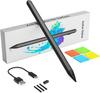
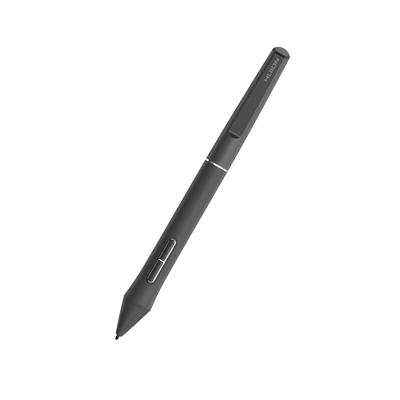
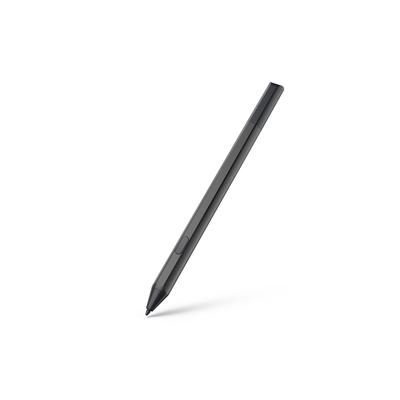
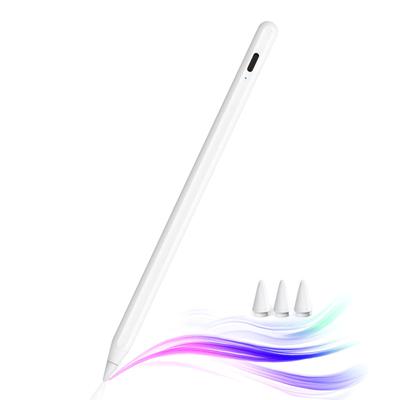
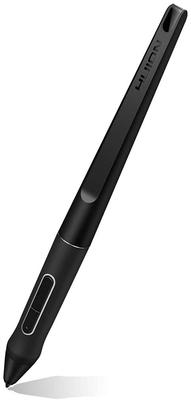
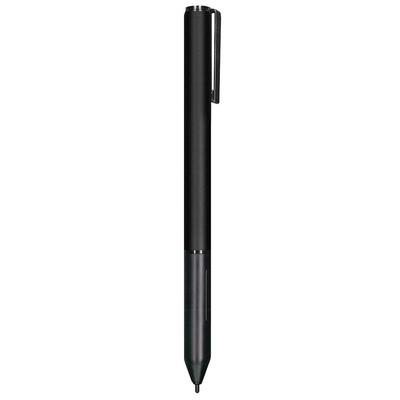
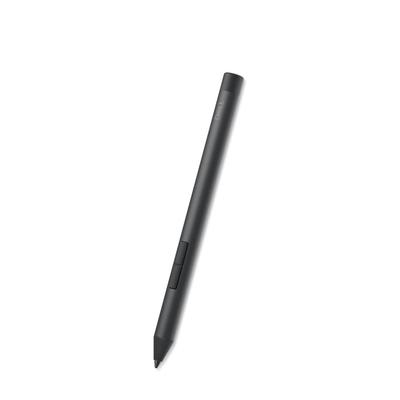
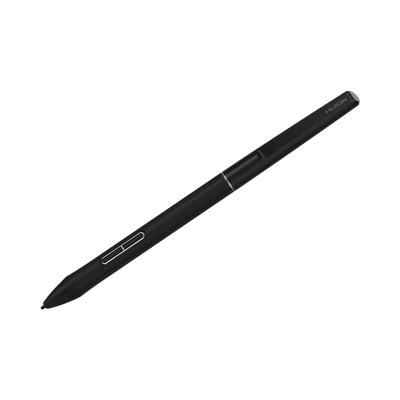
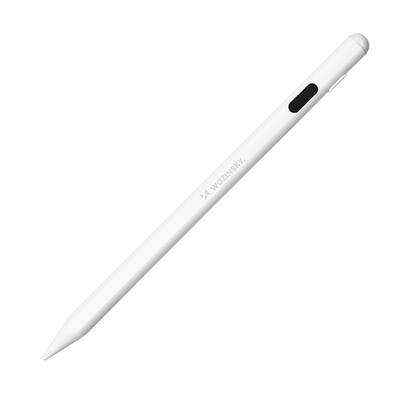
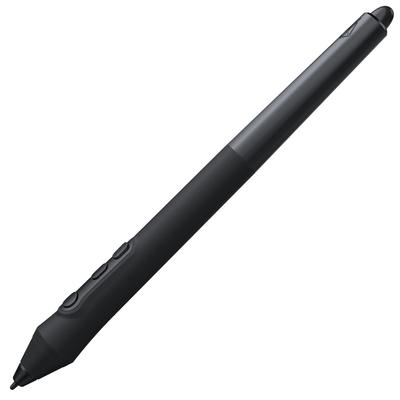
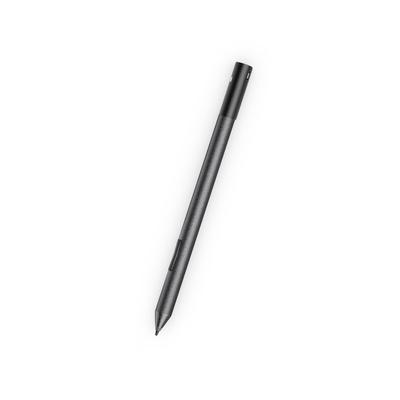
Microsoft Surface Pen - Surface Pen Stylus for Surface Pro 11/9/10/8/X/7/6/5/4/3, USB-C Fast Charging, Paper-Like Drawing and Writing, Surface Stylus for Surface Go 2/3/4/Book/Laptop/Studio
COMPATIBILITY AND PREMIUM SERVICE - The Surface Pro Pen Eraser is compatible with Surface Pro 9/10/11/8/X/7/7plus/6/5/4/3, Surface Laptop/Laptop 2/Laptop 3/Laptop 4/Laptop 5, Surface Book/Book 2/Book 3, Surface GO 1/Surface GO 2/Surface GO 3/GO 4, Surface Studio/Surface Studio 2, and ASUS/HP/Sony/Dell series. If you have any questions, please feel free to contact us via our 24-hour online service.
User-Friendly Experience - The Surface Pro Stylus Pen lets you write with just a press of a button. No Bluetooth or app drivers are required, making it easy to use. It features two multi-function buttons: an eraser button (press and hold to erase errors) and a right-click button (one-click function, equivalent to the right mouse button). Additionally, this Windows Surface Stylus Pen features two powerful magnets that securely attach to your tablet, making it easy to carry and hard to lose.
Write and draw like on paper - The Surface Pro 11 Pen features 4096 levels of pressure sensitivity, recognizing the pressure and tilt of your pen to create lines of different thicknesses (the stronger the pressure, the thicker the line). Plus, the 45mm tip replicates the feel of a real pen stroke, allowing you to accurately create contours, shading, and color on your screen. Enjoy smooth, natural drawing with no delays or lags.
Anti-Palm Touch Technology - The Surface Pro 11 stylus features anti-palm touch technology. Your hand fits naturally on the tablet screen when drawing or writing, so you don't have to worry about accidentally touching the screen and interrupting your text or drawing. It's as easy and natural as drawing or writing on paper, with an incredibly smooth flow.
Dual Touch Design - Surface Pro 7 Pencil features a 2-in-1 touch design. One tip of the Surface Pro Pencil uses traditional handwriting input, recreating the feel of a real pen stroke for greater freedom in writing and drawing. The other tip uses capacitive touch technology, allowing you to slide and click just like you would on a smartphone screen.
USB-C 30-Minute Fast Charging - The Surface Go2 Pen features a USB-C fast charging design, allowing you to use it for up to 60 hours with just 30 minutes of charging. Additionally, the Surface Pro Pen automatically goes to sleep after 10 minutes of inactivity, significantly reducing power consumption and extending the lifespan of your Surface stylus.
Surface pen, genuine Surface pen, Surface pen battery, Surface pen platinum, Surface pen, Surface pencil, Surface pen charging, Surface touch pen, genuine Surface touch pen, rechargeable Surface touch pen, Surface touch pen, Surface touch pen, Surface touch pen 2, Surface pen, Surface pen, genuine Surface pen, compatible Surface pen, genuine Surface touch pen, Surface touch pen, Surface touch pen charging, Surface Pro pen, Surface Pro pen, Surface Pro touch pen, Surface Pro 7 pen, genuine Surface Pro 7 pen, Surface Pro 7 pen charging, Surface Pro 7 touch pen, genuine Surface Pro 7 touch pen, Surface pr
Surface Pro 7 Touch Pen; Surface Pro 7 Touch Pen (Genuine); Surface Go 2 Pen; Surface Go 2 Pen (Genuine); Surface Go 2 Pen; Surface Go 2 Touch Pen; Surface Go 2 Touch Pen (Genuine); Surface Go 2 Pen; Surface Go Pen; Surface Go 2 Pen (Genuine); Surface Go 2 Pen Refill; Surface Book 2 Pen; Surface Laptop Pen; Surface Laptop Touch Pen; Surface Go Pen; Surface Pro Pen; Surface Pro Touch Pen; Surface Go Pen; Surface Go Touch Pen; Windows Surface Pen; Surface Pro 11 Genuine Surface Pro 11 Pen
Surface Pro 11 Touch Pen, Surface Pro 11 Pen, Surface Pro 9 Pen, Surface Pro 9 Pen, Genuine Surface Pro 9 Touch Pen, Surface Pro 8 Pen, Surface Pro 8 Touch Pen, Surface Pro 8 Pen, Surface Pro 6 Pen, Surface Pro 6 Pen, Surface Pro 5 Pen, Surface Pro 4 Pen, Surface Pro 3 Pen, Surface Pro 2 Pen